
AI Clothing Video Generator: How to Create Fashion Videos Without a Studio
huhu.ai Team
Video is no longer a nice-to-have for fashion brands on social media — it is the baseline. TikTok, Instagram Reels, and Pinterest Video have trained shoppers to expect motion before they commit to a click. The problem is that traditional fashion video production is expensive, slow, and logistically gruelling. A single day-rate shoot with a director, camera operator, stylist, and model can run well into the thousands before post-production even begins.
That is exactly why AI clothing video generators are gaining traction fast. In this guide, we will break down how they work, what kinds of videos you can create, which scenarios they are best suited to, and how to use HuHu AI to produce on-model fashion video content in minutes — without a studio, a crew, or a bloated production budget.
What Is an AI Clothing Video Generator?
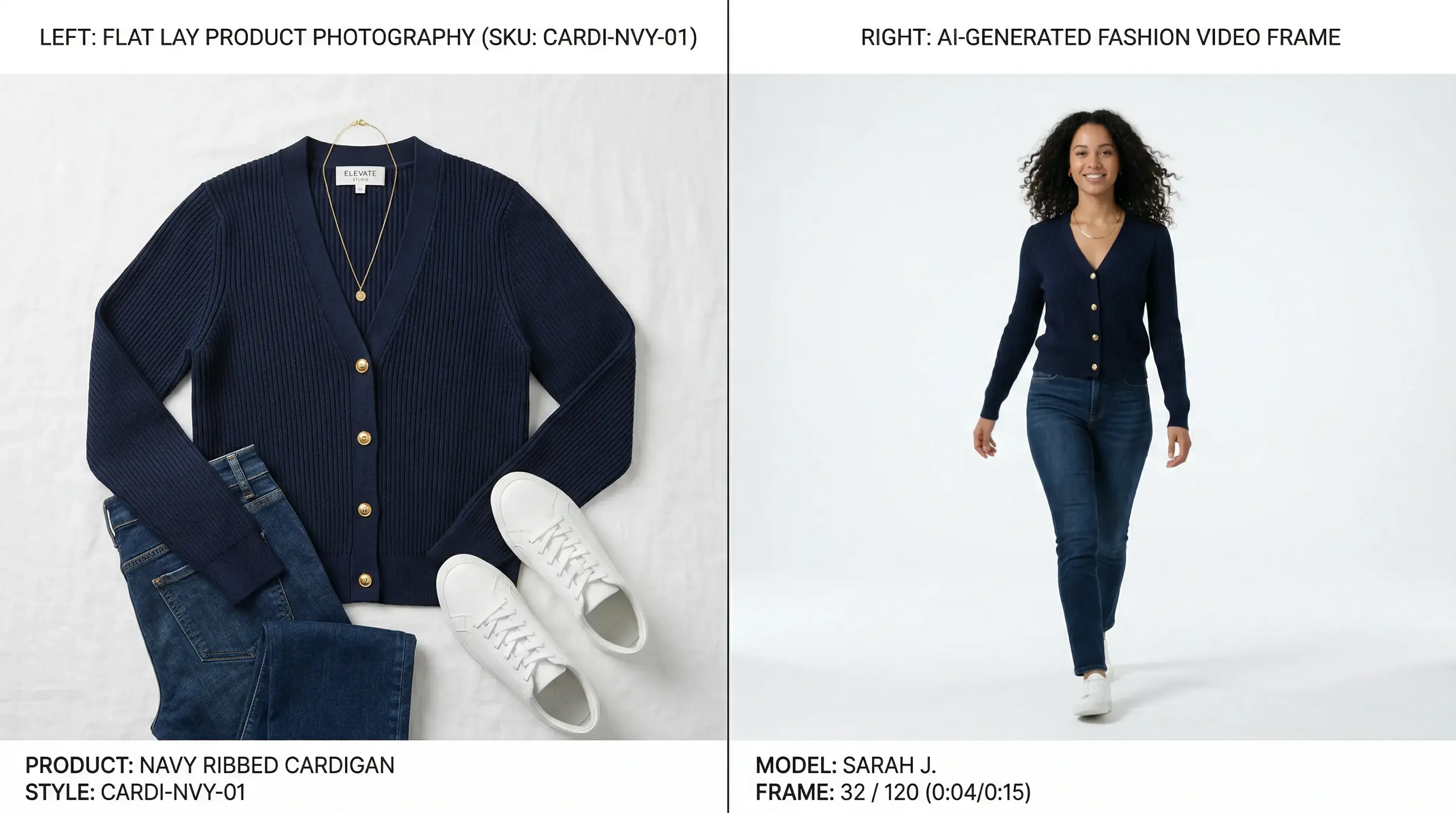
An AI clothing video generator is software that takes a static garment image — a flat lay, ghost mannequin, or existing on-model photo — and transforms it into a short video clip featuring natural movement, fabric drape, and dynamic presentation. The AI learns how fabrics behave in motion, how models walk or pose, and how lighting should shift across different garment textures, then renders a convincing video output without any physical production.
According to McKinsey's State of Fashion 2025, brands that integrate video into product pages see average conversion uplifts of 80% or more. For fashion specifically, this is amplified further because movement communicates fit, flow, and fabric quality in a way that static photography simply cannot.
How Does AI Fashion Video Generation Work?
The process behind a modern AI clothing video generator involves several layers of machine learning working in concert. Here is what happens between your garment upload and the final video output:
1. Garment Analysis
The AI identifies fabric type, garment category, cut, colour, and texture from your uploaded image. It uses this information to predict how the garment will behave in motion — a chiffon blouse flows differently from a structured blazer, and the model knows this distinction.
2. Model Placement and Virtual Try-On
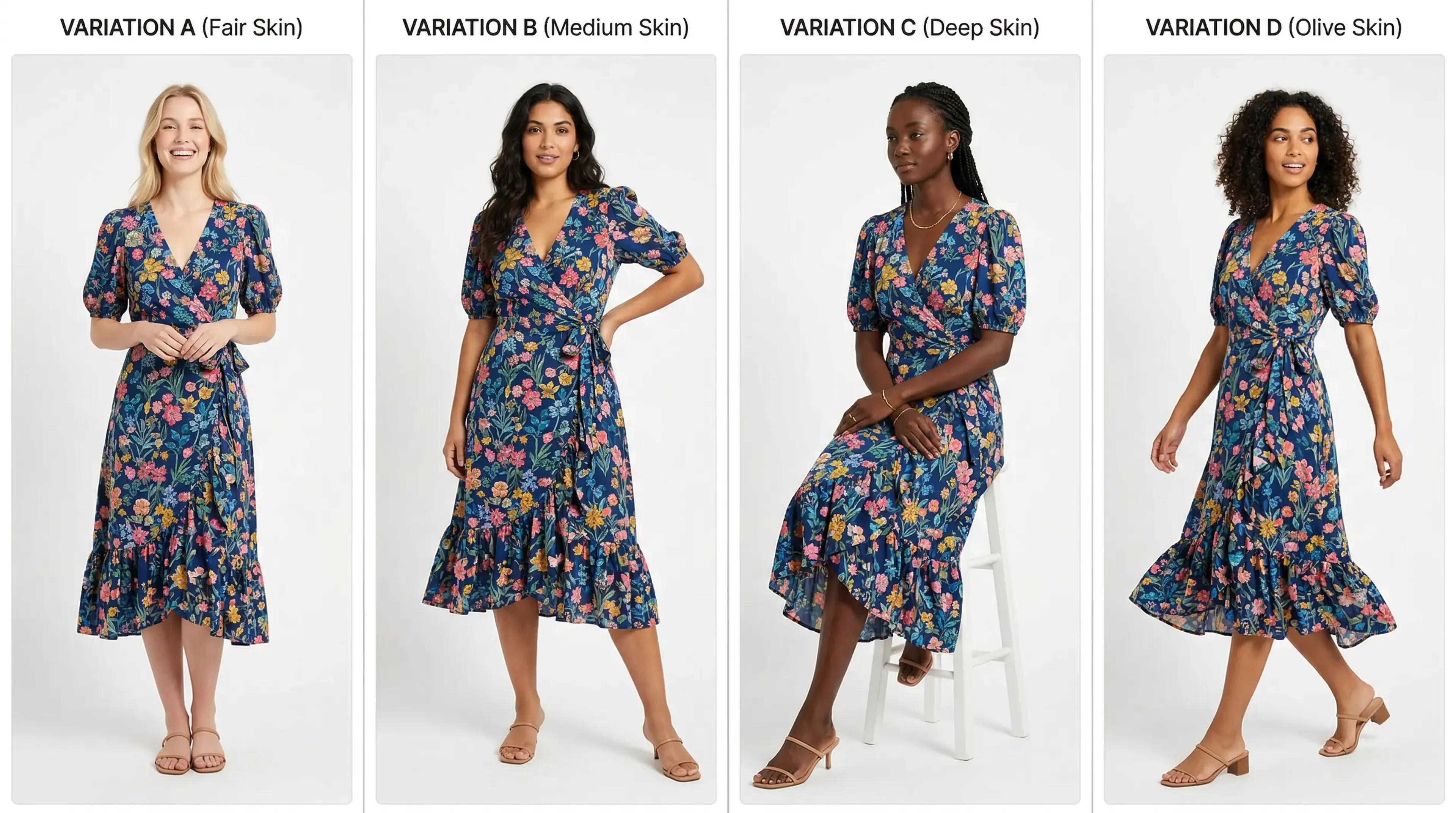
The garment is applied to a selected AI fashion model — you can specify body type, skin tone, height, and pose style. The model's proportions interact with the garment's predicted fit, producing a realistic dressed figure as the base frame for animation.
3. Motion Rendering
The AI animates the model and garment together, simulating natural walking, turning, or posing movements. Fabric simulation layers render realistic drape, shadow, and motion blur to produce footage that reads as authentic rather than computer-generated.
Best Use Cases for AI Clothing Video
Product Detail Pages (PDPs)
Adding a short loop video to your PDP is one of the highest-ROI changes a fashion brand can make. Baymard Institute research identifies product imagery quality as a primary driver of cart abandonment. A 5-10 second loop of a model walking in your garment answers the fit question before the customer even has to ask it.
TikTok and Instagram Reels
Short-form social video is the highest-reach channel for fashion discovery in 2026. AI-generated fashion videos give brands the ability to post daily without a production team on standby. You can generate a fresh walk video for every new SKU at the speed your social calendar demands.
Paid Social and Retargeting Ads
Video ads consistently outperform static image ads in CTR across Meta, TikTok, and Pinterest. AI clothing video lets performance teams test multiple creative variations — different models, different motion styles, different aspect ratios — at a cost that makes proper split-testing economically viable for the first time.
Email and GIF Campaigns
Animated GIFs exported from AI video clips add movement to email campaigns without requiring video embedding. A subtle walk loop or fabric-movement GIF in a new-arrival email can lift click-through rates significantly over a standard static image.
How to Create Fashion Videos With HuHu AI
HuHu AI's AI Video Generation tool is built specifically for eCommerce garments. The workflow is designed to take you from a product image to a finished video in under five minutes:
Step 1: Upload Your Garment
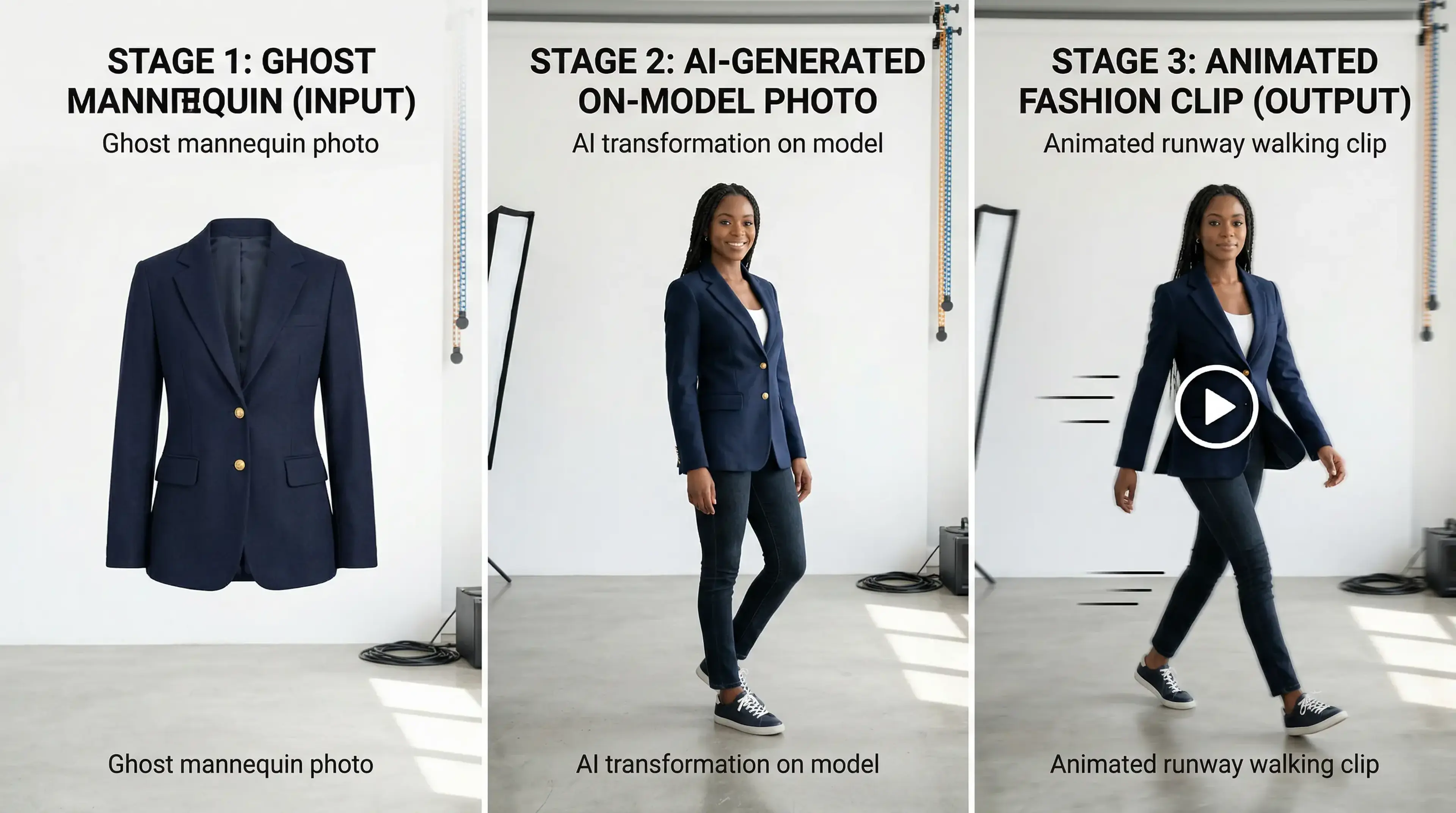
Upload a flat lay, ghost mannequin, hanger shot, or existing on-model photo. HuHu AI supports all common input formats — you do not need a pristine studio image to start.
Step 2: Generate an On-Model Image
Use HuHu's virtual try-on to dress your chosen AI model in the garment. Select model attributes — body type, skin tone, pose — to match your target customer. This becomes the base frame for your video.
Step 3: Generate the Video
Submit the on-model image to HuHu AI's video generation engine. Use natural language prompts to guide the motion style — 'model walking forward on a neutral background', 'slow 360-degree turn showcasing hem detail', or 'dynamic runway-style stride'. The system renders your clip in minutes.
Step 4: Export and Deploy
Download your video in the aspect ratio suited to your channel — 9:16 for TikTok and Reels, 1:1 for feed posts, 16:9 for PDPs. You can generate multiple ratios from the same render job without additional cost.
AI Video vs. Traditional Fashion Video Production: Cost and Speed Comparison
Traditional fashion video production for a single SKU — including pre-production, model booking, studio rental, filming, and editing — costs between £500 and £3,000 per garment at the lower end of the market, and significantly more for brands with higher production standards. Turnaround time is typically 2 to 4 weeks from briefing to delivery.
An AI clothing video generator like HuHu AI reduces that cost to a fraction of the traditional rate and delivers output in minutes rather than weeks. For brands launching 50, 100, or 500 SKUs per season, the compounding saving is transformational — and it removes the logistical bottleneck that forces smaller brands to choose which products get video coverage at all.
Tips for Getting the Best Results From AI Fashion Video
Start with the cleanest garment image you have. The output quality of any AI clothing video generator is directly tied to input image quality. A sharp, evenly lit flat lay on a white background will produce better results than a wrinkled or poorly lit shot.
Match your model to your audience. Conversion research consistently shows that shoppers engage more with models who reflect their own body type, skin tone, and demographic. HuHu AI lets you customise model attributes to close that gap directly.
Use specific motion prompts. Vague prompts produce generic movement. The more specific your motion instruction — 'model walks toward camera on a clean white floor, pauses, and turns to show back detail' — the more purposeful and usable your video clip will be.
Generate multiple versions and test. The cost difference between generating one video and five video variations is minimal with an AI tool. Always produce at least two or three creative variants per SKU so your performance team has material to test against each other.
Start Creating Fashion Videos Without a Studio
AI clothing video is no longer experimental — it is the production standard for fashion brands that prioritize speed and scale. Whether you need PDP loops, social content, or ad creatives, the workflow starts with a garment image and ends with a publish-ready video in minutes. Try HuHu AI's virtual try-on to create your base on-model image, then pass it to AI video generation to bring your garments to life.
Related Articles
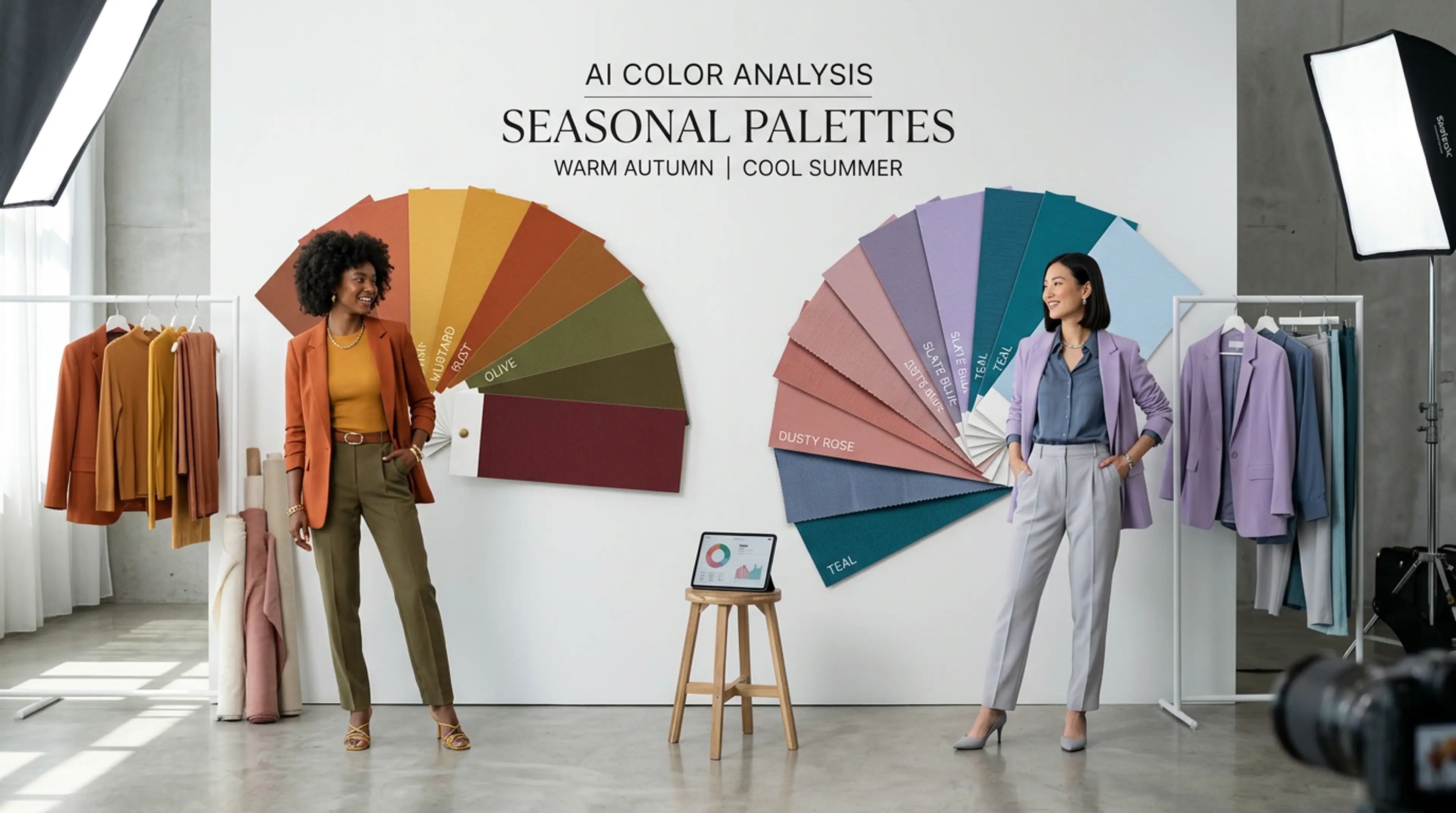
AI Color Analysis for Fashion Brands: Find Your Palette and Convert More Shoppers
Color drives purchase decisions in fashion more than any other factor. Learn how AI-powered color analysis helps brands find the right palettes, reduce returns, and lift conversion...
Read More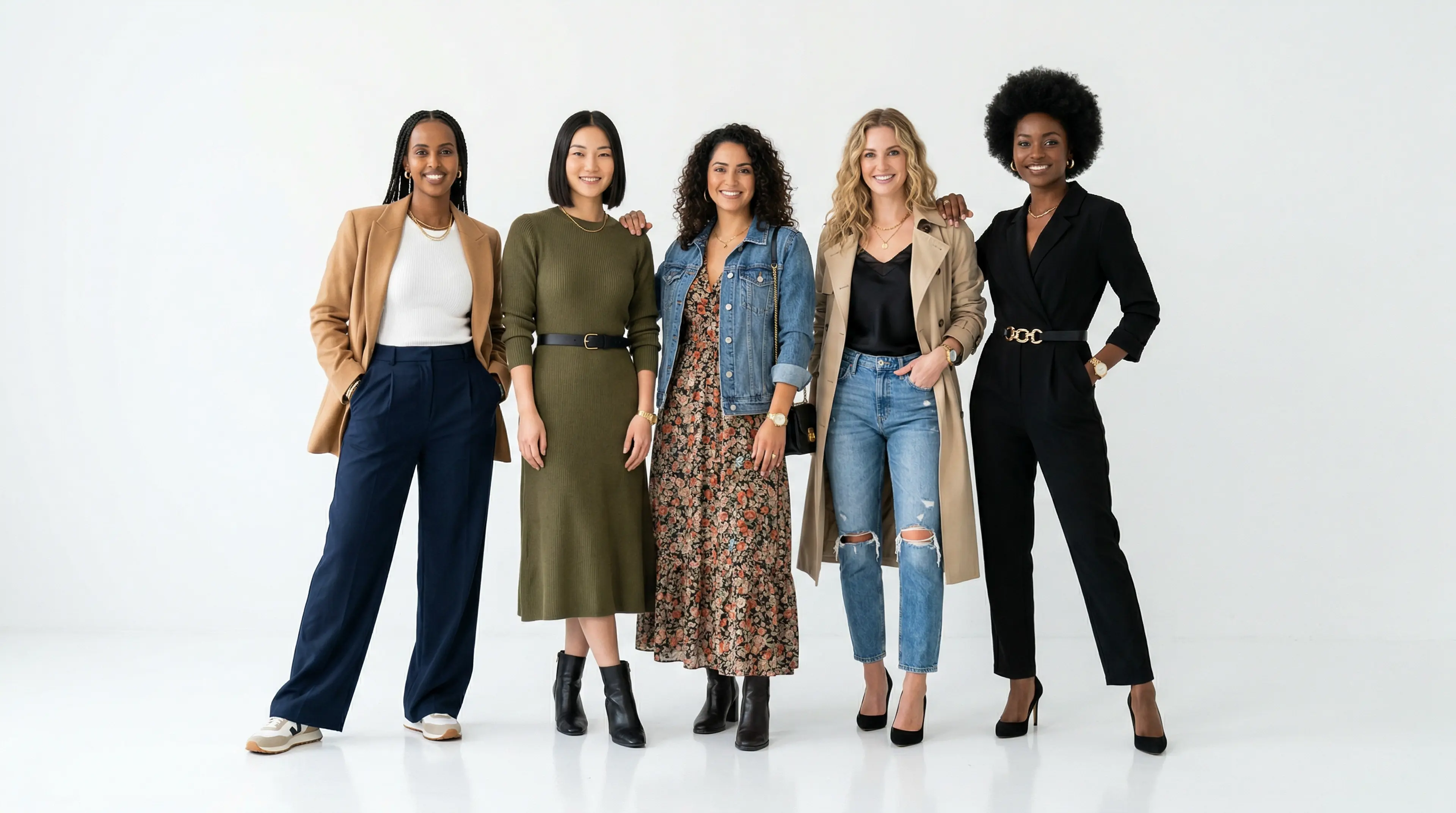
AI Fashion Models for eCommerce: The Complete Guide (2026)
Everything eCommerce brands need to know about AI fashion models — how they work, why they outperform ghost mannequins, and how to put your clothing line on a professional model in...
Read More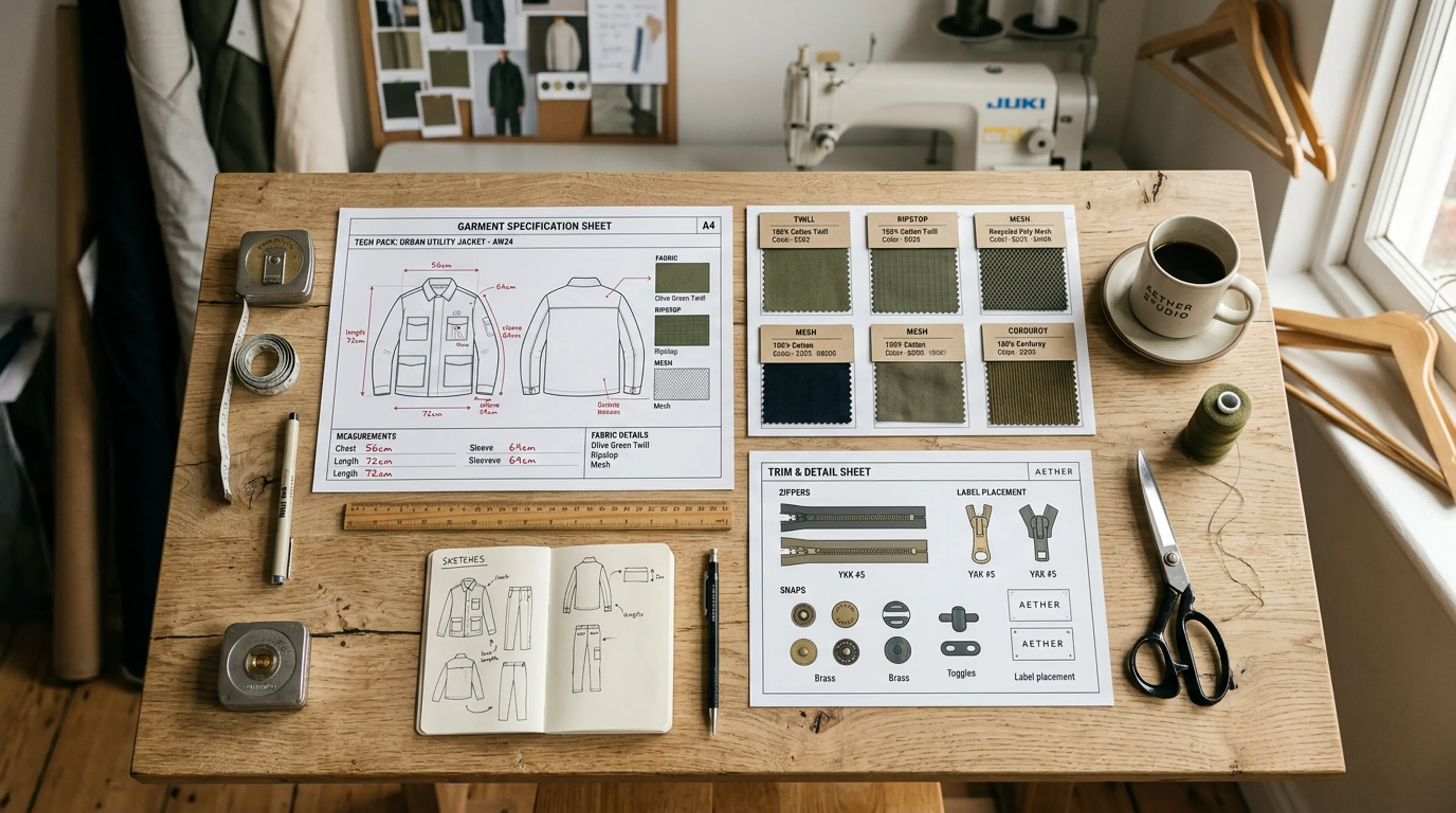
How to Create a Fashion Tech Pack with AI: The Complete Guide for Brands
Tech packs are the blueprint every fashion brand needs before production — yet most teams still build them manually. Learn how AI tools are transforming the spec-to-shelf pipeline...
Read More