
AI Outfit Generator
Upload tops, bottoms, and accessories to mix and match full outfits with the AI Outfit Generator — quickly producing high-quality fashion imagery for product listings, ads, and social content.
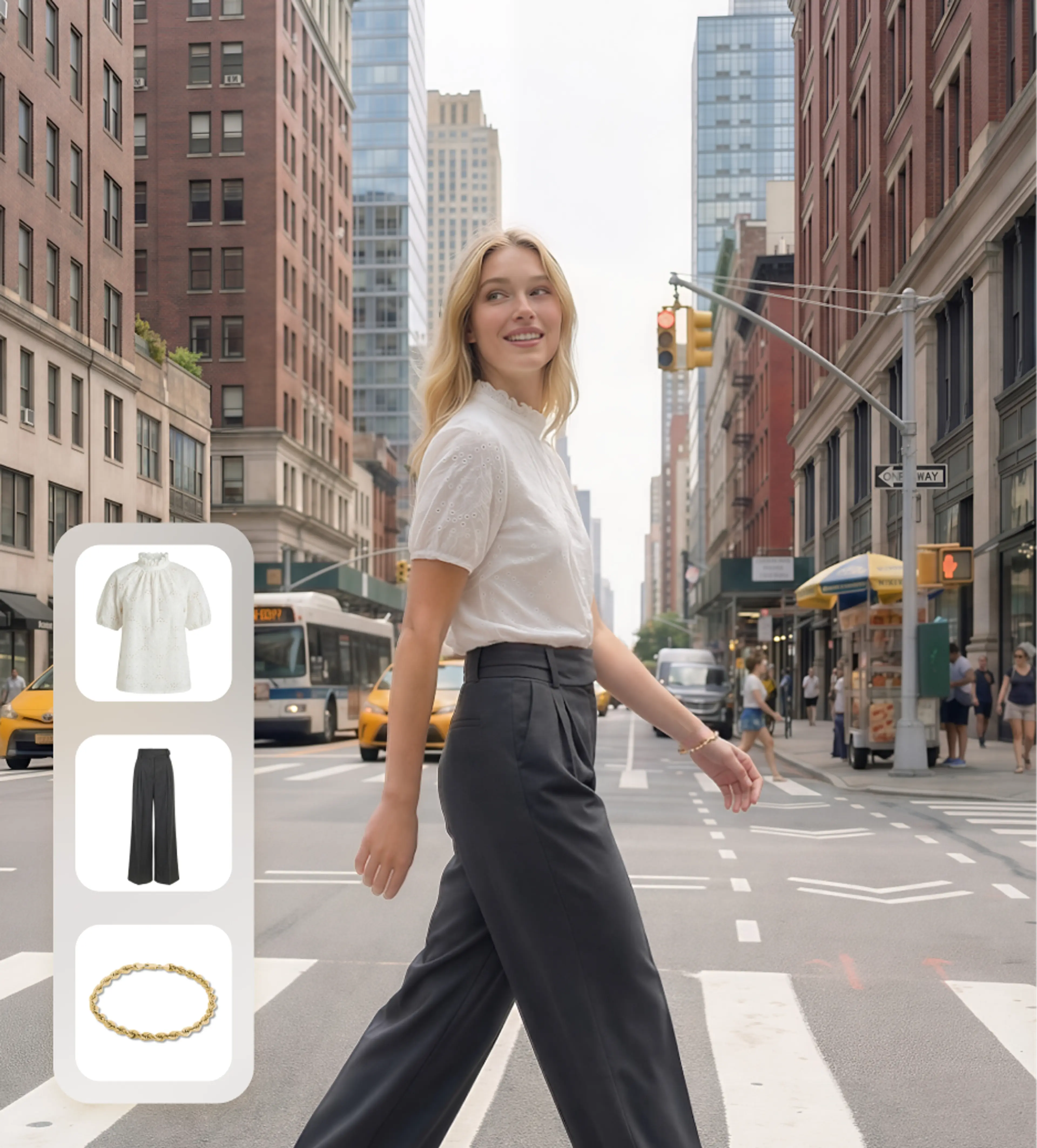
How to Generate Custom Outfit with AI?
1. Upload garment pieces
Upload clear images of each garment piece you want in your outfit (e.g., top, bottom, accessory).
2. Choose or upload a model
Pick a suitable preset model from our library (male, female, toddler, infant) or upload your own model photo.
3. Generate AI outfit
Click Generate to create a full outfit image. Preview the result, retouch image if necessary, and download instantly.
Why Use an AI Outfit Generator to Create Custom Outfit?
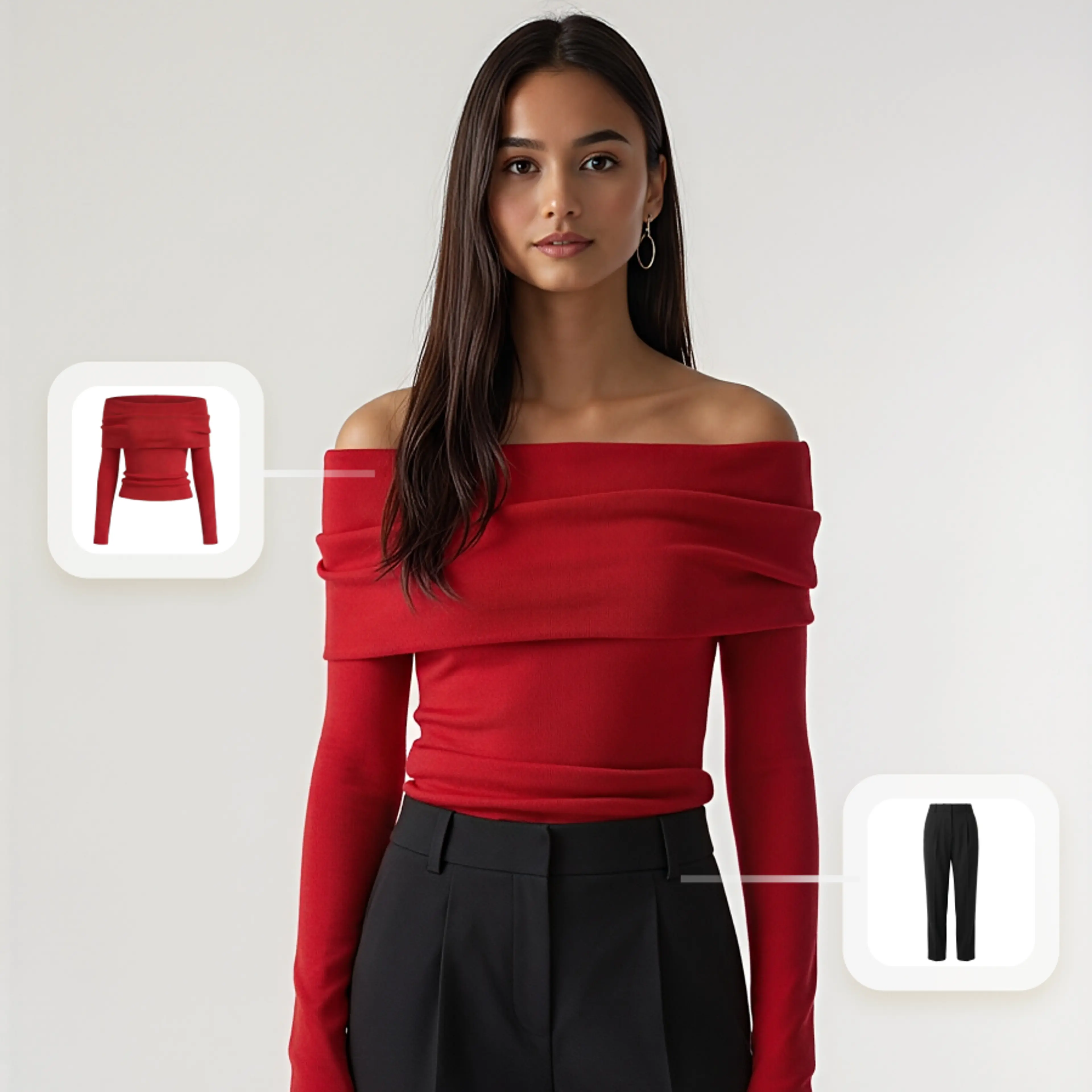
Generate Any Outfit, Any Model, Any Scene
Upload your garment flat-lay or product photo and let our AI dress a virtual model in seconds. Choose body types, poses, and backgrounds to match your brand aesthetic.
- Generate on-model photos from flat-lay garment images
- Choose from 50+ diverse body types, skin tones, and poses
- Customize backgrounds to match seasonal campaigns
- Batch process hundreds of SKUs overnight
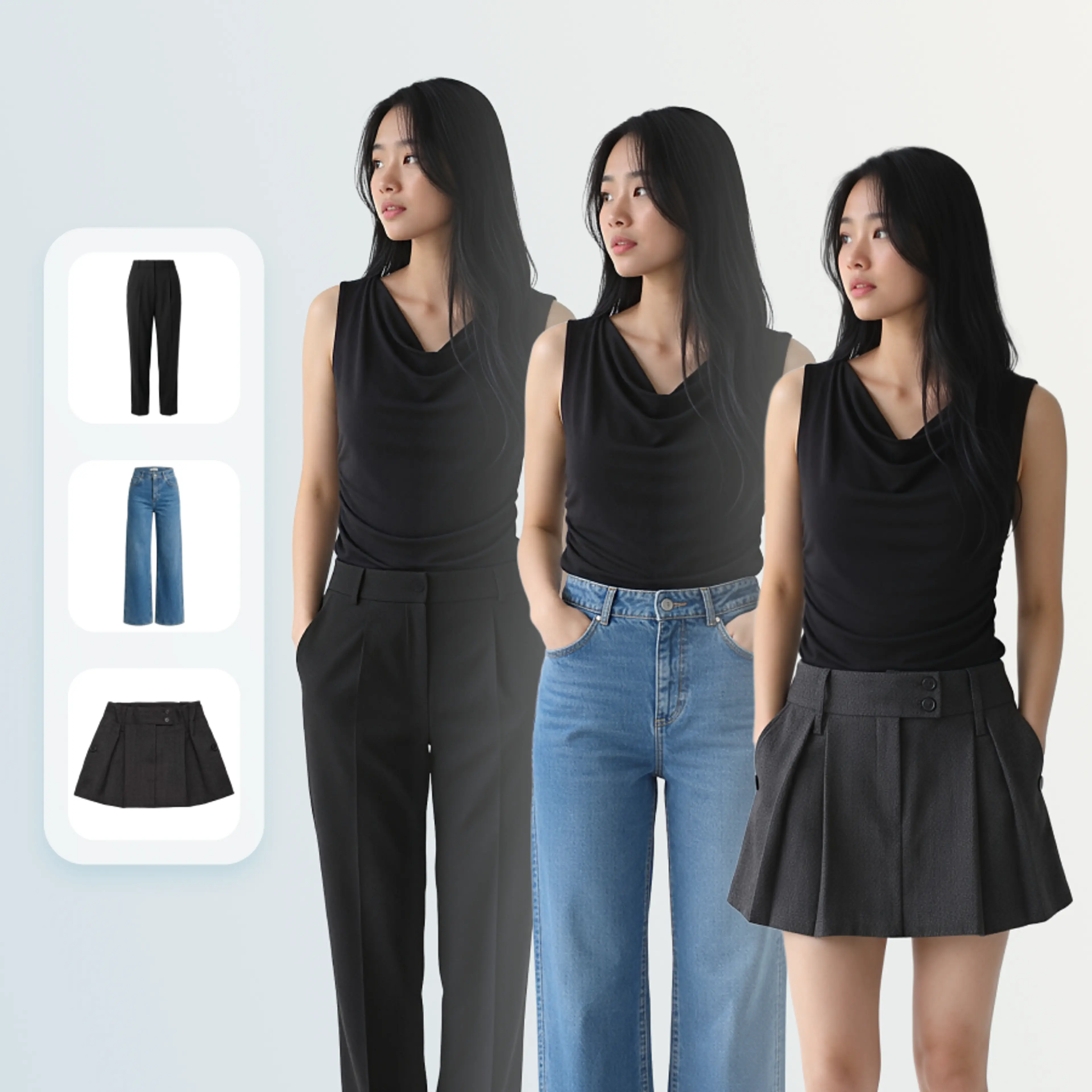
Mix & Match for Complete Lookbooks
Combine tops, bottoms, shoes, and accessories into complete outfit compositions. Our AI understands garment layering, fit, and draping to create realistic styled looks.
- Automatically style complete outfits from individual pieces
- Realistic fabric draping and garment interaction
- Generate seasonal lookbooks in minutes, not weeks
- A/B test outfit combinations before going to market
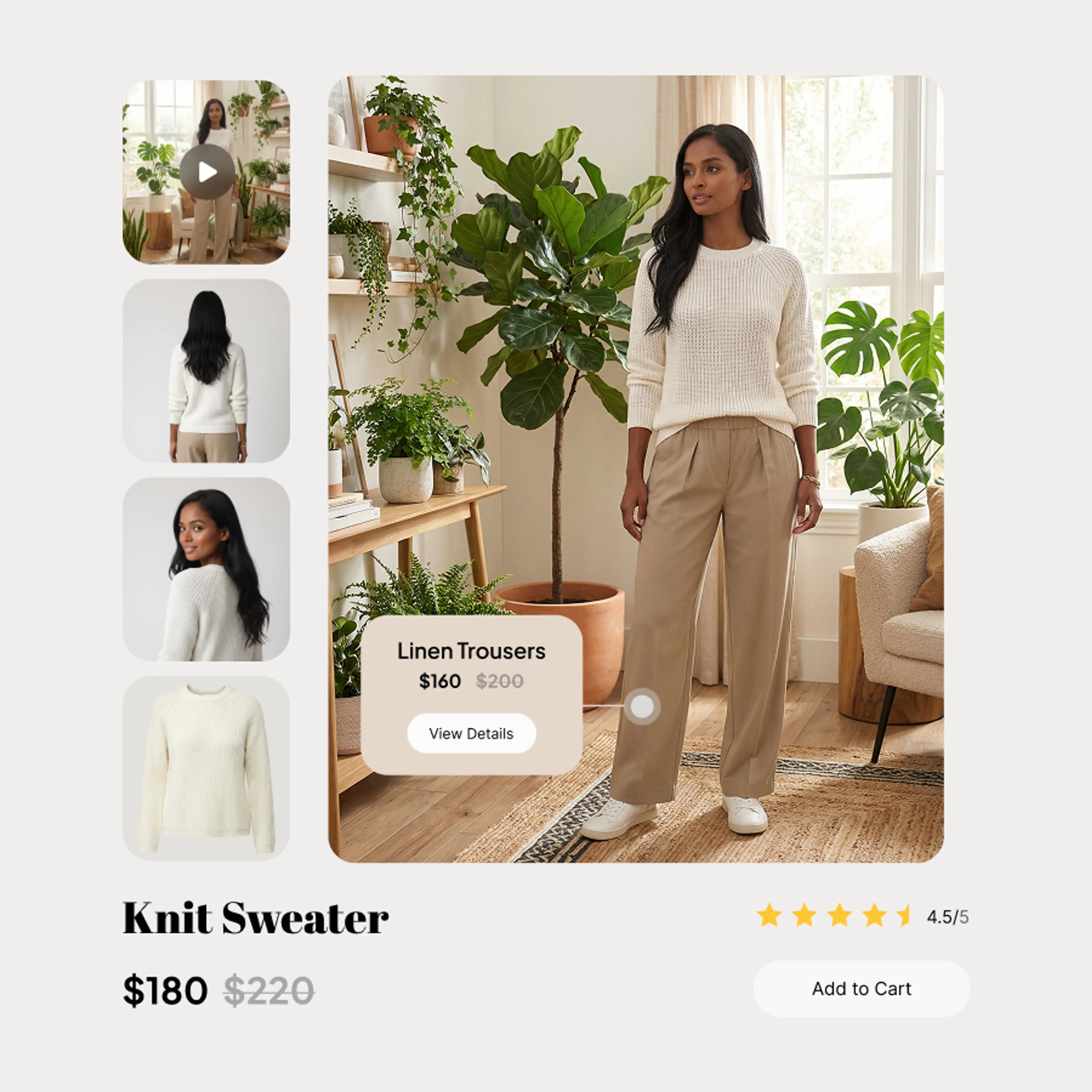
Scale Your Catalog Without Limits
Whether you have 100 or 100,000 SKUs, our AI outfit generator handles them all. Integrate with your PIM or e-commerce platform for automated content pipelines.
- API access for automated production pipelines
- Direct integrations with Shopify, WooCommerce, and more
- Consistent style across your entire catalog
- 90% faster time-to-market for new collections
Key Features of AI Outfit Generator
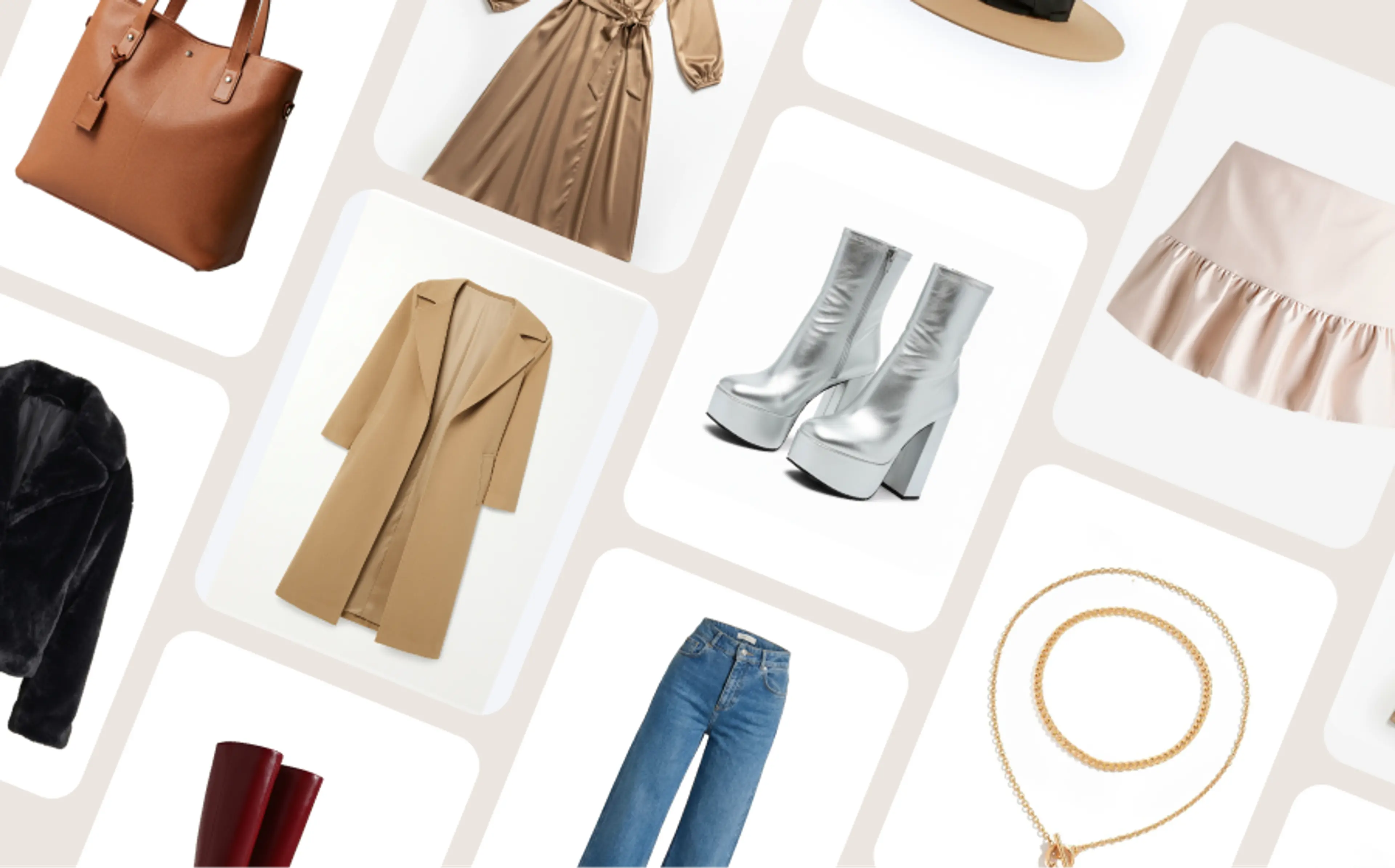
Support for all garments & accessories
Upload tops, bottoms, dresses, bags, shoes, hats, jewelry, and more — the AI Outfit Generator handles a wide range of wearable items seamlessly.
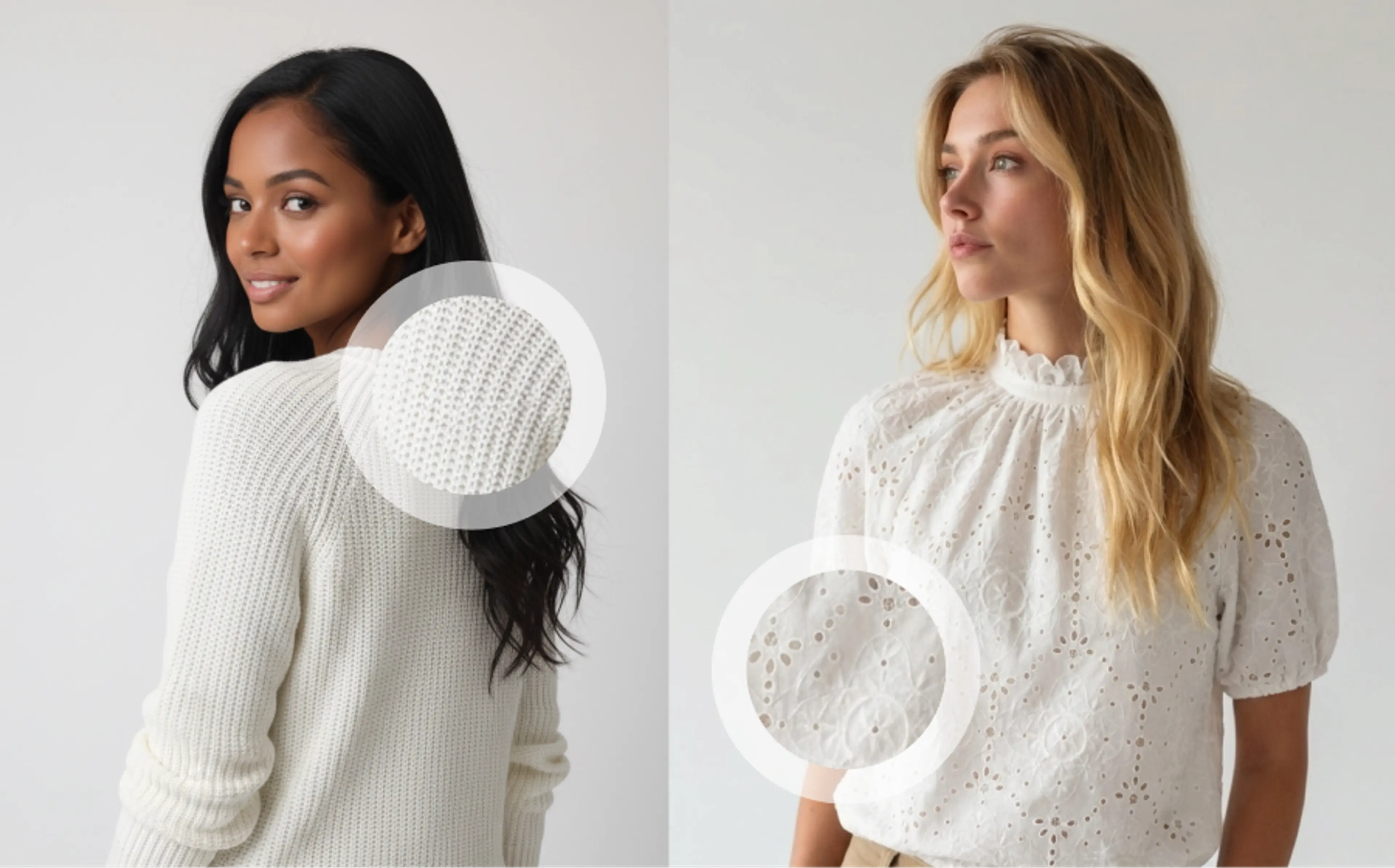
High-definition and realistic output
Generate high-fidelity outfit visuals that look polished and professional, optimized for ecommerce, campaigns, and social media.
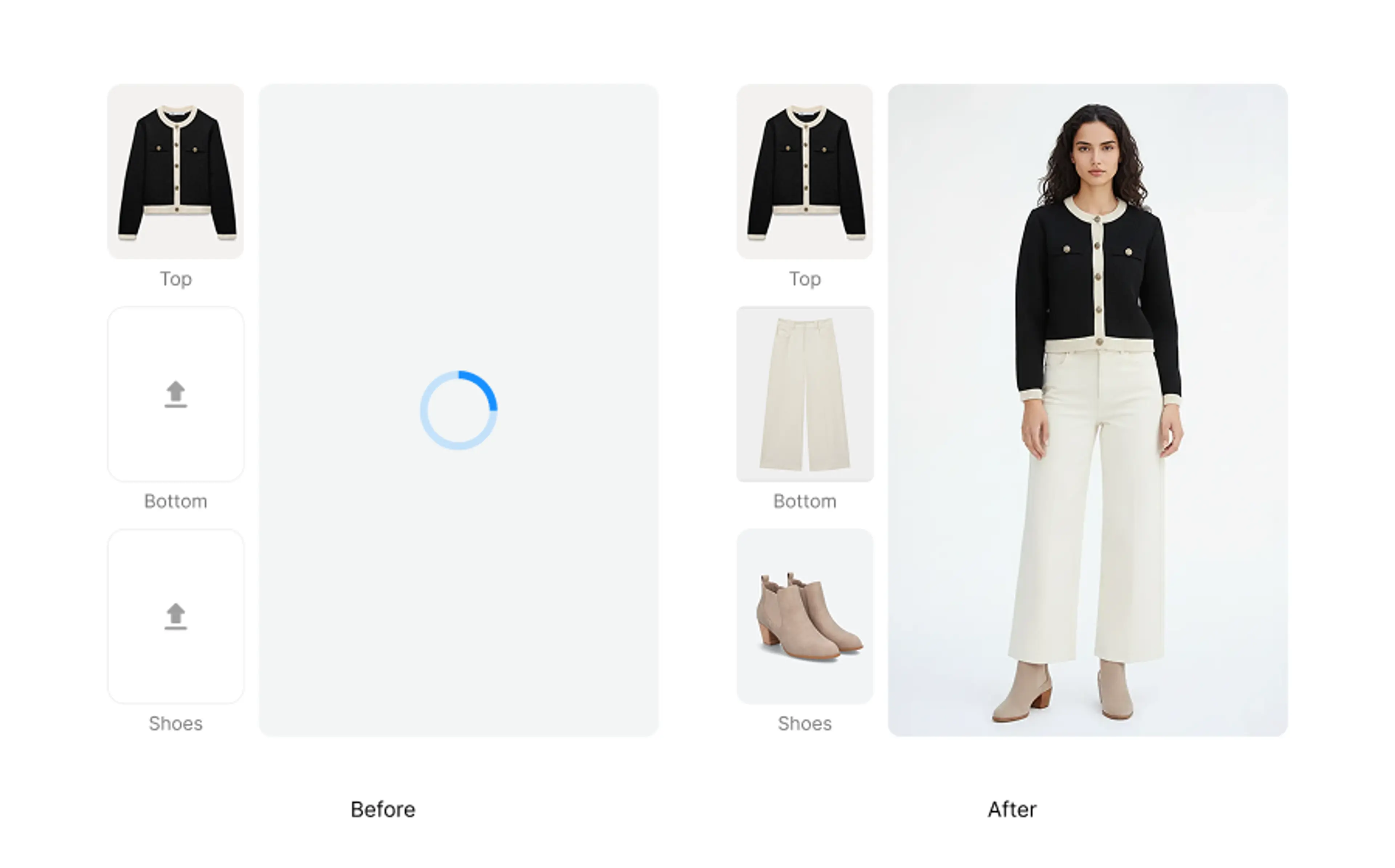
Smart garment slot detection
Each upload slot intelligently identifies the garment type to ensure accurate placement on your chosen model, improving alignment and realism.
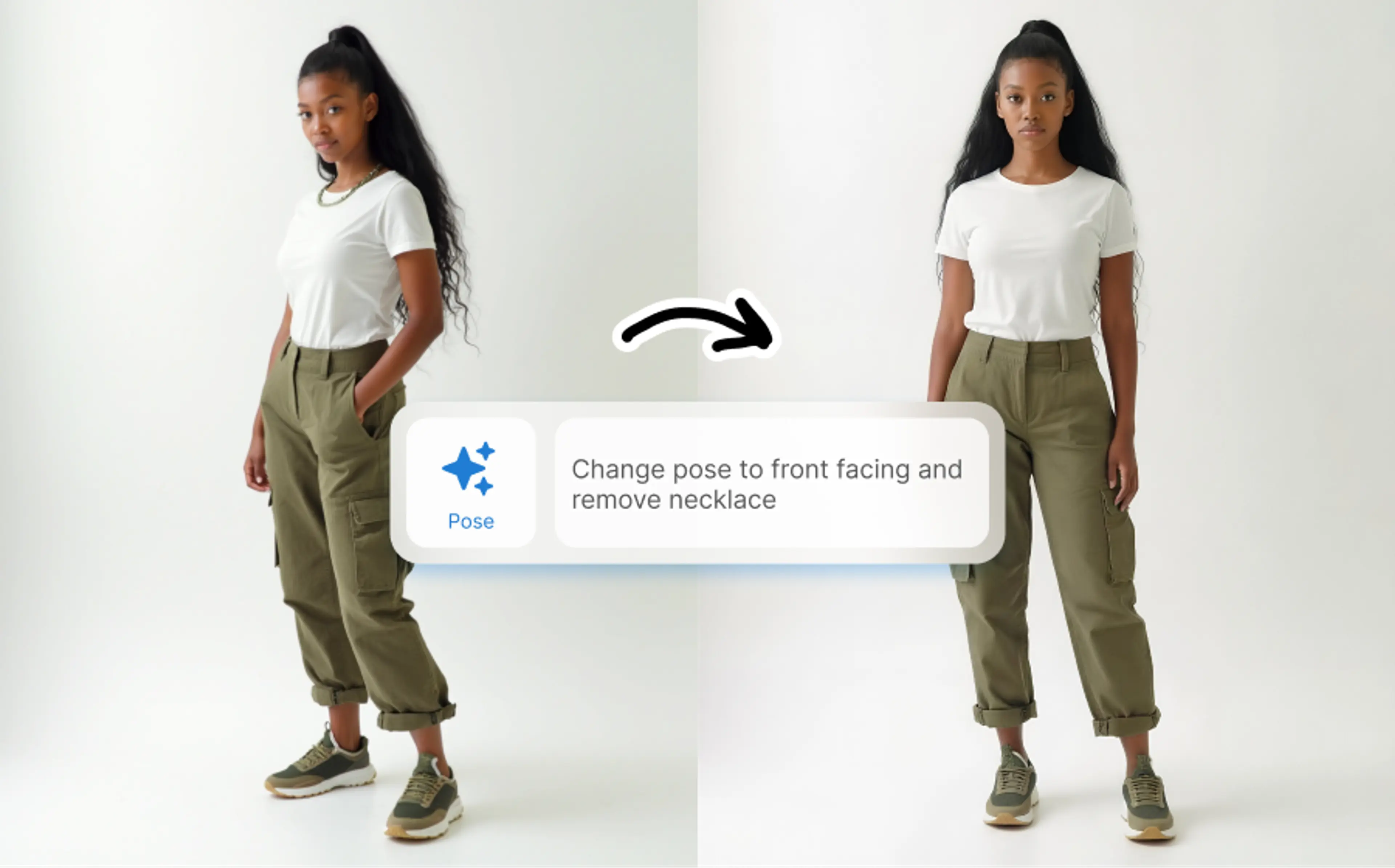
Advanced post-generation editing
After generating the outfit, you can adjust model poses, retouch images, and extend into video generation for dynamic content.
FAQs About AI Outfit Generator
What is an AI outfit generator?
An AI outfit generator combines uploaded garment pieces into fully styled fashion images on virtual fashion models. Rather than assembling outfits manually or doing a live photoshoot, the AI blends garments with models to create realistic outfit visuals.
With HuHu AI Outfit Generator, you won’t need to put a full outfit together before using virtual try-on. Instead, you could upload garment pieces as separate entries, and generate the full on-model outfit in one go.
What garment types are supported?
The AI Outfit Generator supports tops, bottoms, dresses, and full-body clothing items captured as flat-lay, mannequin, on-model, or ghost-mannequin images. Accessories like jewelry, hats, and shoes in the same formats are also supported.
If you’d like to add more wearables after outfit generation, you can use the Virtual Jewelry Try-On tool for precise accessory placement.
How can I generate an AI outfit image with my own model?
To use your own model, upload the model image into the “Upload your own model” slot before generating the outfit. If you don’t have a model photo but want a custom look, you can first create an AI fashion model using the AI Model Generator tool and then use it here.
How many garment and accessory pieces can I generate an outfit with?
Currently, the AI Outfit Generator supports 3 upload slots for garments and accessories. This allows you to combine pieces like a top, bottom, and one accessory for full outfit visuals, with additional accessories available via Virtual Jewelry Try-On.