
Image Retouching
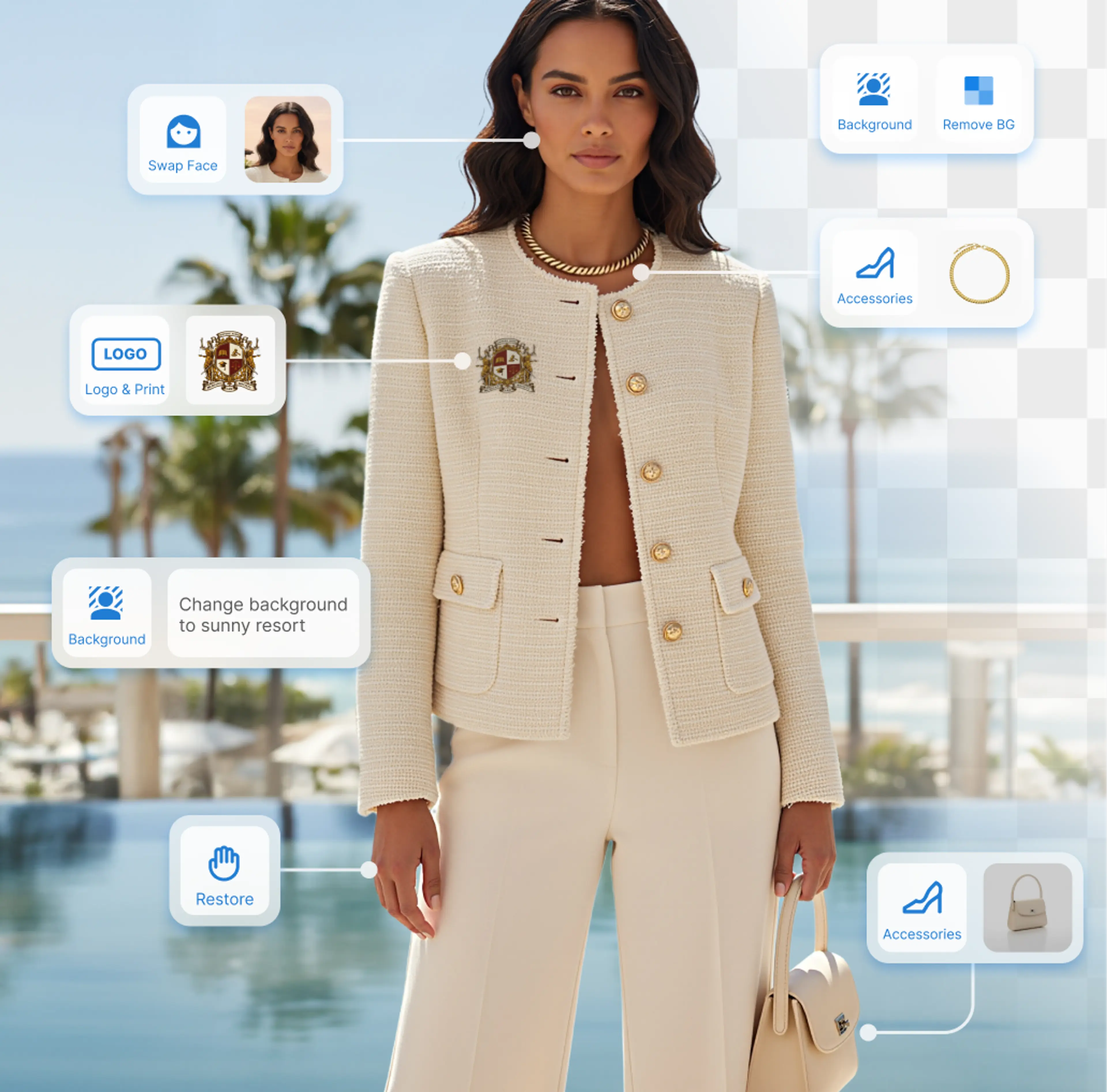
Edit and enhance your product images with smart image retouching. Upscale photos, fix AI-generated hands/feet, change background, crop and more.
How to Retouch Images?
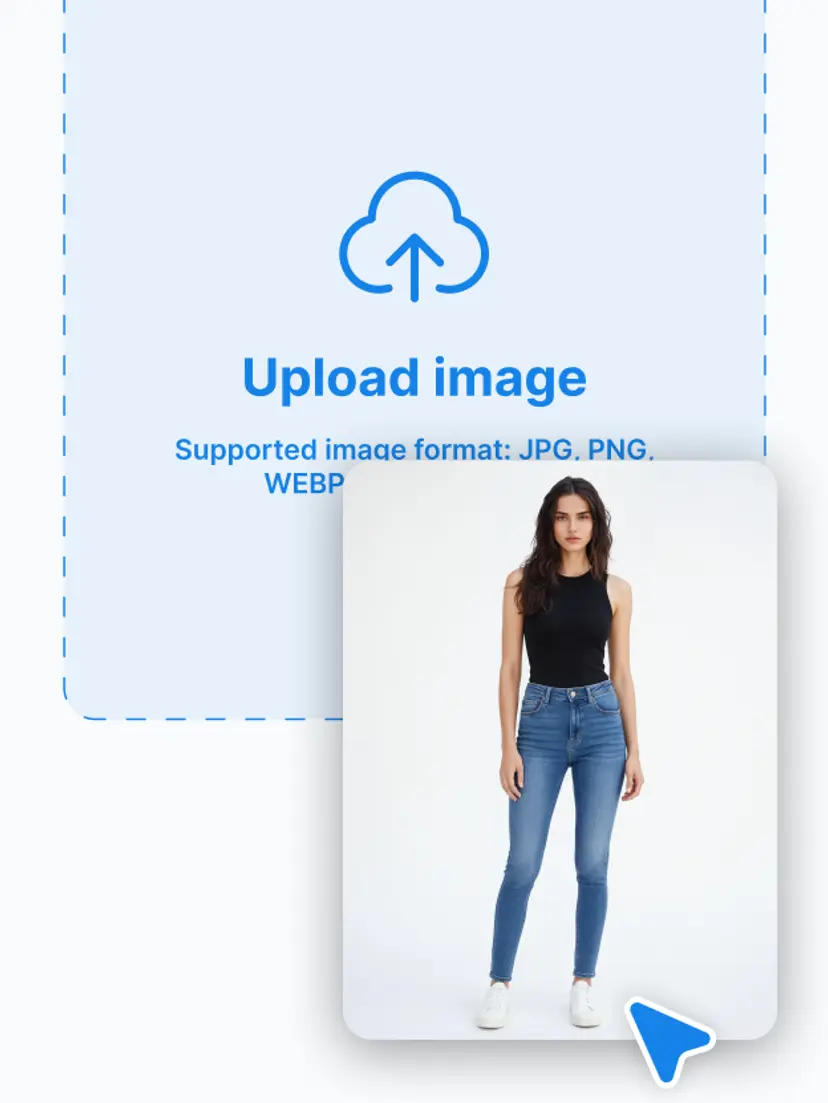
1. Upload an image
Start by importing any images you want to optimize into the editor.
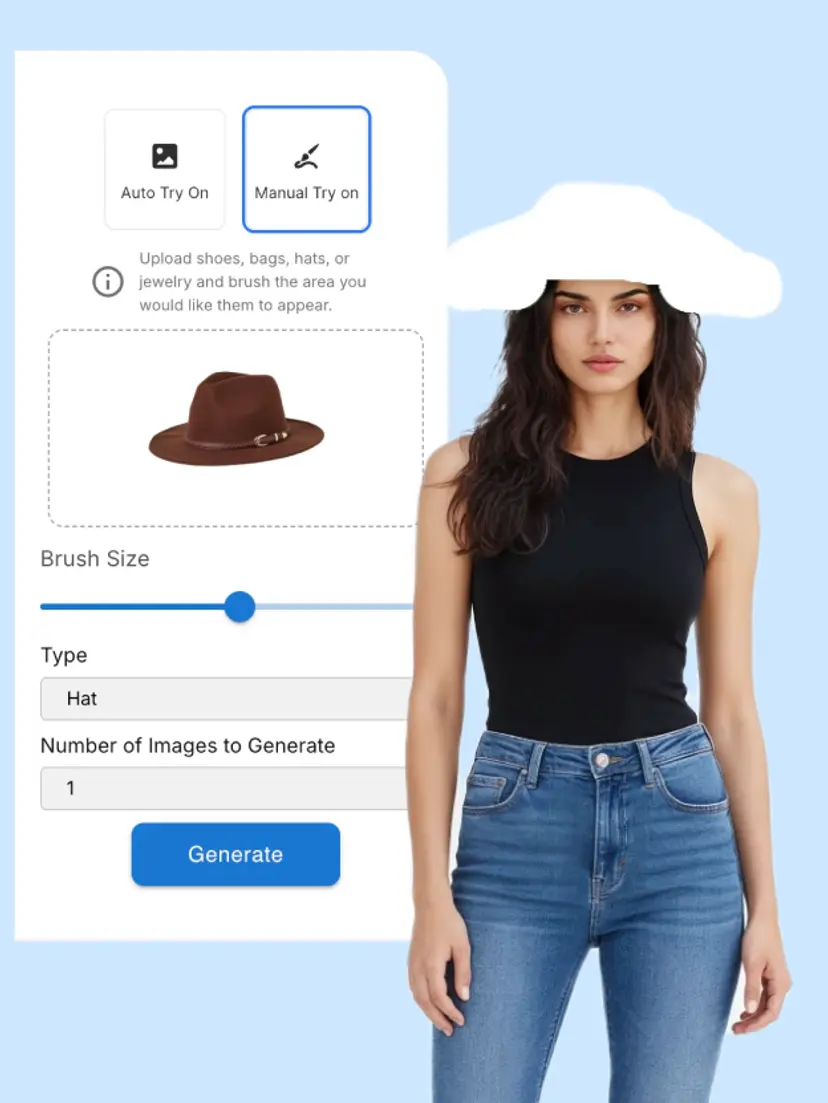
2. Select a tool from the left toolbar
Choose from tools listed on the left, and apply the tool according to instructions.
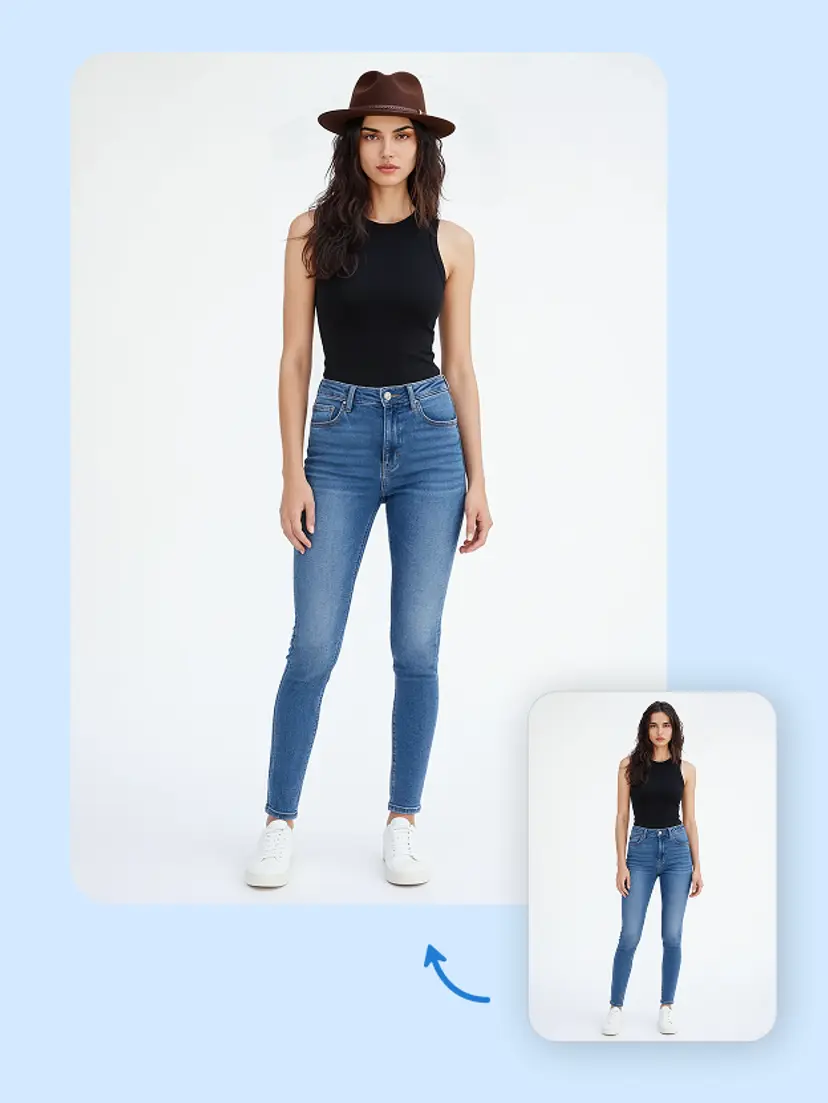
3. Generate retouched results
Hit generate or apply, preview the updated image, then download or export.
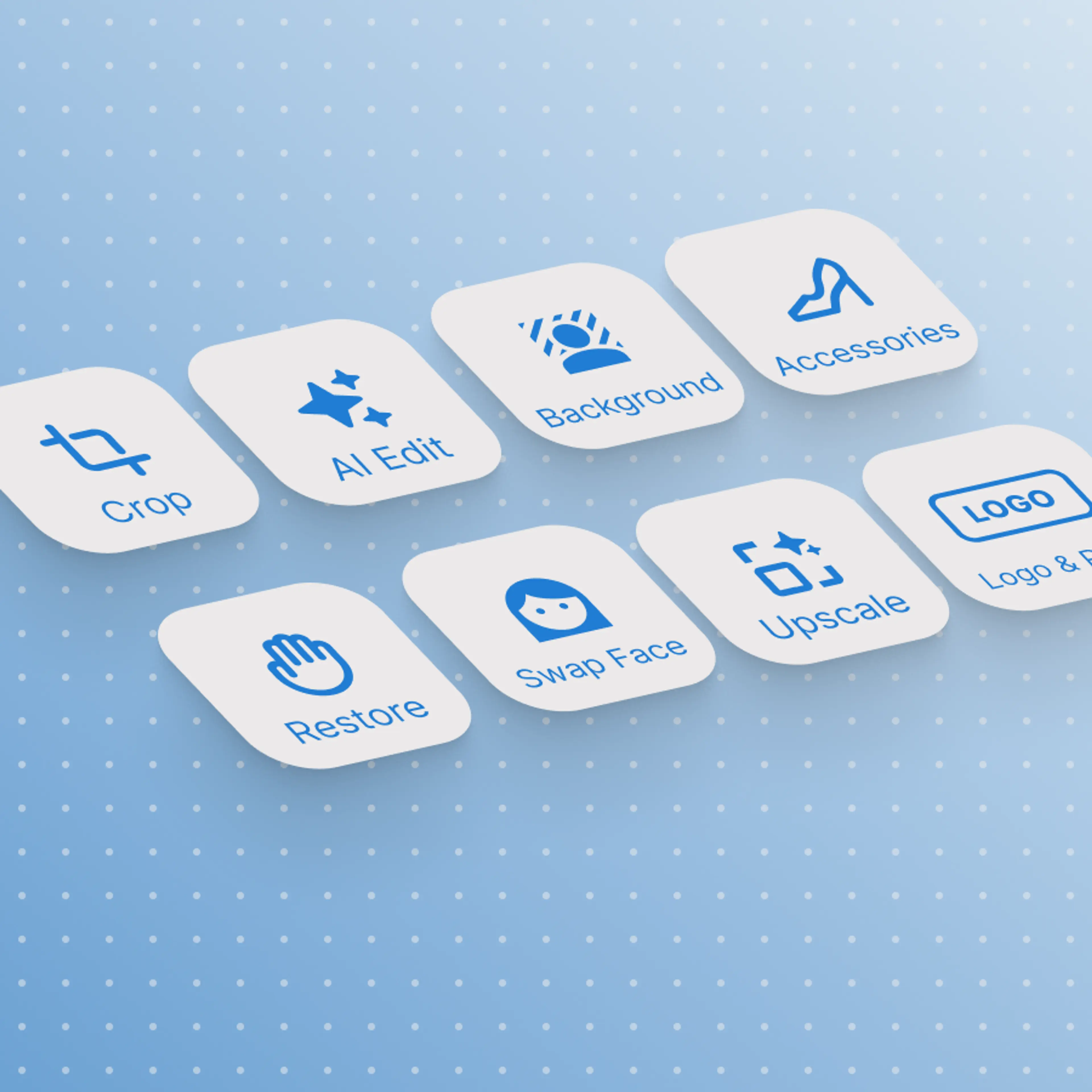
All-in-one product photo editor
HuHu AI brings together cropping, upscaling, background changing, hand/feet fixes, and more in a single interface. With everything in one place, you streamline your workflow, without jumping through different platforms.
- Automatic exposure and white balance correction
- Fabric texture enhancement that preserves material authenticity
- Color grading presets tailored for fashion e-commerce
- Wrinkle and crease removal on garments
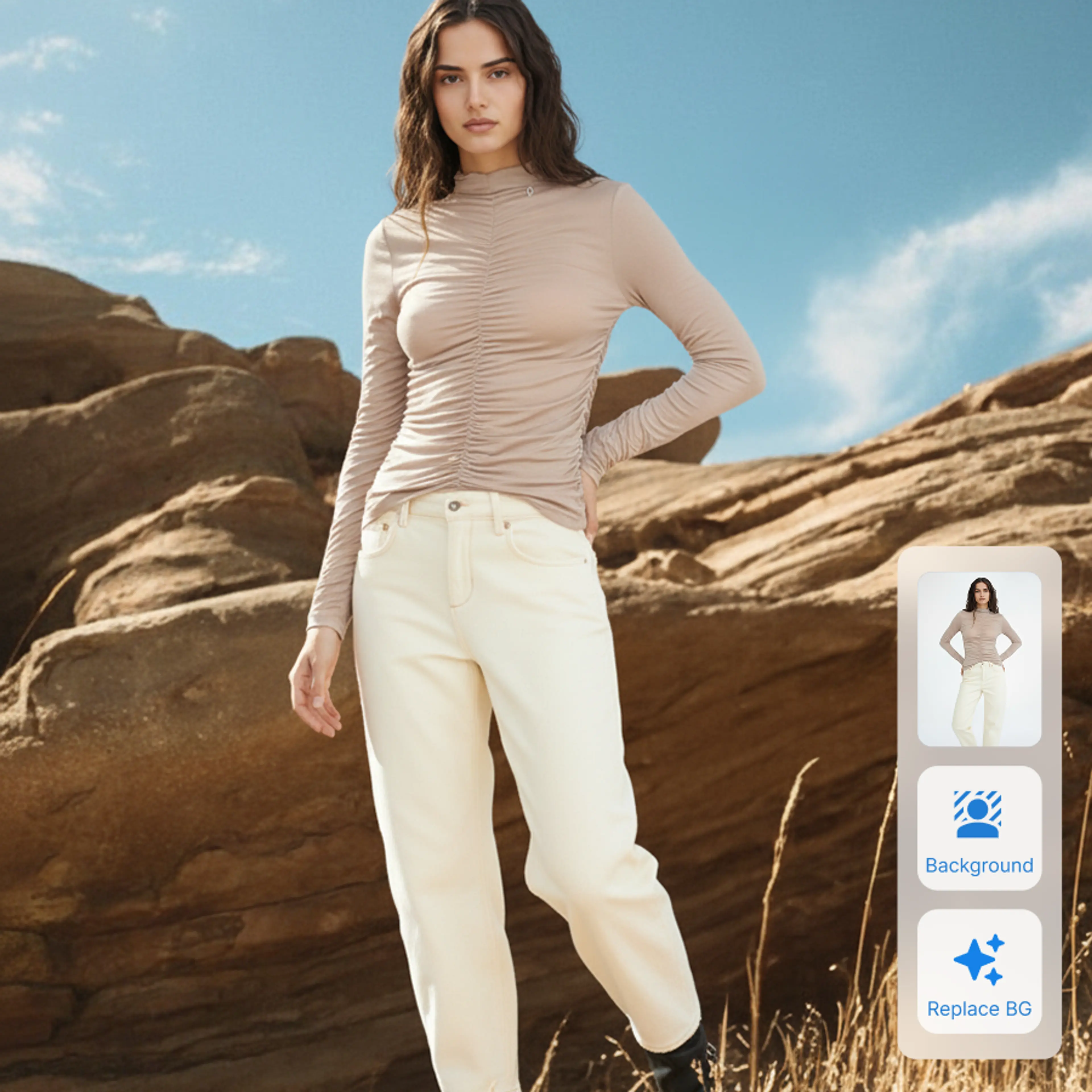
Studio-quality image without advanced editing skills
Our interface guides you step-by-step and applies adjustments automatically. The AI handles tricky areas like fixing distorted hands/feet, enhancing logos or backgrounds, and upscaling resolution while preserving details.
- Natural skin smoothing that preserves real texture
- Even skin tone without artificial perfection
- Stray hair and blemish removal
- Adjustable retouching intensity per brand guidelines
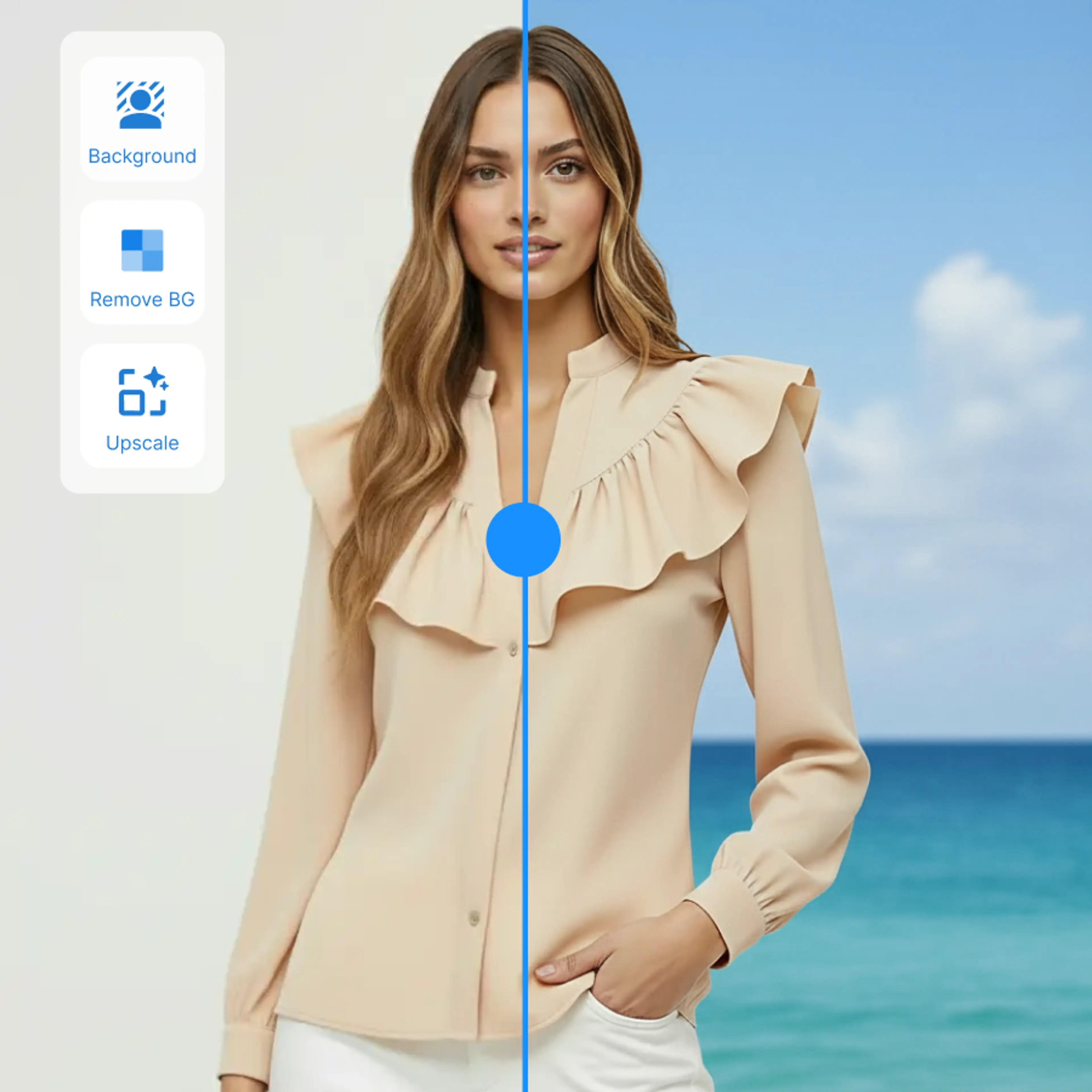
Boost product appeal
By removing distractions, correcting awkward rendering, enhancing clarity and consistency across your catalog, you give your product the spotlight it deserves.
- One-click batch processing for unlimited images
- Custom retouching profiles per brand or category
- Consistent look and feel across your entire catalog
- Priority queue processing for time-sensitive launches
Explore More Features
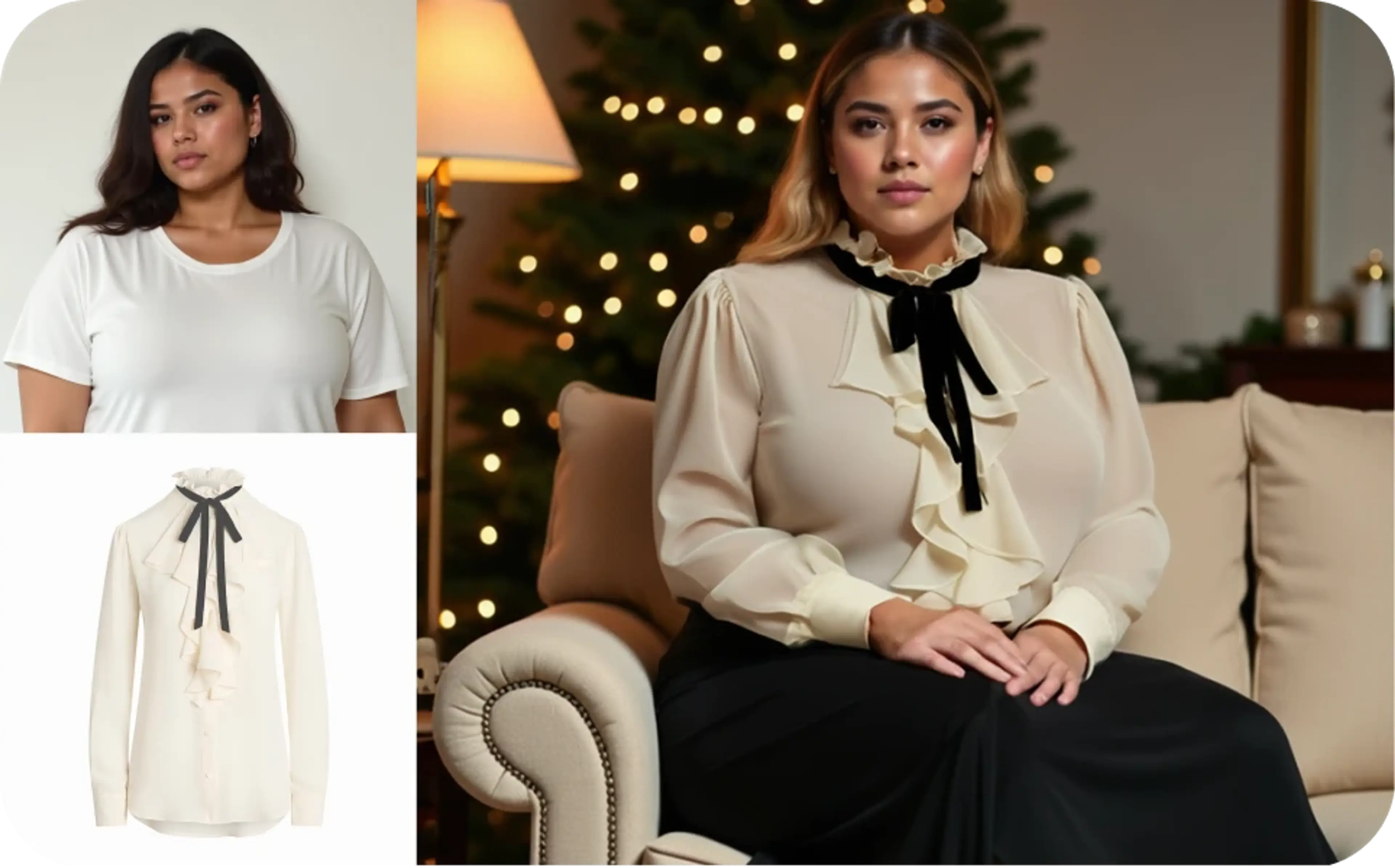
FAQs About AI Image Retouching
What does image retouching do?
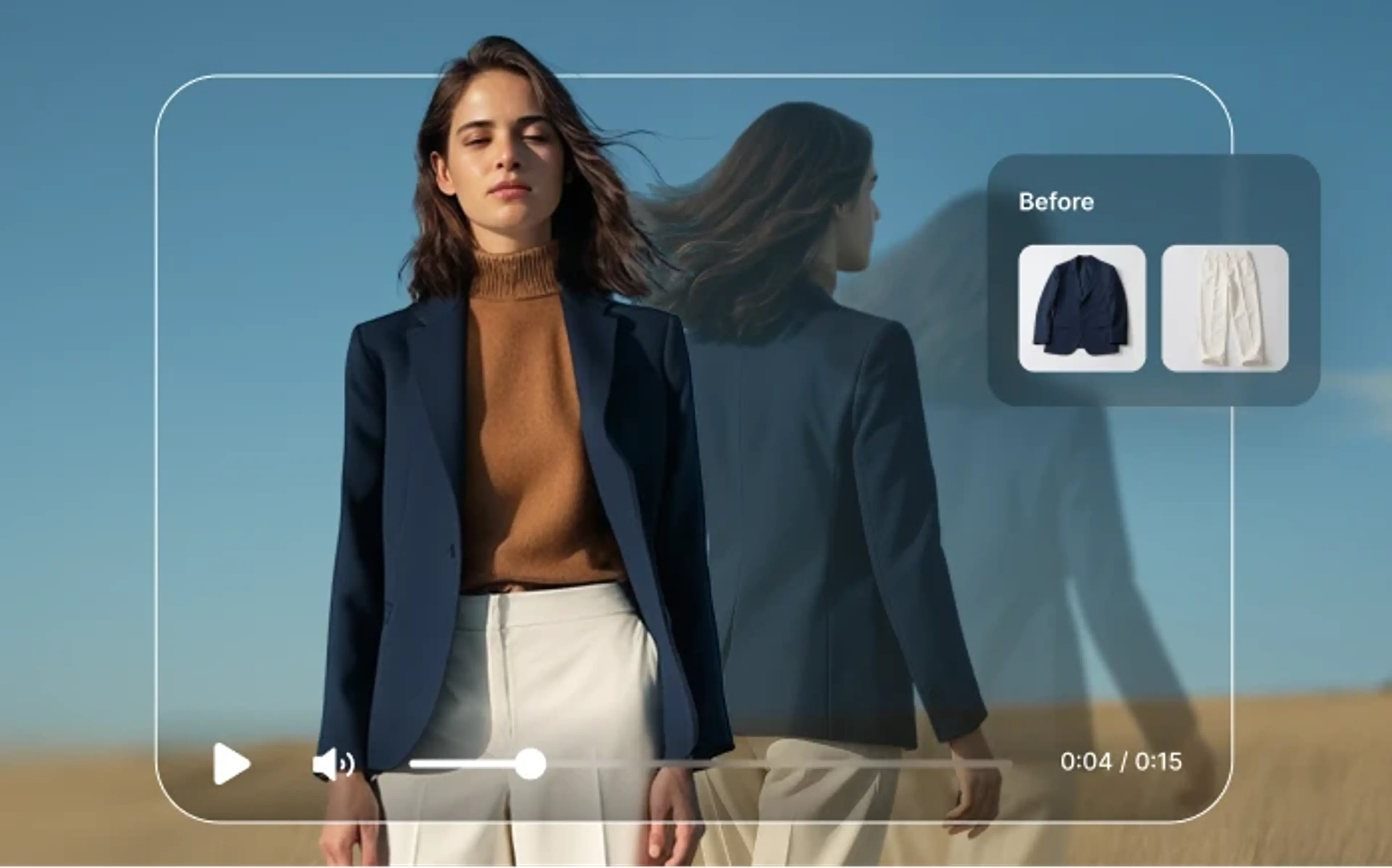
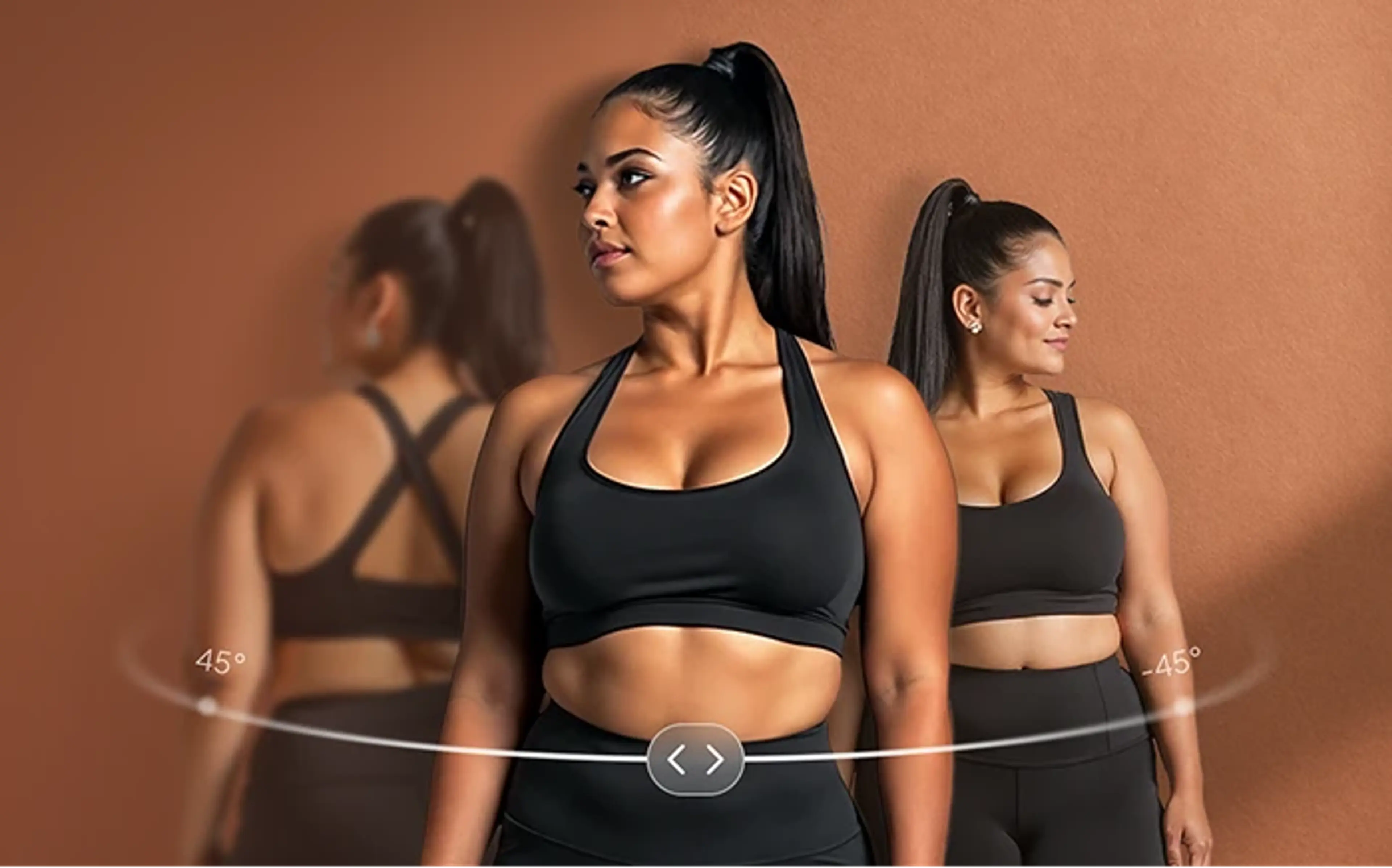
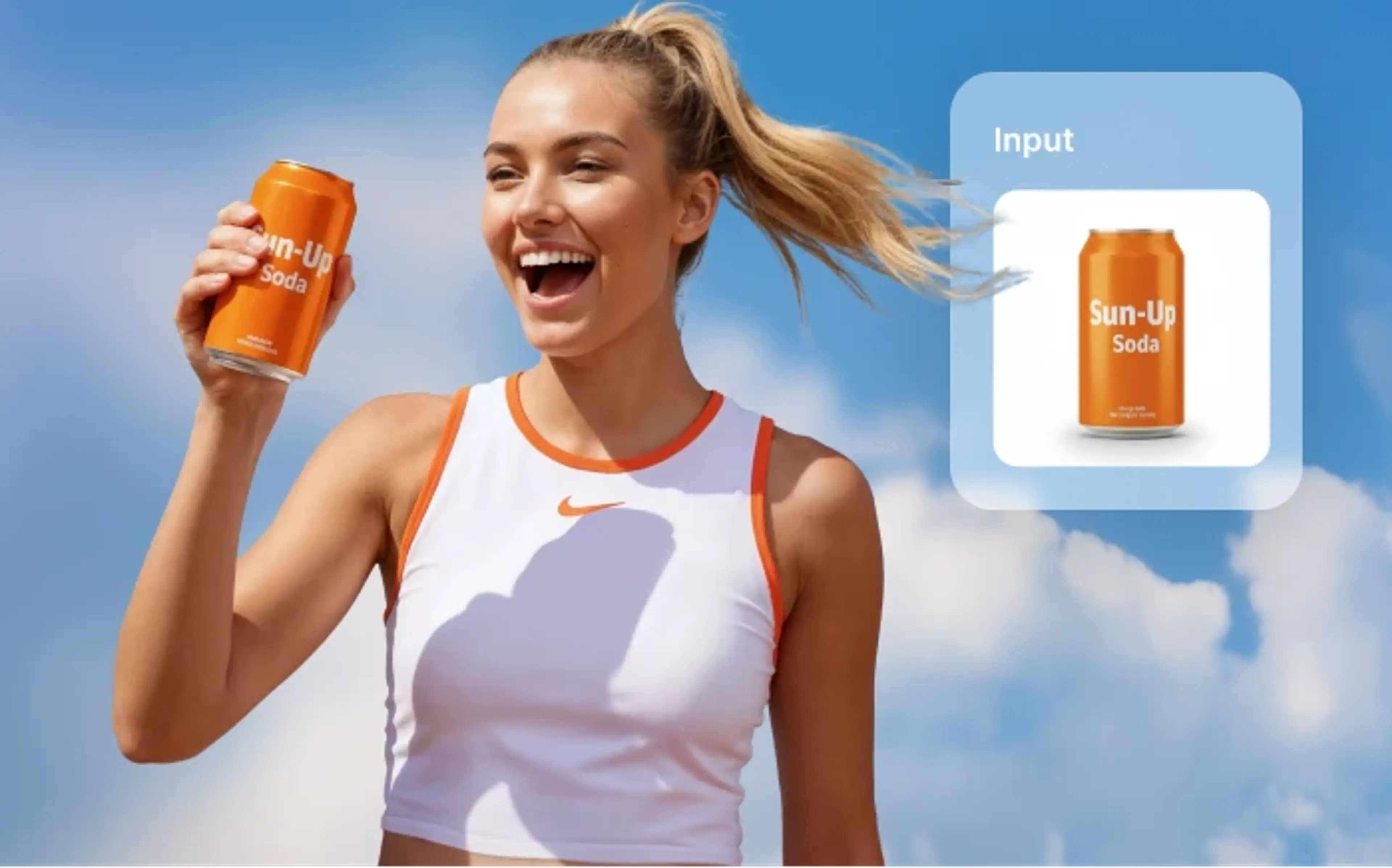
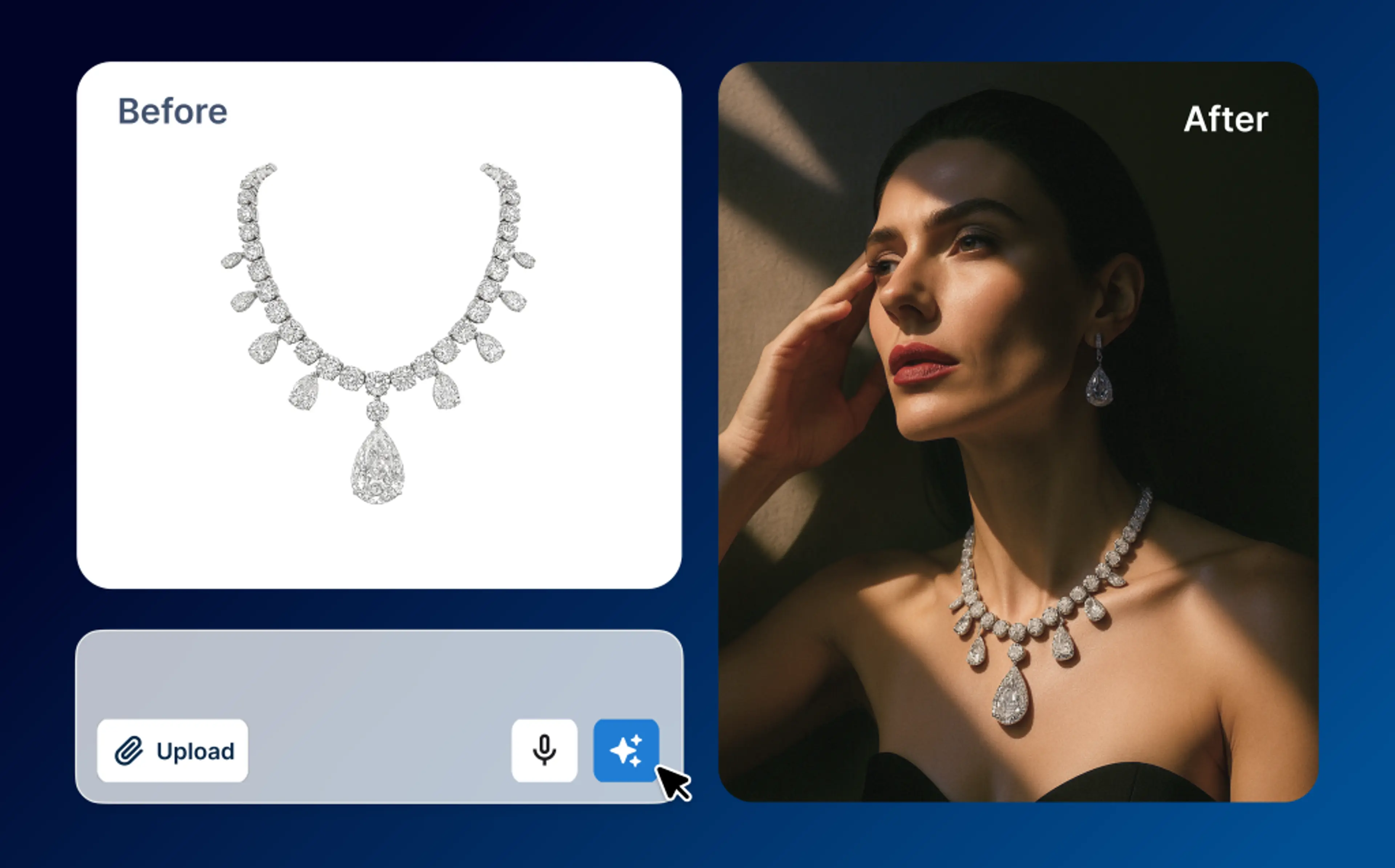
HuHu AI image retouching covers a wide range of enhancements: from basic tools like upscale image and crop image, to advanced fixes such as AI face swap, restoring AI-generated hands/feet, enhancing logos, jewelry try-on, removing foreground distractions, changing backgrounds and editing images with text prompts.
How should I start the image retouching process?
Begin by uploading an image that needs improvement. If you used the virtual try-on tool, look for the “Detail Retouch” option beneath the generated results and click it to access the retouching workflow.
Is it free to try the retouching tool?
Yes — new users receive 20 free credits to get started, which can be used across all features in the retouching tool.
How do I retouch product images?
To retouch product images, upload your product photo, select the relevant retouching tools (e.g., crop, upscale, background change, hand/feet fix), follow the onscreen instructions for each tool, preview your results, then download or export the refined image when you are satisfied.