
AI Logo Enhancer
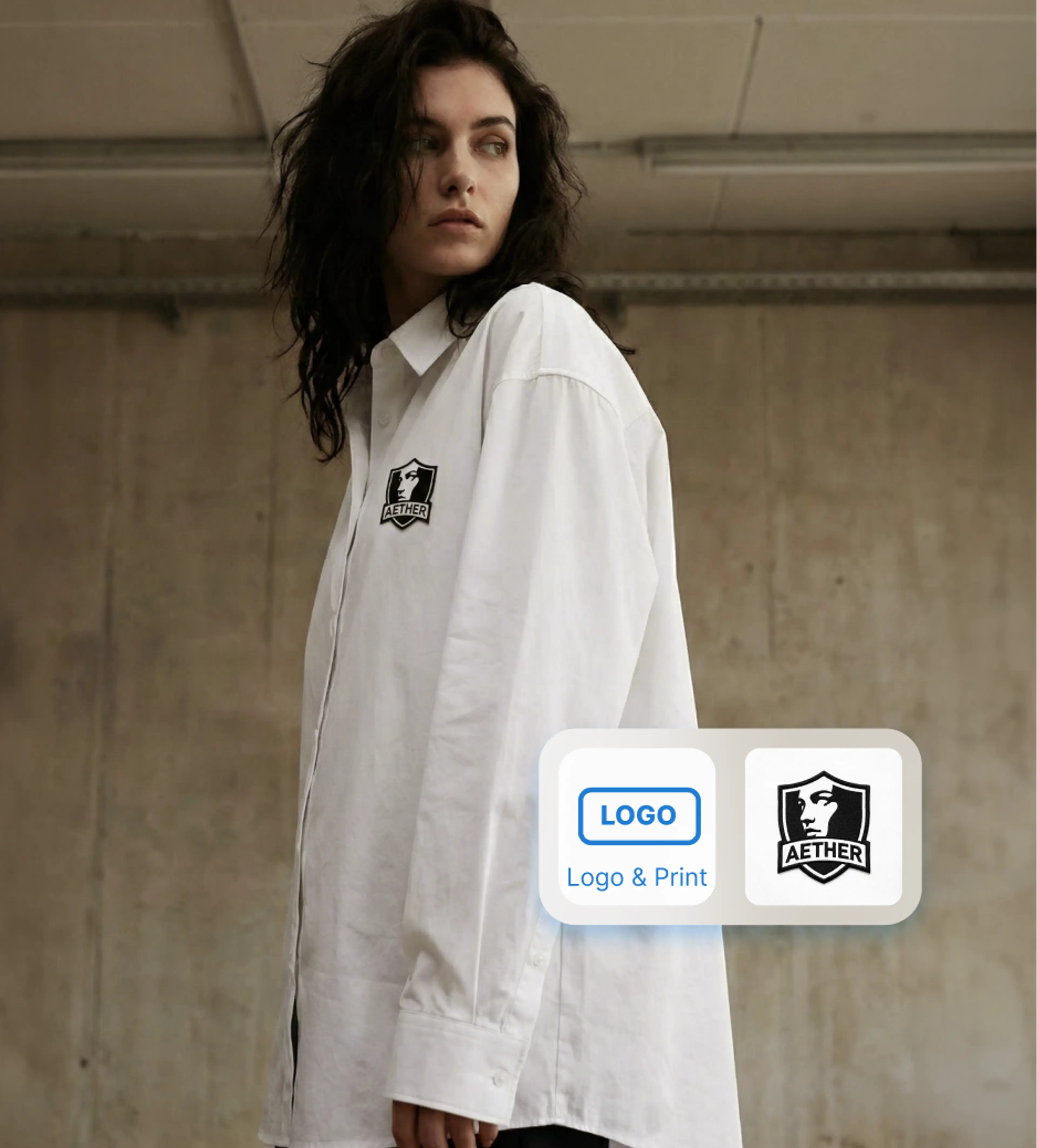
An AI logo enhancer that helps ecommerce brands enhance logo quality, replace inaccurate logos, and add HD logos to garments, accessories, and product images with realistic results.
How to Enhance a Logo?
1. Upload your product photo
Upload a photo that contains a blurry, inaccurate, or missing logo. This can be clothing, accessories, or any branded product.
2. Add logo and define placement
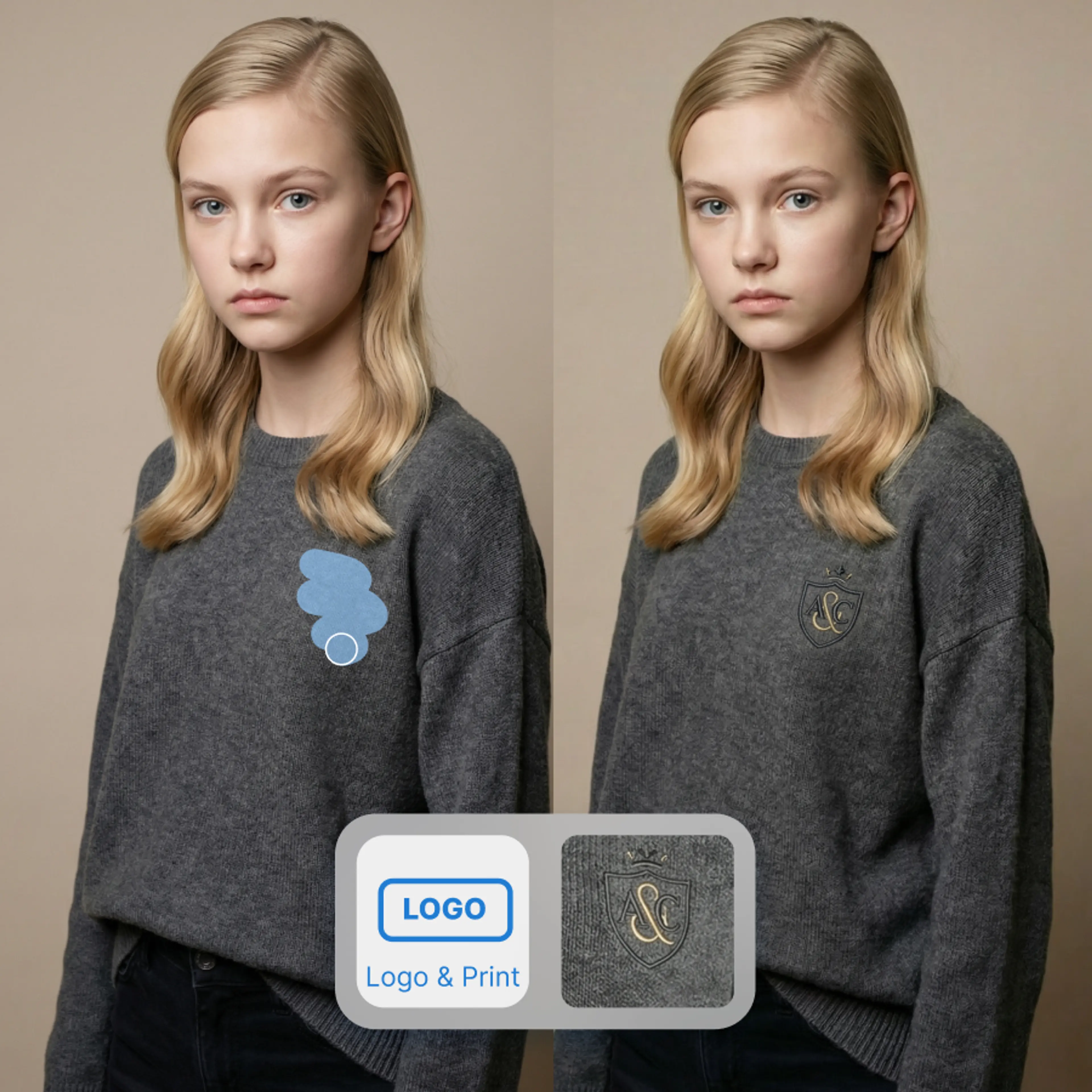
Upload your HD logo and specify where it should appear using brush tool. You can precisely control size, position, and area on the garment or accessory.
3.Replace and enhance the logo
Generate the image to replace the original logo or add a new one. The AI blends the logo naturally with original lighting and shadows. Download enhanced image.
Why Choose AI Logo Enhancer?
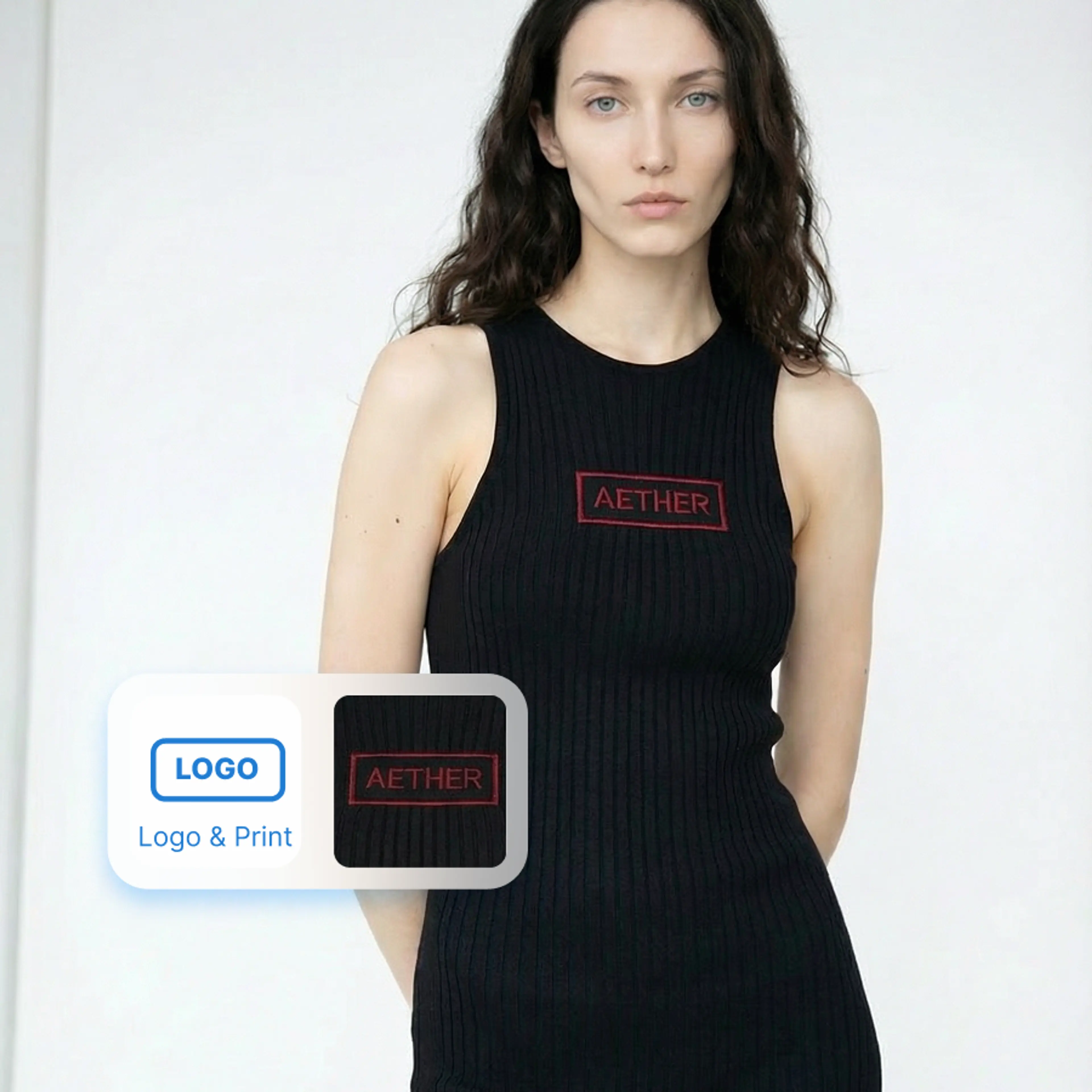
From Pixelated to Pixel-Perfect
Upload any logo — even a tiny favicon or screenshot — and our AI will intelligently upscale it up to 16x while preserving sharp edges, fine details, and brand colors.
- Upscale logos up to 4x without quality loss
- Preserve vector-like sharpness on edges and text
- Maintain exact brand colors through the enhancement process
- Export in PNG, SVG-ready, and print-resolution formats
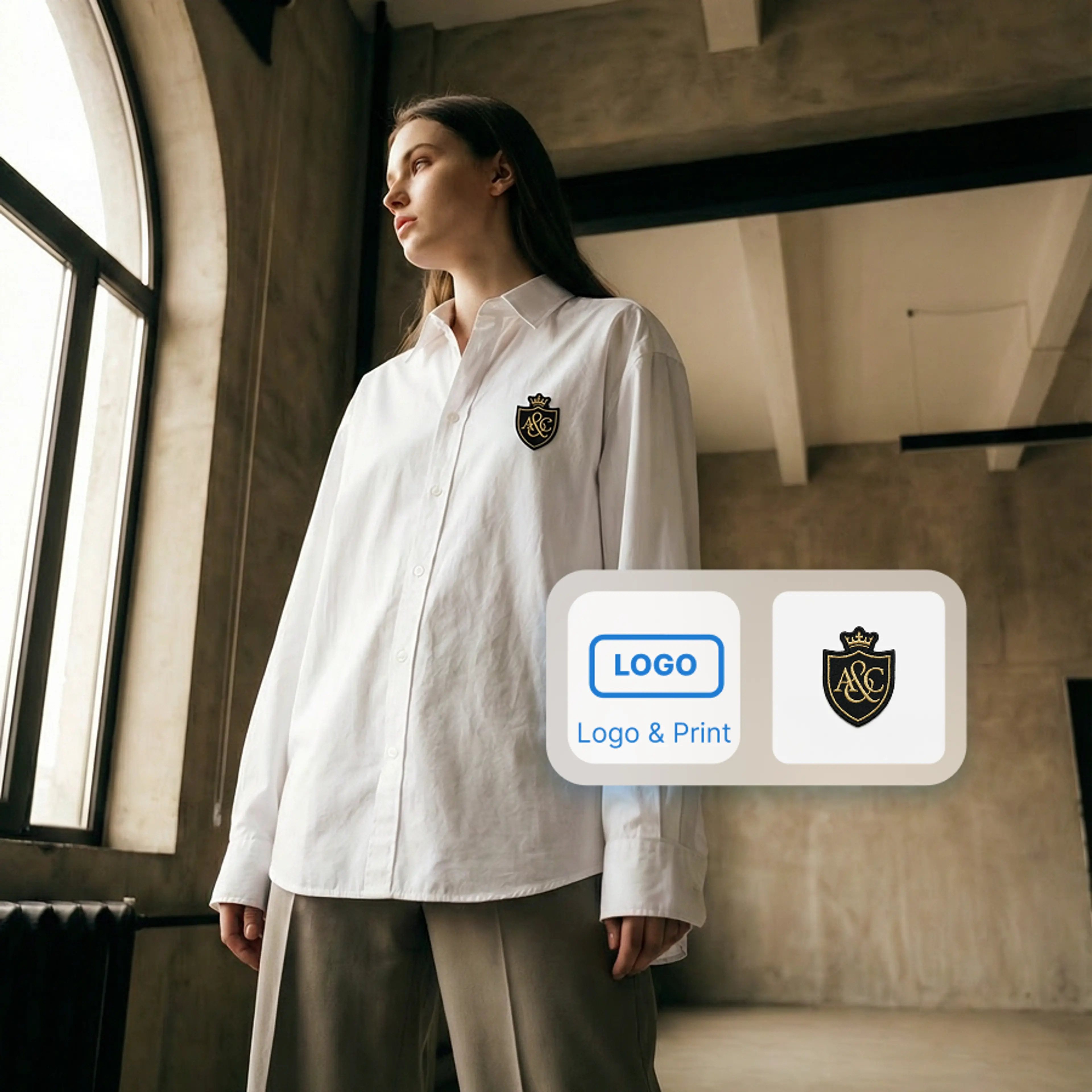
Seamless Brand Integration on AI Content
Automatically place your enhanced logo on AI-generated product photos, lookbooks, and marketing assets. Our AI understands logo placement, ensuring natural integration with any background.
- Auto-place logos on AI-generated product imagery
- Smart positioning that adapts to each image composition
- Maintain brand consistency across all generated content
- Batch-apply logo overlays to entire product catalogs
Bulk Processing for Enterprise Brands
Managing multiple sub-brands or a franchise network? Process hundreds of logos simultaneously. Our pipeline ensures every brand asset meets your quality standards.
- Batch-enhance logos for multi-brand portfolios
- Automated quality checks ensure consistent output
- API integration for headless content workflows
- Priority processing for enterprise accounts
Key Features of AI Logo Enhancer
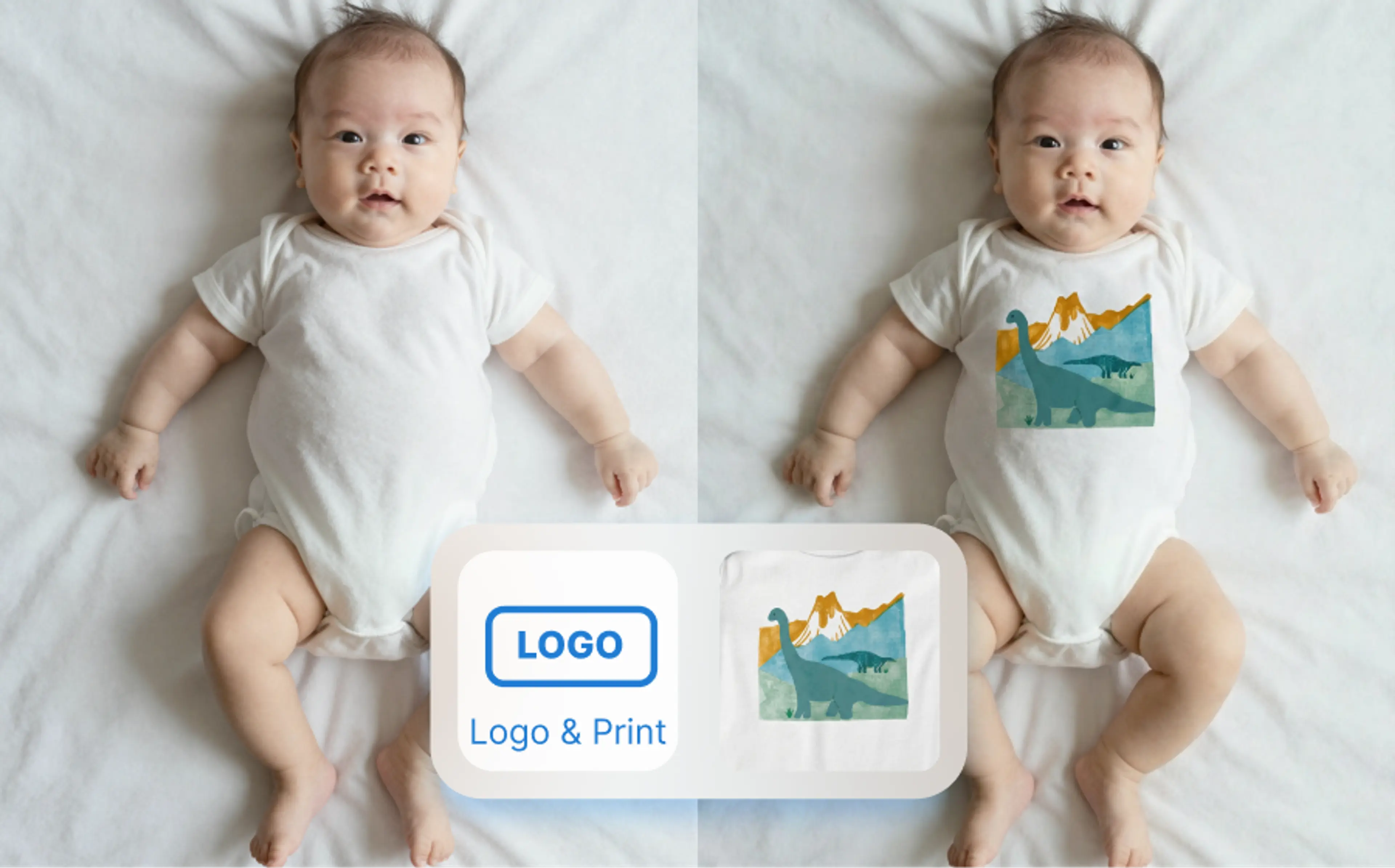
Add or enhance logos instantly
Easily enhance an existing logo or add a new one using an HD logo file. The AI replaces inaccurate or low-quality logos with precision.
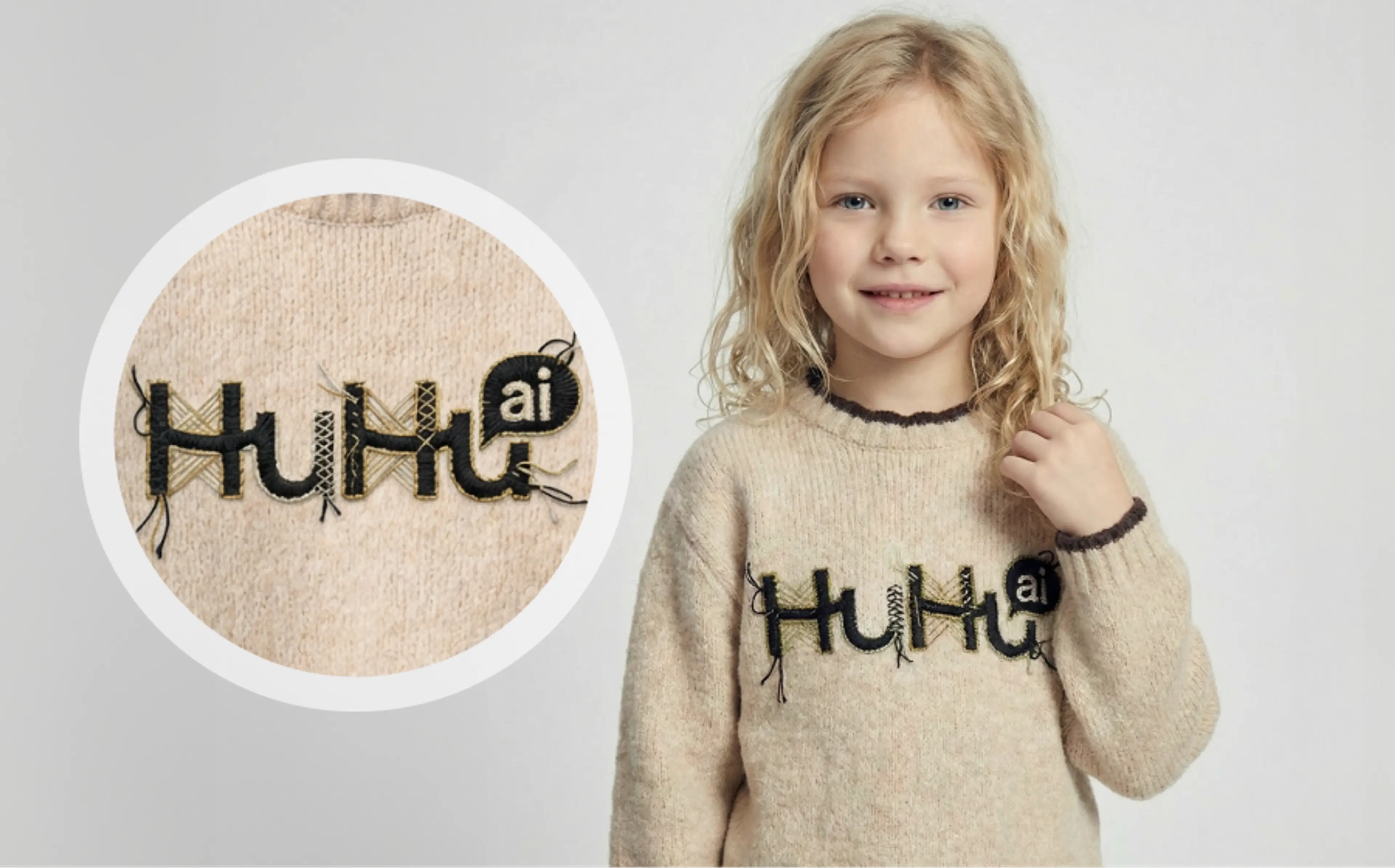
HD results with natural lighting
Generated logos blend seamlessly with fabric texture, lighting, and shadows. The AI preserves realism so logos don’t look flat or pasted on.
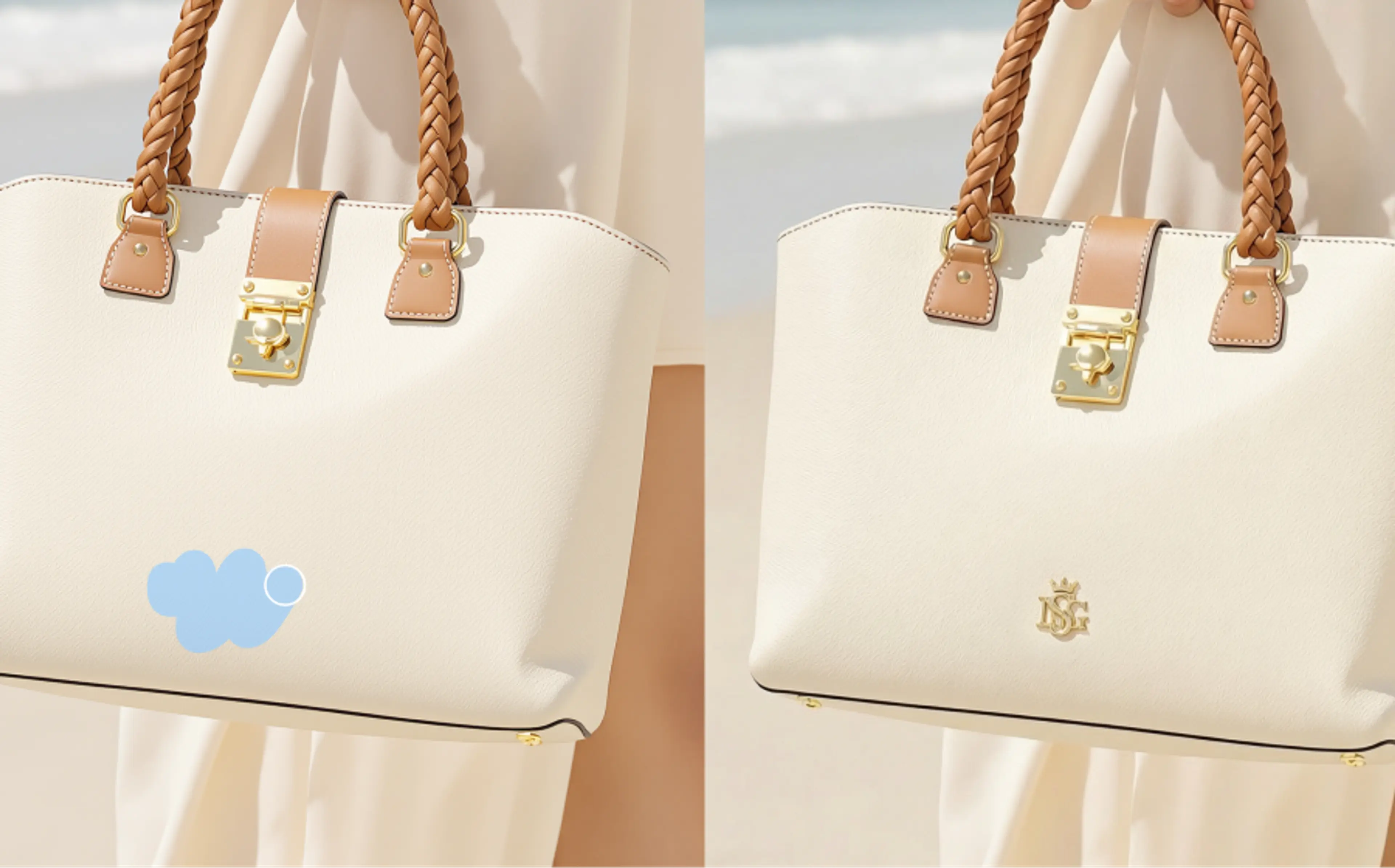
Brush tool area control
Use brush tools for precise placement. You decide exactly where the logo appears on the product. This ensures accurate alignment on garments and accessories.
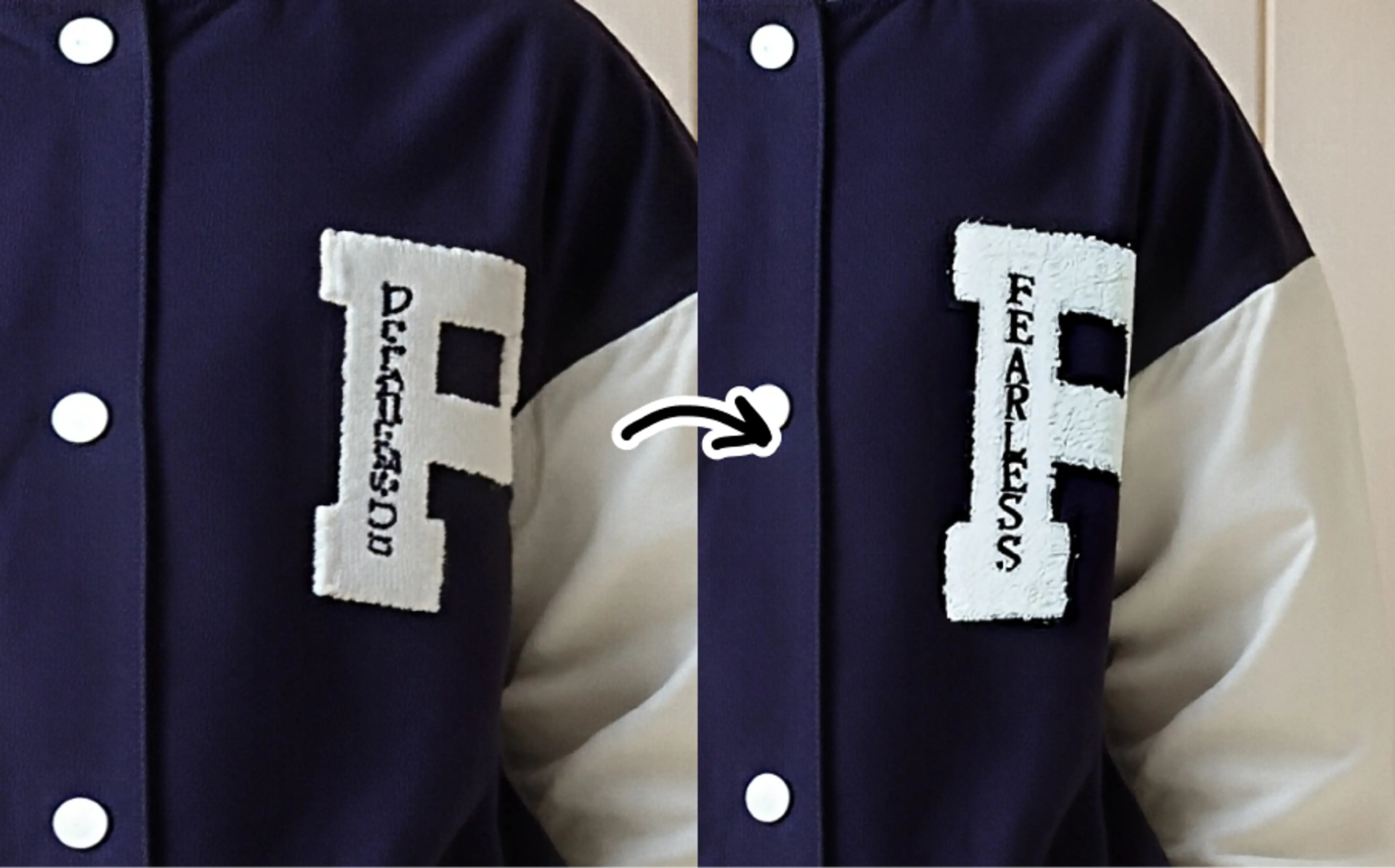
Create on-model imagery with logos
Apply enhanced logos to on-model or lifestyle images. Maintain realistic proportions and placement on clothing. Perfect for product pages, ads, and social media visuals.
FAQs About AI Logo Enhancer
What is an AI logo enhancer?
An AI logo enhancer is a tool that uses AI to improve logo quality in images. It can replace blurry or inaccurate logos, add HD logos to products, and blend them naturally with the original photo. This is especially useful for ecommerce and branding visuals.
How can I enhance a logo using AI?
If you have an image with a blurry logo, and you would like to keep the other parts of the image consistent, using an logo enhancer is a simple and straightforward solution. By uploading an HD version of your logo, you can seamlessly blend the enhanced logo in your image.
If your sole purpose is to enhance logo quality, you could also use the Image Upscaler in the editing tools to upscale original logo image.
How do I enhance a blurry or pixelated logo on clothing?
Upload the product photo with the blurry logo and add a high-resolution replacement logo from the left panel in the editor. Use brush to select the logo area on the clothing. Click “Generate” and the AI will replace and enhance the logo while keeping the fabric look natural.
Can I add a logo to my clothing product photo?
Yes, you can add a logo to a blank or unbranded clothing photo. Upload your logo, define the placement area on the garment, and generate the image. The logo will appear naturally integrated into the product photo.