
Image to Video AI
Bring any image to life with our Image to Video AI. Transform product shots, portraits, or illustrations into smooth clips in minutes. Simply upload and let AI agent do the thinking for you.
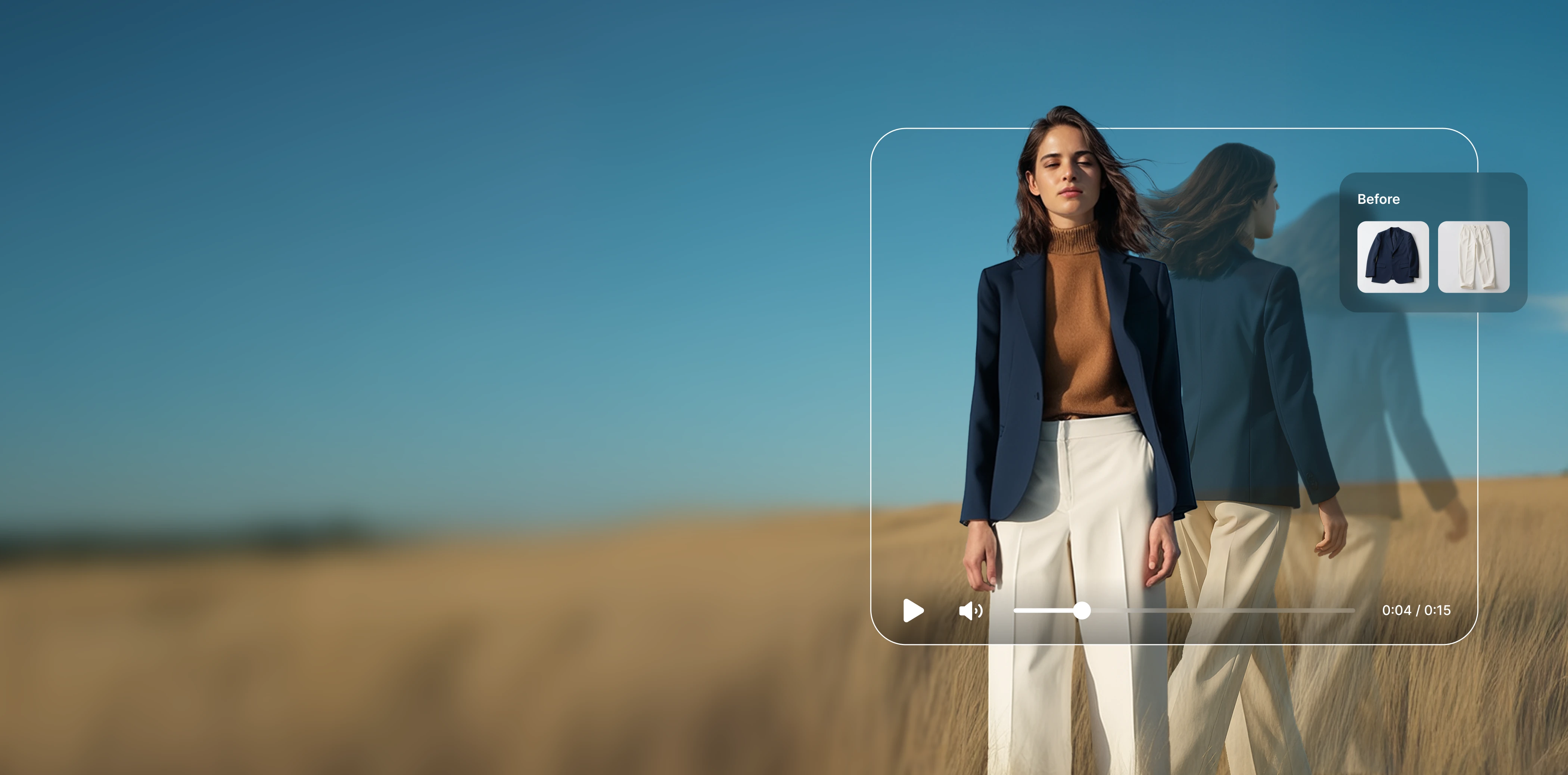
How to Convert Image to Video Using AI?
1. Upload your photos
Drop in an image (product shot, portrait, or artwork). HuHu Image to Video AI then prepares it for animation.
2. Describe the movement
Type a prompt to set camera behavior or character motion, or skip the prompt and let the AI agent handle the task.
3. Generate and download
Preview, tweak speed and duration if needed, then export video for ads, social, or product pages.
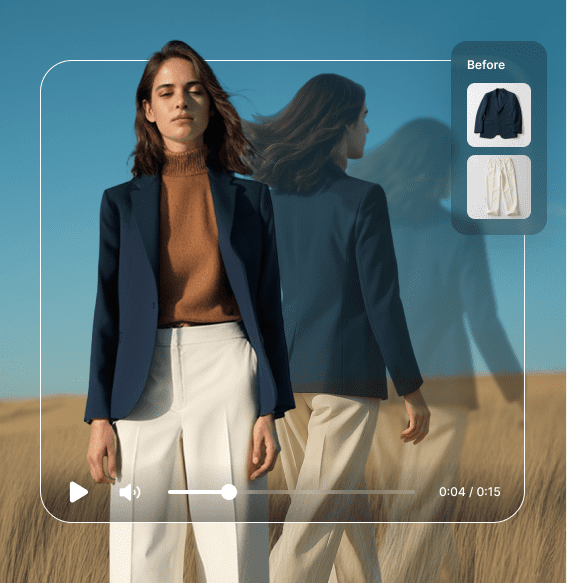
One Photo, Endless Video Content
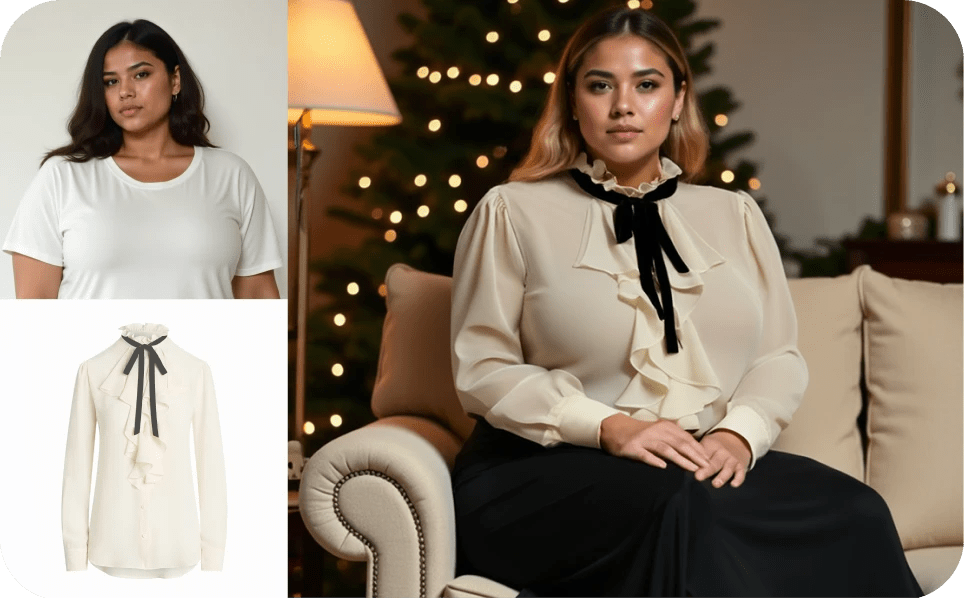
Upload a single product photo and our AI generates multiple video variations — model turns, fabric flow, zoom-ins, and lifestyle transitions. Each video is optimized for the platform you are targeting.
- Generate 5-10 second videos from a single image
- Realistic fabric animation and model movement
- Multiple output formats: Reels, TikTok, Stories, Product Pages
- Add text overlays, transitions, and branded intros
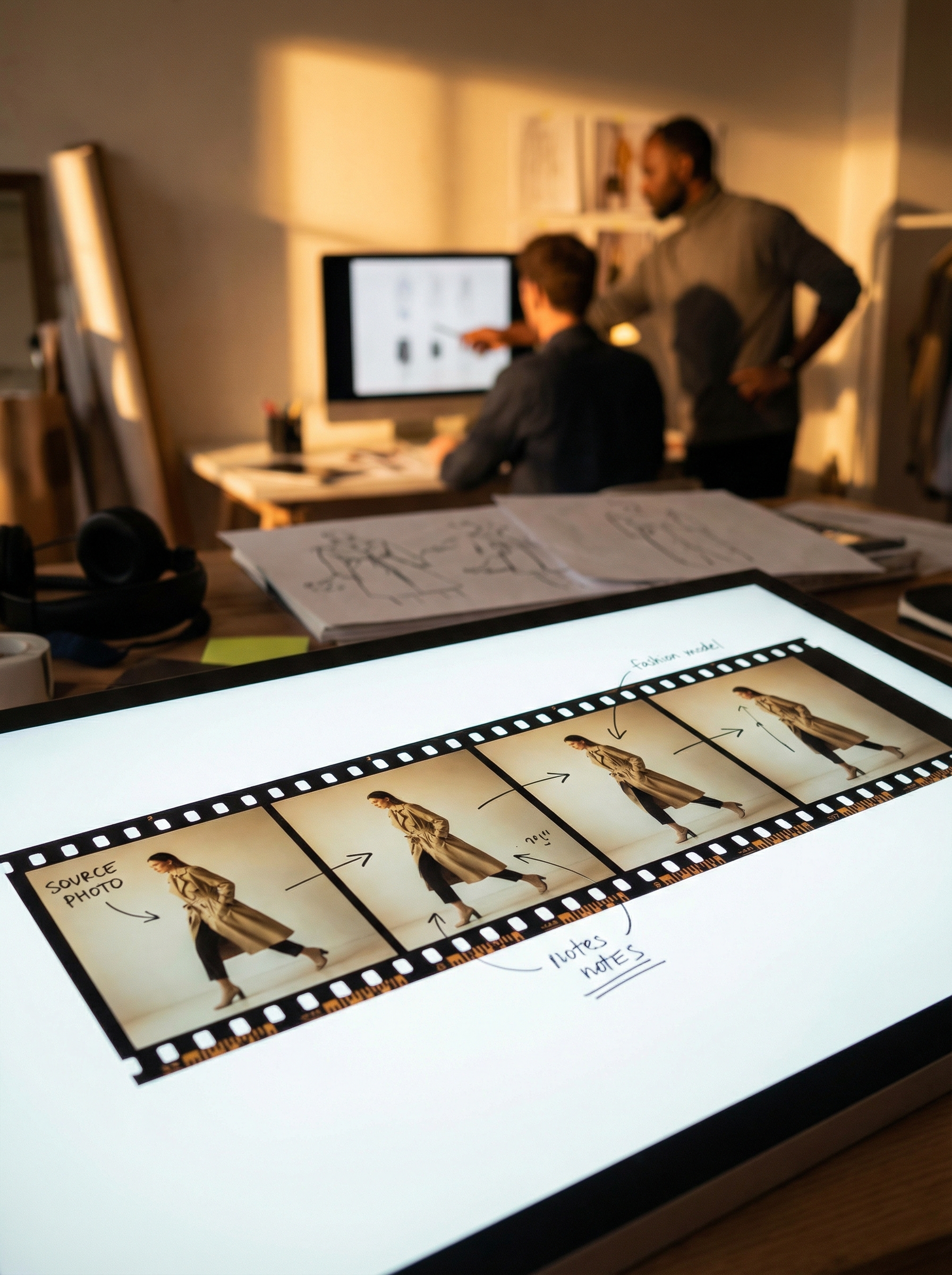
360-Degree Product Spins
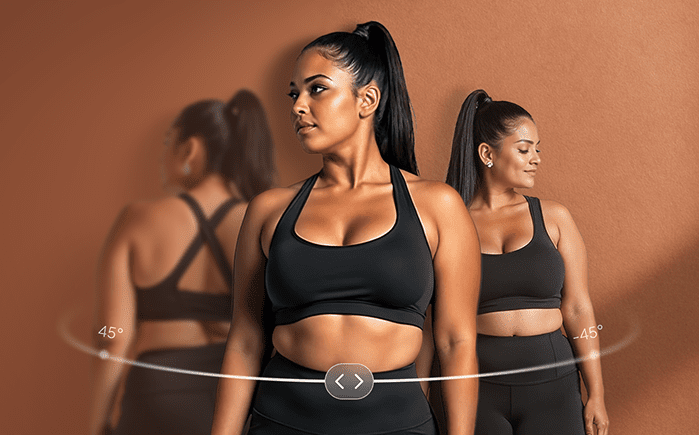
Create interactive 360-degree product views from just 1-3 photos. Our AI infers the product shape and generates smooth rotation animations that customers can control on your product pages.
- Generate 360-degree spins from as few as one image
- Interactive player embeds for product pages
- AI-inferred product geometry for accurate rotation
- Increase time-on-page by 30% with interactive content
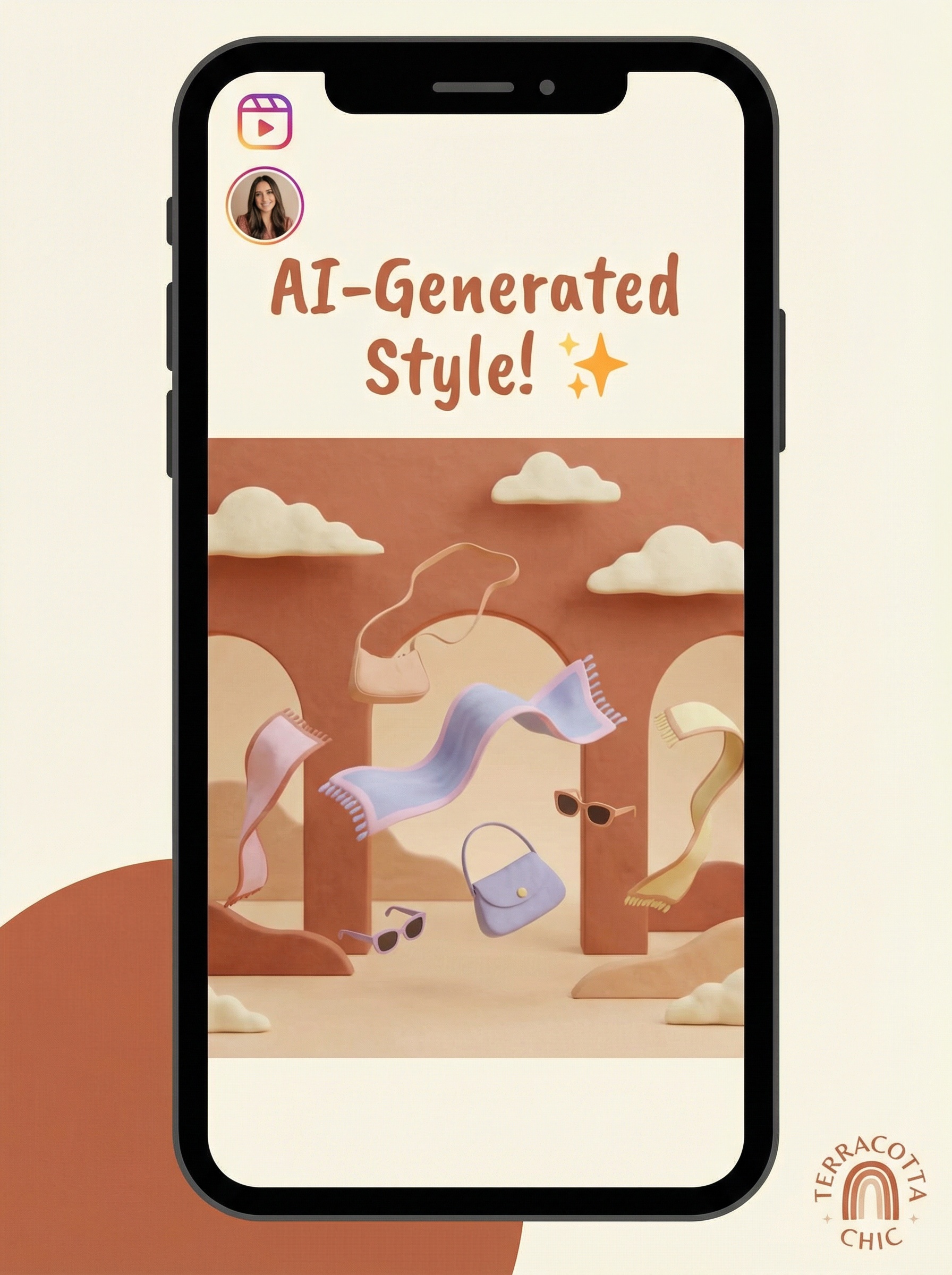
Social-First Video at Scale
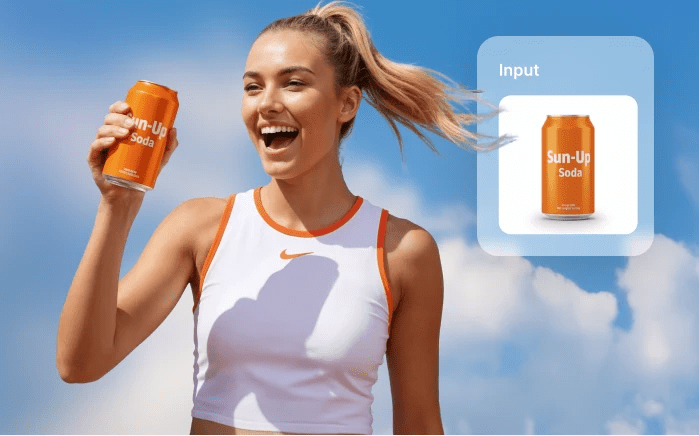
Produce hundreds of unique product videos for TikTok, Instagram Reels, and YouTube Shorts — each with platform-optimized dimensions, pacing, and style. Your product catalog becomes a content library.
- Auto-format for TikTok, Reels, Shorts, and Stories
- Trending music and transition styles built in
- Batch convert entire catalogs to video content
- Schedule and publish directly to social platforms
Explore More Features
FAQs
What is Image to Video AI?
An Image to Video AI converts a static image into an animated video using generative models. You upload a photo, describe the motion (or let the system auto-animate), and export a ready-to-share clip.
What can I use AI Image to Video for?
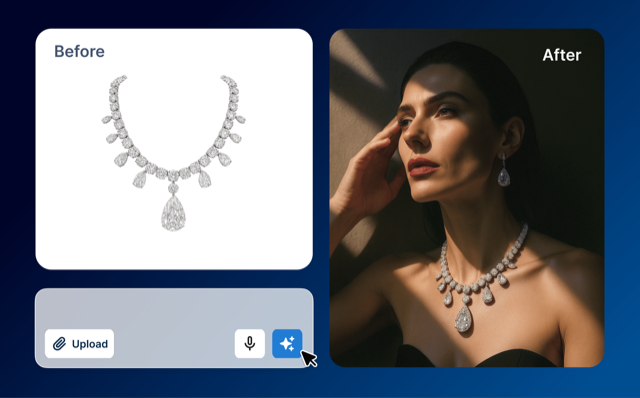
You can use it for various use cases, including product demos, social teasers, ad variations, hero banners, and motion-enhanced thumbnails. Many marketers adopt image-to-video to scale content production without filming.
What output quality can I expect?
With HuHu AI Image to Video, users can export high-quality clips up to 1080p or 4K. Your output quality also depends on source image quality, motion complexity, and settings. We recommend that you upload high-quality and clear imageries for better outputs.
How to customize the motion in the video?
You can guide camera zooms, pans, or character movements using short prompts (e.g., "slow zoom in," "360 spin," or "turn head left"). A best practice is to start broad, generate once, then adjust prompts for more precision. You can also rely on default AI motions if you prefer quick results.
What images can be used for video generation?
Any image works—product shots, AI avatars, portraits, or illustrations. The Agent is built to understand diverse use cases but is especially optimized for product visuals with human characters, helping brands create more engaging, lifelike content.
Are the generated videos copyrighted?
In most cases, no. The AI-generated video itself isn't copyrighted, but you are responsible for ensuring you have the rights to the source image and that you use the video ethically. Always confirm you own or are licensed to use the original image before generating videos.
How long does it take to generate one video?
Most videos are ready in about 2 minutes. Complexity (length, type of motion, image quality) may add slight variations, but speed is a core benefit of using image to video ai for on-demand creative.