
11 Best UGC Product Ad Video Generators in 2026
huhu.ai Team
DTC teams don’t need one perfect ad—they need dozens of 15–30 second variants that feel native to TikTok and Reels, ship fast, and pass compliance. The market now spans AI avatar tools, URL-to-video generators, creator marketplaces, and lightweight editors that crank out short-form ad drafts in minutes.
This guide compares the best UGC product ad video generators for 2026 with an emphasis on time-to-first-video, variant scale, and ad-readiness. You’ll find a comparison table, segmented “best for” picks, pricing notes, a rapid variant testing playbook, and an FAQ with policy pointers.
Soft toolbox mention: If you’re assembling a workflow, mix a fast generator (URL-to-video or template-driven editor), one tool for batch variants, and a simple editor for captions/crops. That combo covers 90% of DTC rapid testing needs.
How we chose (Methodology)
We evaluated platforms against a weighted blueprint tailored to paid-social production:
- Speed to first 15–30s ad-ready clip — 20%
- Variant scale and workflow automation — 18%
- UGC-style authenticity — 17%
- Short-form ad readiness — 15%
- Editing/revisions and rights/compliance — 15%
- Integrations and export ecosystem — 15%
Evidence sources include official pricing/docs and reputable reviews where vendor pages lacked detail. Pricing and features are “as of 2026-01-28” and subject to change.
Disclosure: Huhu.ai is our product. We evaluated it using the same criteria and weights as every other tool in this list.
Comparison table at a glance
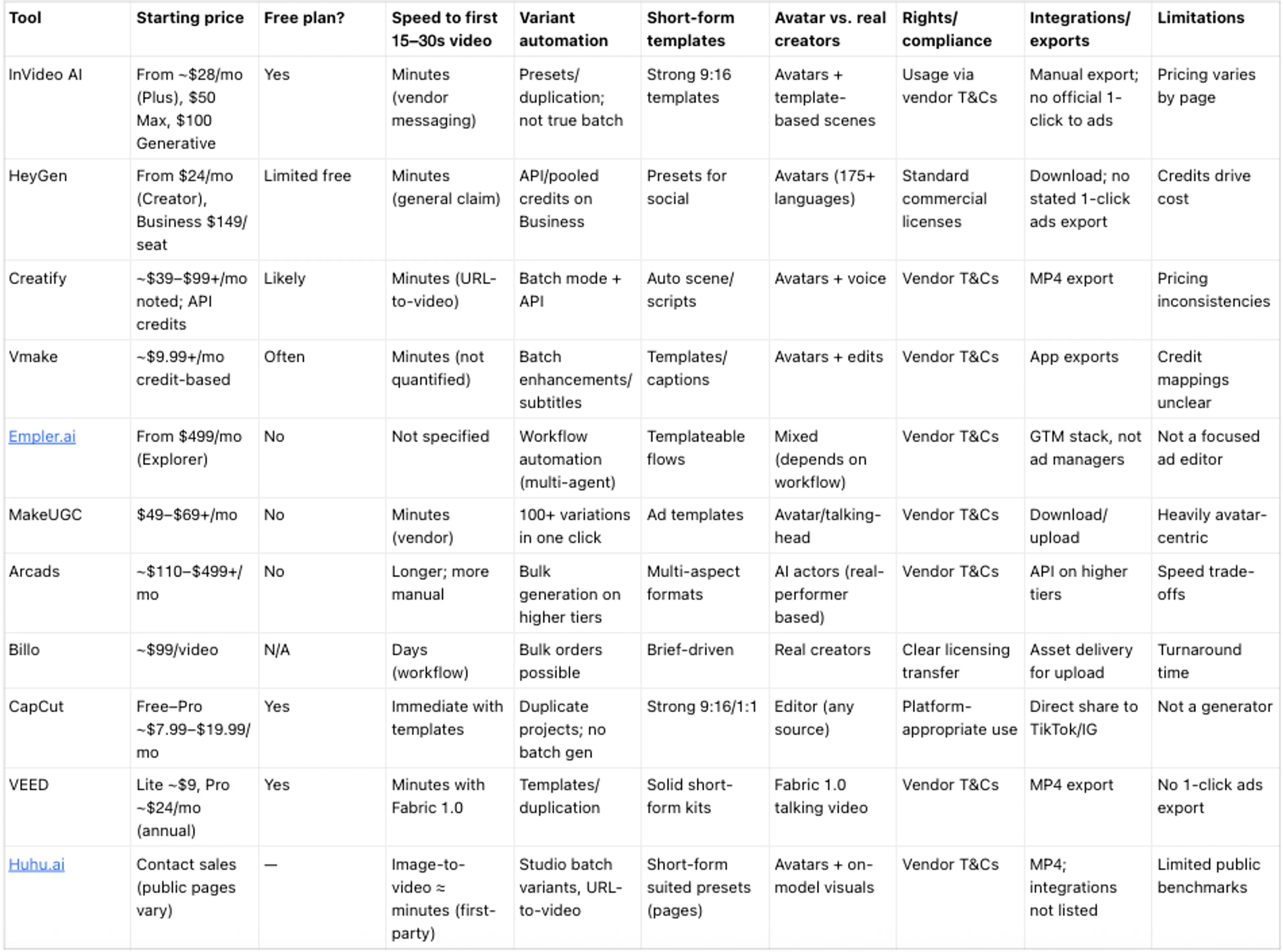
Segmented recommendations (choose by goal)
- Fastest to first draft: Creatify, InVideo AI, CapCut
- Best for tight budgets: CapCut, VEED, Kapwing, Vmake
- Best for agencies and scale: HeyGen, Arcads, Empler.ai
- Best for rapid on‑model catalog variants: Huhu.ai
- Best for real‑creator authenticity: Billo
Mid-list toolbox: Pair a fast generator (Creatify or InVideo AI) with an editor (CapCut/VEED) for captions and safe zones. Add a batch variant tool (MakeUGC or a platform with API/bulk) when you’re testing hooks at scale.
The best UGC product ad video generators in 2026

InVideo AI — Template-driven speed for short-form ads
- Standout use cases: Rapid TikTok/Reels cutdowns; script-to-UGC-style drafts.
- Top 3 capabilities:
- Extensive short-form templates with captioning.
- Prompt editing for fast assembly of vertical ads.
- Multi-model generative options for scenes/voiceovers.
- Speed-to-first-video: Minutes (vendor messaging).
- Variant automation & presets: Strong templates and duplication; not true batch.
- Best for teams who want templated speed; not for API-first batch variant automation.
- Pricing (subject to change): Free; Plus ~$28/mo; Max ~$50/mo; Generative ~$100/mo.
- Exports & integrations: Manual export, platform-optimized specs.
- Pros:
- Fast templates; good learning curve; affordable tiers.
- Cons:
- Inconsistent pricing signals; limited automation.
HeyGen — Avatars and localization at team scale
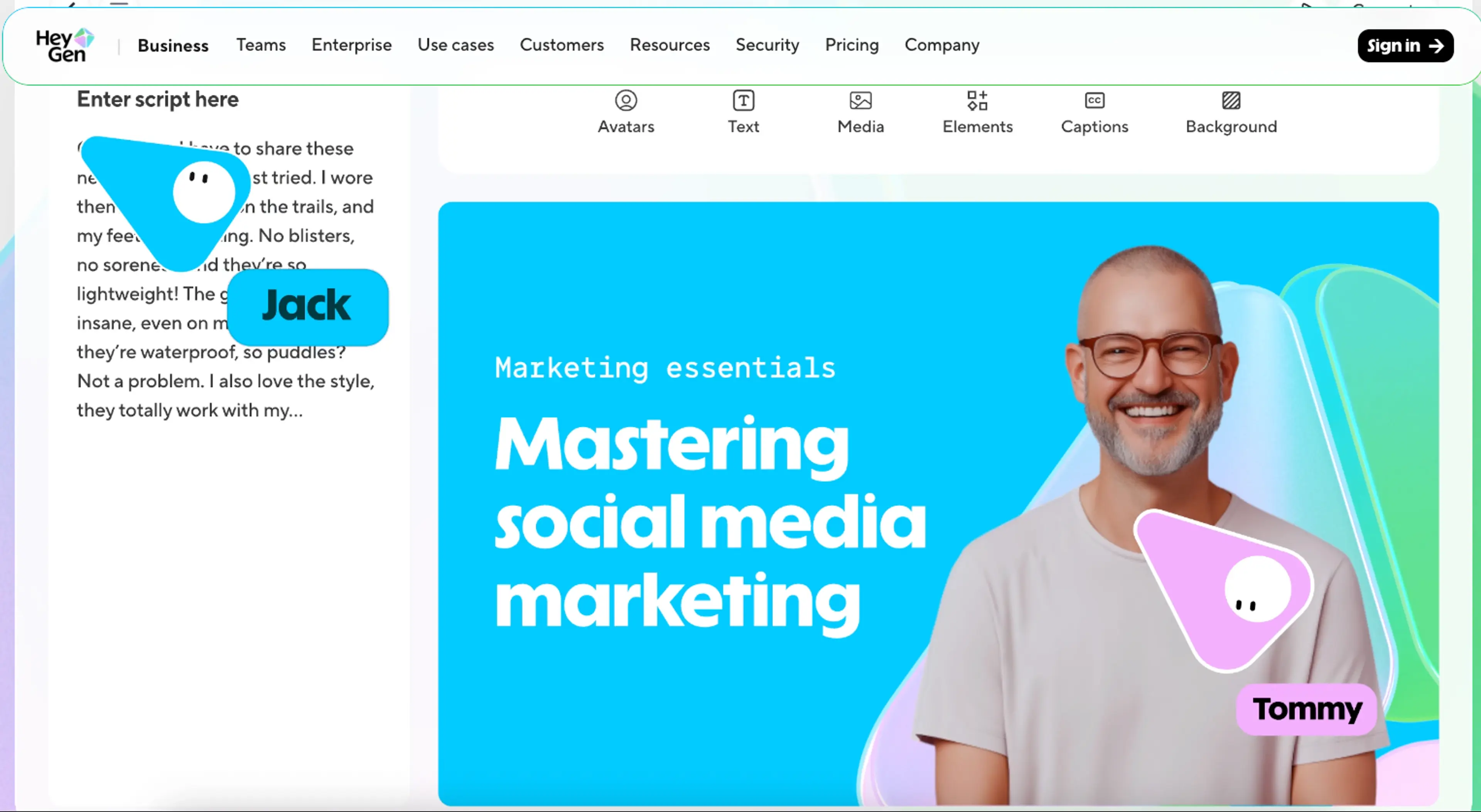
- Standout use cases: Spokesperson-style UGC ads; multi-language versions.
- Top 3 capabilities:
- Large avatar library with product placement potential.
- 175+ language localization and video translation minutes.
- Business plan with pooled credits; API access.
- Speed-to-first-video: Minutes (general claim).
- Variant automation & presets: API, pooled credits, presets.
- Best for localization at scale; not for highly “handheld IRL” authenticity.
- Pricing (subject to change): Creator from $24/mo annual; Business $149/month first seat (+$20/additional seat).
- Exports & integrations: Standard downloads; no official one-click ad export noted.
- Pros:
- Strong localization; enterprise controls.
- Cons:
- Costs rise with credits; avatar authenticity trade-off.
Creatify — Fast URL-to-video ad drafts and variants
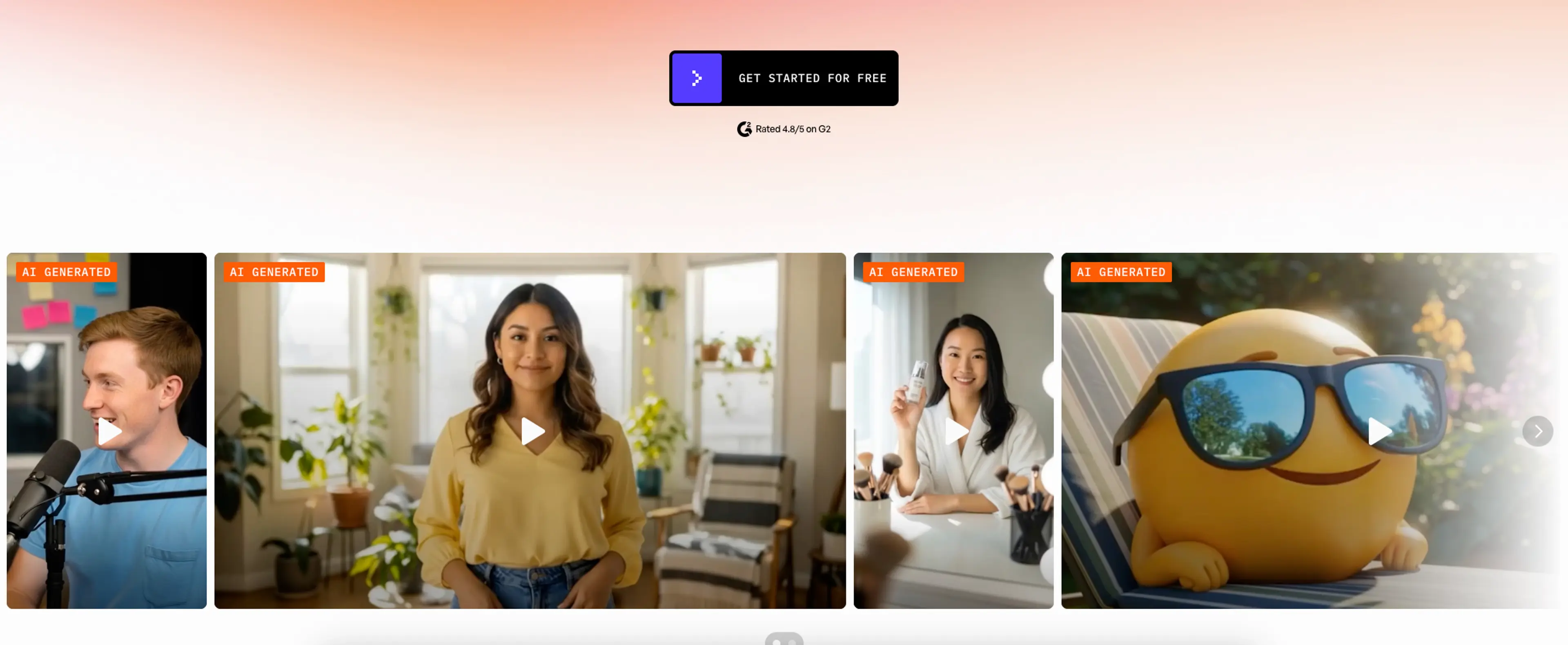
- Standout use cases: Turn a PDP URL into multiple ad drafts; quick hook/CTA testing.
- Top 3 capabilities:
- URL-to-video converts product pages into scripts/scenes.
- Batch mode and API for scaling variants.
- Case studies showing variant throughput.
- Speed-to-first-video: Minutes (URL-to-video workflow).
- Variant automation & presets: Batch + API.
- Best for PDP-to-ad speed; not for deep manual editing.
- Pricing (subject to change): ~$39–$99+/mo noted publicly; API credits (e.g., 4 credits per 30s).
- Exports & integrations: MP4 export for manual upload.
- Pros:
- Very fast from URL; API-friendly.
- Cons:
- Pricing signals vary; limited editor depth.
Vmake — Low-cost credits and handy batch utilities
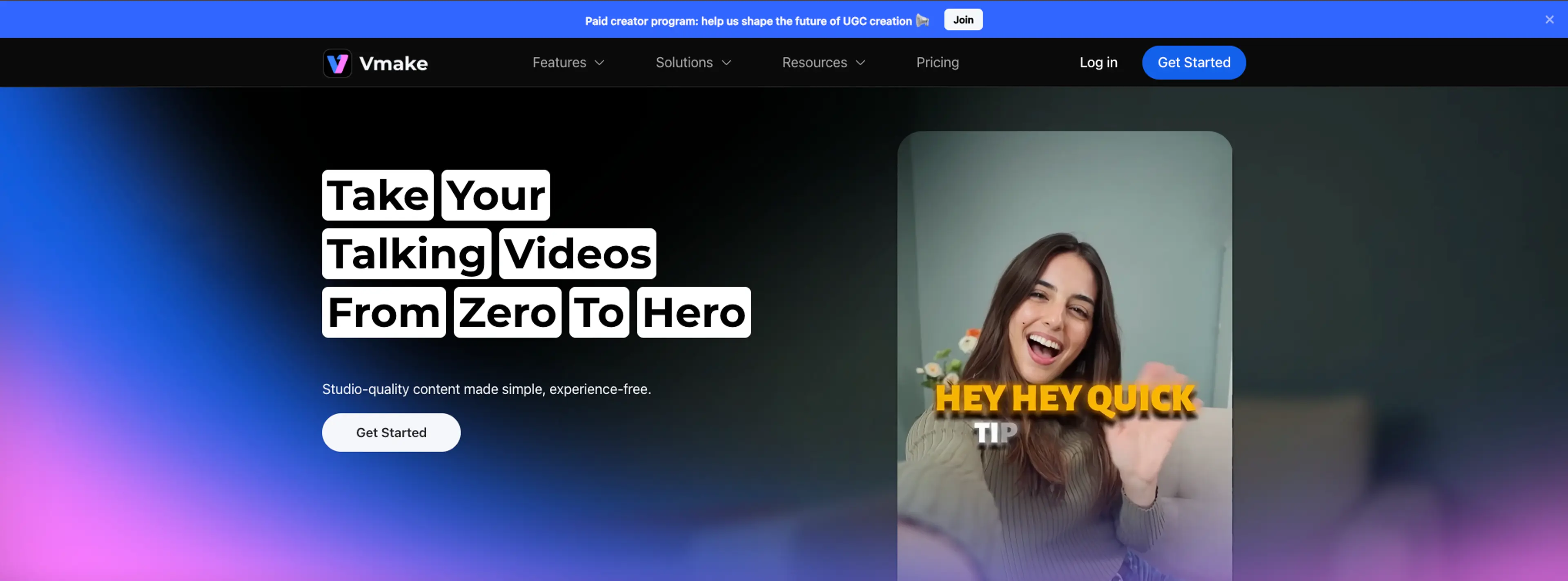
- Standout use cases: Budget-friendly short-form edits; batch captions/subtitles.
- Top 3 capabilities:
- AI talking-head and enhancement tools.
- Batch processing for subtitles/upscaling.
- Template library for social formats.
- Speed-to-first-video: Not quantified; generally quick for simple clips.
- Variant automation & presets: Batch utilities (not full ad gen).
- Best for budget tweaks at volume; not for end-to-end ad generation.
- Pricing (subject to change): Credit-based; entries around ~$9.99/mo.
- Exports & integrations: App-centered exports.
- Pros:
- Affordable; practical batch tools.
- Cons:
- Fragmented pricing docs; patchwork feature set.

Empler.ai — Automation canvas for enterprise-scale workflows
- Standout use cases: Multi-agent pipelines that include ad assets among GTM tasks.
- Top 3 capabilities:
- Visual builder for multi-agent content generation.
- Credits with unlimited users; GTM tool integrations.
- Templates for repeatable workflows.
- Speed-to-first-video: Not vendor-quantified.
- Variant automation & presets: Strong in workflow automation; not a dedicated ad editor.
- Best for ops teams building pipelines; not for scrappy DTCs seeking one-click ads.
- Pricing (subject to change): $499/$999/$1,999 per month tiers.
- Exports & integrations: GTM stack connections; not direct ad posting.
- Pros:
- Enterprise automation; unlimited users.
- Cons:
- Overkill for simple ad tasks; expensive.
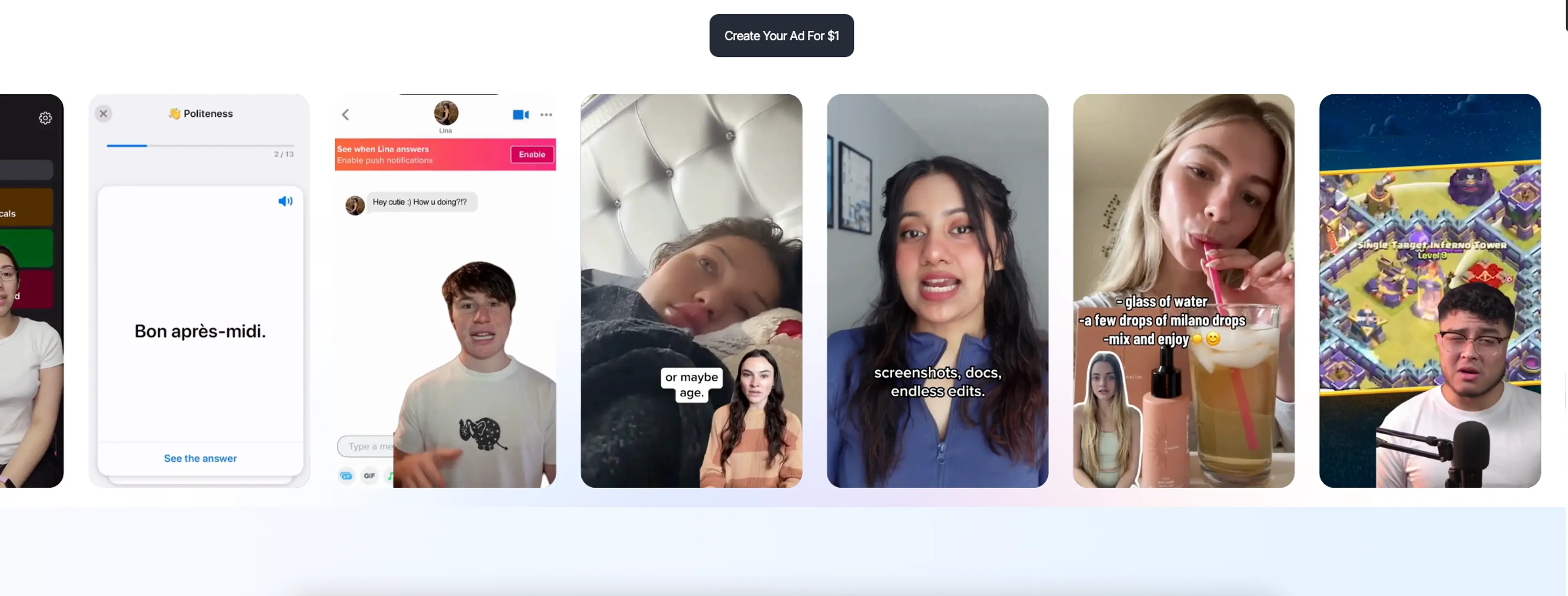
MakeUGC — Mass avatar variations with product-in-hand
- Standout use cases: 100+ ad variations for rapid paid-social tests.
- Top 3 capabilities:
- Generate 100+ variations from one prompt.
- Product-in-Hand feature to showcase items.
- 150–300+ avatars with scripts/CTAs.
- Speed-to-first-video: Minutes (vendor).
- Variant automation & presets: One-click mass variation.
- Best for high-throughput testing; not for real-creator authenticity.
- Pricing (subject to change): Startup $49/mo; Growth $69/mo; higher tiers available.
- Exports & integrations: Download/upload.
- Pros:
- Huge variant output; ad-centric features.
- Cons:
- Avatar-first look; authenticity gap.

Arcads — Hyper-realistic AI actors for spokesperson ads
- Standout use cases: Premium spokesperson creatives with actor variety.
- Top 3 capabilities:
- Library of realistic AI actors.
- Bulk generation on higher tiers.
- Multi-aspect exports for TikTok/IG/YT.
- Speed-to-first-video: Typically longer; more manual steps.
- Variant automation & presets: Bulk on Pro/Agency.
- Best when quality of actor matters; not for “minutes-to-draft” workflows.
- Pricing (subject to change): ~$110–$499+/mo depending on tier.
- Exports & integrations: API on higher tiers; manual posting.
- Pros:
- Realistic talent; multi-format.
- Cons:
- Slower than one-click tools; pricier.
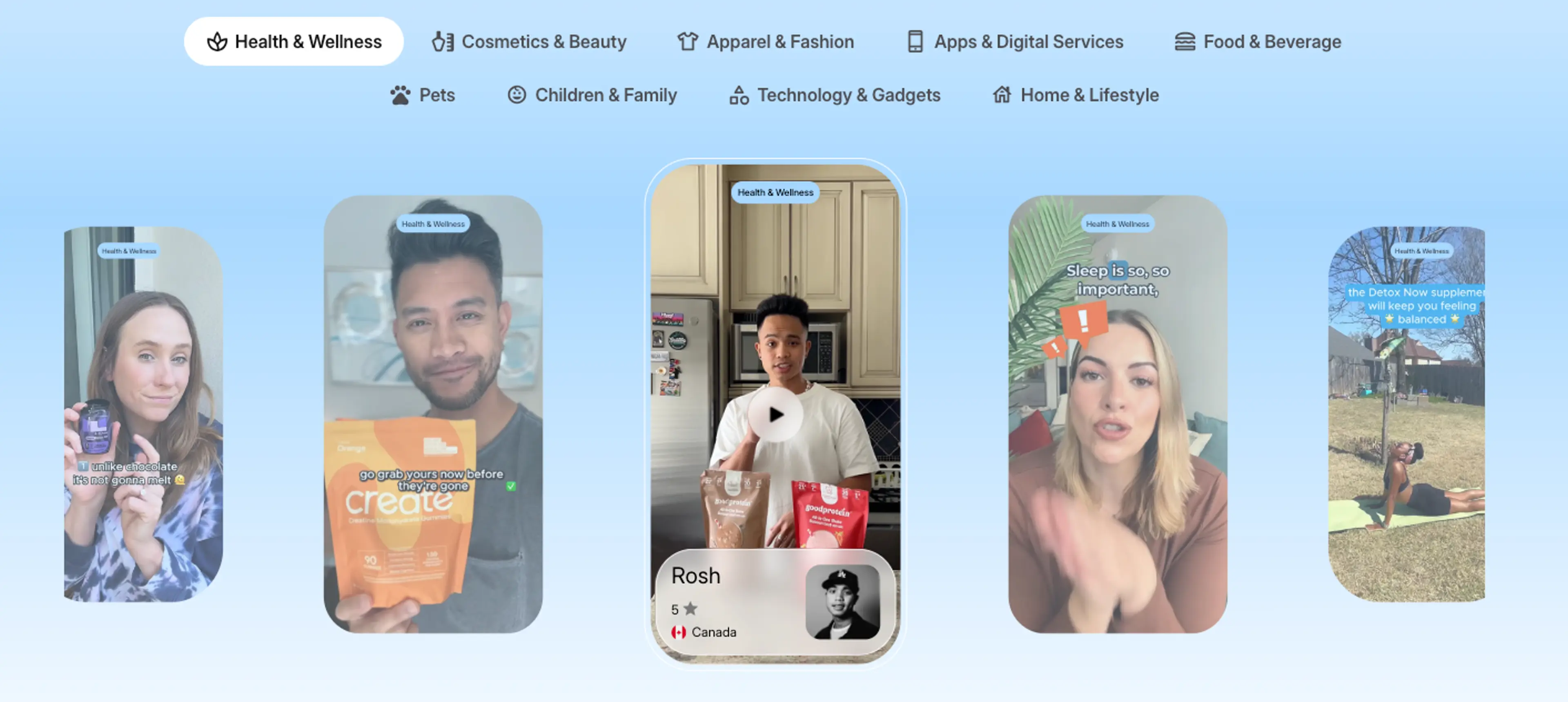
Billo — Real creators with clear licensing
- Standout use cases: Authentic UGC ads with real people and props.
- Top 3 capabilities:
- Per-video pricing with ownership after approval.
- Vetted creators; straightforward briefs.
- Packs for bulk orders.
- Speed-to-first-video: Usually a few days.
- Variant automation & presets: Operational scale via bulk orders.
- Best for authenticity and social proof; not for “same-day” testing.
- Pricing (subject to change): From ~$99/video; many brands pay ~$200/asset.
- Exports & integrations: Deliverables for manual upload.
- Pros:
- Native feel; clear rights.
- Cons:
- Slower; costs scale with volume.
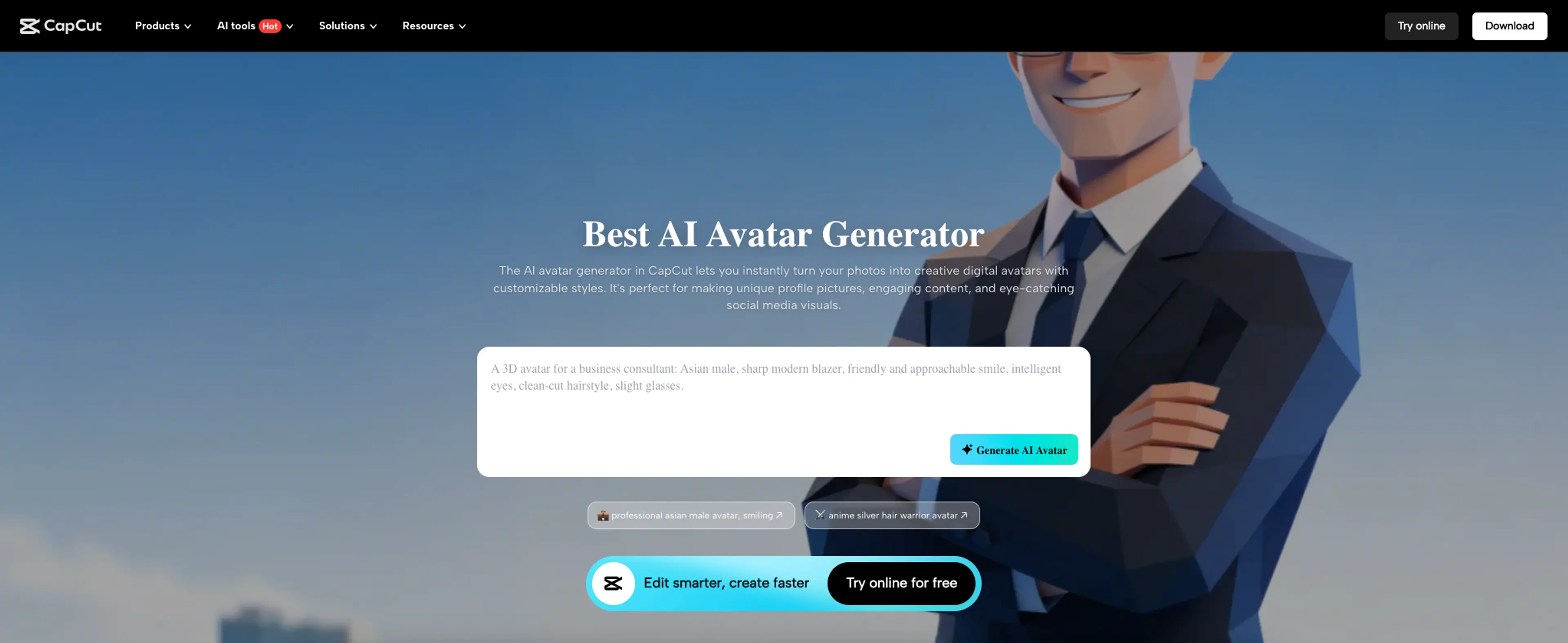
CapCut — The editor that finishes every fast draft
- Standout use cases: Captioned 9:16 exports, safe zones, and quick trims.
- Top 3 capabilities:
- Massive template library and auto-captions.
- Direct sharing to TikTok/Instagram after export.
- Pro tiers for 4K and premium assets.
- Speed-to-first-video: Immediate with templates.
- Variant automation & presets: Duplicate-and-tweak flow; no batch gen.
- Best as the finishing step; not a generator.
- Pricing (subject to change): Free; Pro typically $7.99–$19.99/mo.
- Exports & integrations: Direct share to TikTok/IG.
- Pros:
- Ubiquitous; easy; great captions.
- Cons:
- Not a one-click ad generator.
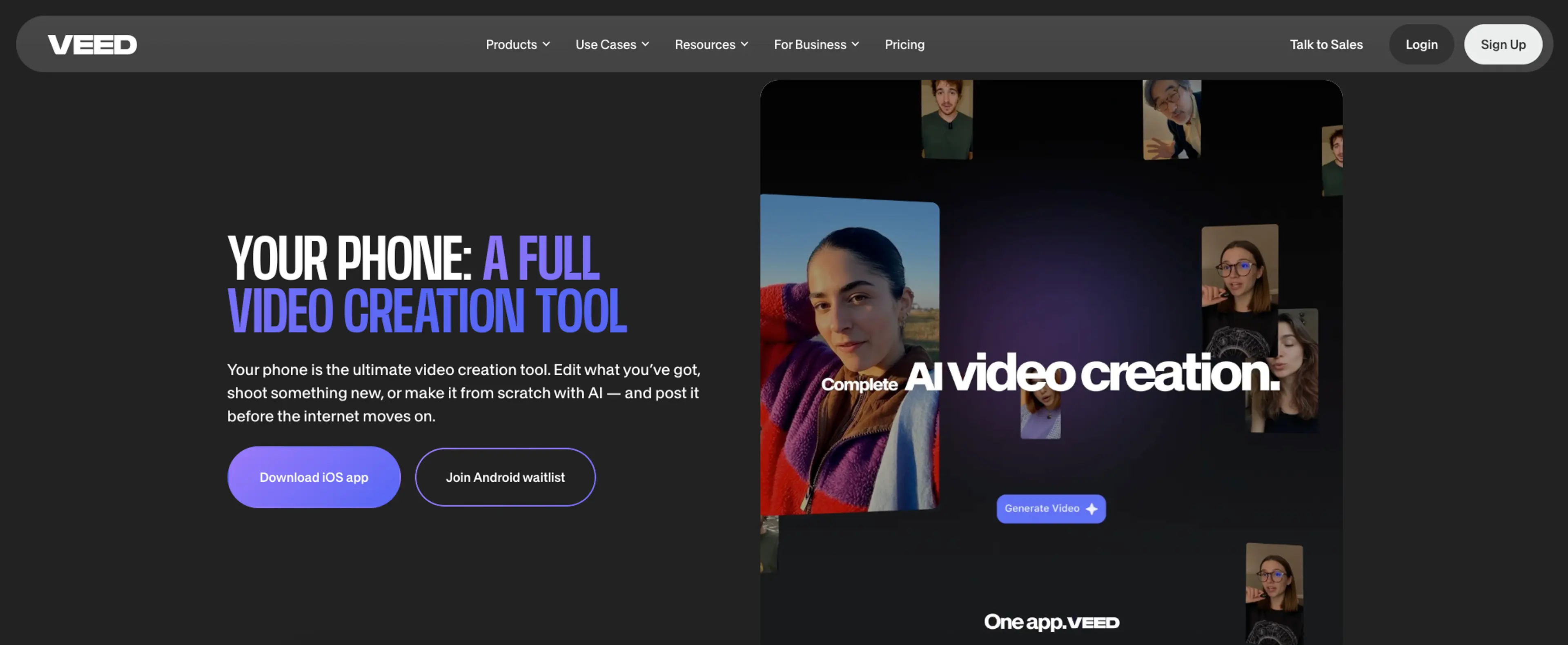
VEED — Online editor with Fabric 1.0 talking video
- Standout use cases: Quick talking-head variants; branded captions.
- Top 3 capabilities:
- Fabric 1.0 for image-to-talking video.
- Auto-subtitles and brand kits.
- Generous AI credit system.
- Speed-to-first-video: Minutes with Fabric 1.0.
- Variant automation & presets: Templates and duplication.
- Best for nimble teams online; not for deep automation.
- Pricing (subject to change): Lite ~$9, Pro ~$24/month (annual).
- Exports & integrations: MP4 download; manual upload to ad managers.
- Pros:
- Simple, browser-based; good captions.
- Cons:
- Limited integrations; not batch-first.
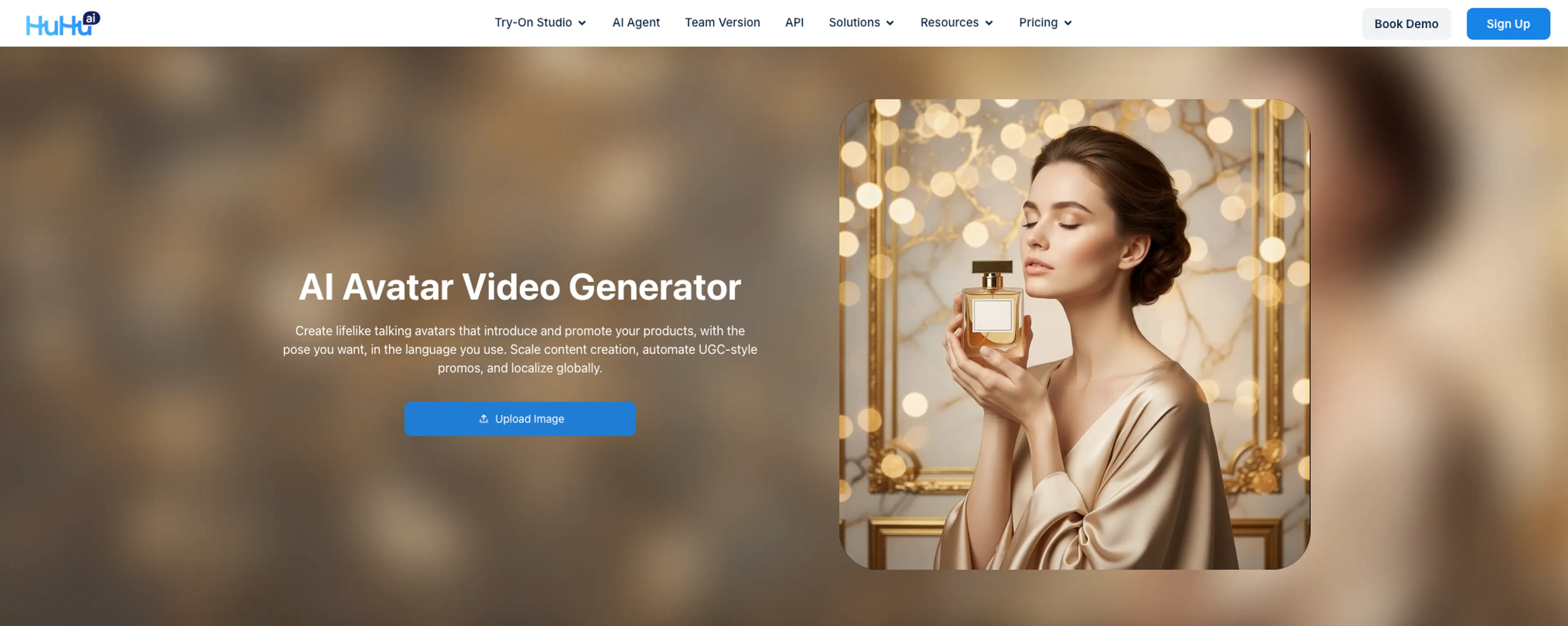
Huhu.ai — Rapid on‑model ad variants for ecommerce catalogs
- Standout use cases: Turn a product photo or URL into on-model visuals and short ad variants; scale A/B/C tests.
- Top 3 capabilities:
- Studio batch try-on and bulk uploads for variant scale.
- URL-to-Video to create multiple showcase clips from one link.
- Image-to-Video for quick 9:16 cut-downs.
- Speed-to-first-video: Minutes for image-to-video per public pages.
- Variant automation & presets: Bulk operations in Studio; preset flows suited to short-form.
- Best for ecommerce catalogs needing rapid on-model iterations; not for sourcing real creators.
- Pricing (subject to change): Contact sales; public pages do not list consolidated pricing.
- Exports & integrations: MP4 exports; direct ad-platform integrations not listed publicly.
- Pros:
- Catalog-scale variants; fast from existing assets.
- Cons:
- Limited third-party benchmarks; pricing not public.
Pricing notes (2026)
Editors and entry tools
Free–$60/month (HuHu.ai, CapCut, VEED, Kapwing, Vmake) — ideal for finishing and light generation.
Avatar platforms
~$24–$149+/month (HeyGen, MakeUGC) — costs scale with credits and length.
URL-to-video and bulk generators
~$39–$99+/month (Creatify) — API/credits for automation.
Creator marketplaces
~$99–$200+ per video (Billo) — budget for multi-day turnaround.
Enterprise automation
$499–$1,999+/month (Empler.ai) — workflow breadth, not speed-first.
All prices are based on vendor pages or reputable summaries and are subject to change.
Mini playbook: Rapid variant testing for DTC paid social
1. Prep your inputs
Collect 1–3 product photos or a PDP URL. Draft three 7–10 word hooks and two CTAs.
2. Generate the first draft fast
Use a URL-to-video tool (e.g., Creatify) or a template-driven editor (InVideo) to get a 15–30s vertical draft in minutes. For image-led clips, consider an image-to-video workflow such as Huhu’s Image-to-Video for a quick starting point.
3. Scale variants
Clone into 6–10 variants: swap the opening hook, CTA line, caption style, and music bed. For catalog teams, a batch module like Huhu’s Studio is helpful for producing multiple creative variants for rapid testing.
4. Finish for platform
Use CapCut/VEED for captions, safe zones, and crops; export 9:16 with burned-in subtitles.
5. Test quickly
Run 3-day micro-tests across hooks and CTAs. Keep budgets even and placements consistent (TikTok/Reels).
6. Review and iterate
Promote winners, cut losers, and re-seed with one new hook and one fresh visual each cycle. If a PDP URL is your source, consider a second pass with a URL-to-video approach like Huhu’s URL-to-Video AI to refresh scenes from the same product info.
FAQ
1. Are AI avatar videos allowed on TikTok/Meta ads?
TikTok permits AI-generated media in ads but requires proper disclaimers/AIGC labels in Ads Manager. See TikTok’s guidance: the policy on misleading content and the guide to ad disclaimers. Meta requires disclosures for AI-generated or altered media in political/social issue ads and has broader transparency guidance. See Meta’s transparency resources on labeling AI content.
2. What’s faster: creator marketplaces vs. AI generators?
Marketplaces like Billo typically deliver in a few days; AI generators and URL-to-video tools produce drafts in minutes. Use marketplaces for authenticity, generators for speed and scale.
3. How much do UGC ad tools cost in 2026?
Expect Free–$60/month for editors, ~$24–$149+ for avatar platforms, ~$39–$99+ for URL-to-video generators, ~$99–$200+ per real-creator video, and $499–$1,999+ for enterprise automation (subject to change).
4. When should I choose avatars vs. real creators?
Choose avatars when you need rapid localization, daily variant testing, or strict brand control. Choose real creators when social proof and platform-native feel will likely lift CTR/CVR. Hybrid stacks are common: draft with generators, validate winners with creators.
Next steps
Map your goal to the segment above, pick one fast generator, one finisher (editor), and—if needed—one batch tool for variants. Run a 7-day benchmark with time-to-first-video and time-to-10-variants logged. If you want a starting point for image-led clips and catalog-scale variants, try a short pilot with tools like Huhu.ai’s Image-to-Video and Studio to see if the workflow fits your pace.
Related Articles

AI Fashion Models for eCommerce: The Complete Guide (2026)
Everything eCommerce brands need to know about AI fashion models — how they work, why they outperform ghost mannequins, and how to put your clothing line on a professional model in...
Read More
AI-Generated Female Models Are Transforming Fashion E-Commerce
Learn about the advantages of using AI generated female models for efficient, customizable, and stunning fashion imagery.
Read More
Ultimate Guide to AI Human Model Generation for Ecommerce
Comprehensive guide to AI human model generation for ecommerce—precision controls, virtual try-on, pose and video workflows.
Read More