
Ultimate Guide to AI Human Model Generation for Ecommerce
huhu.ai Team
If you ship products online, you’re under constant pressure to publish more visual assets—faster, on more surfaces, and with consistent brand quality. AI human model generation helps teams meet that demand without booking studio time, while keeping tight control over identity, pose, background, and camera framing so assets pass marketplace checks and internal QA.
This guide distills how precision controls work, how to run an end-to-end workflow from model generation to virtual try-on and video, and how to integrate it with your ecommerce stack at scale.
To ground expectations: shopper experiences are evolving rapidly. Google’s retail surfaces have rolled out AI Mode and virtual try-on (VTO) capabilities that set a high bar for photorealism and consistency across channels. For context, review the details in the Google Shopping AI Mode and virtual try-on update (2025).
How AI human model generation works (the practical primer)
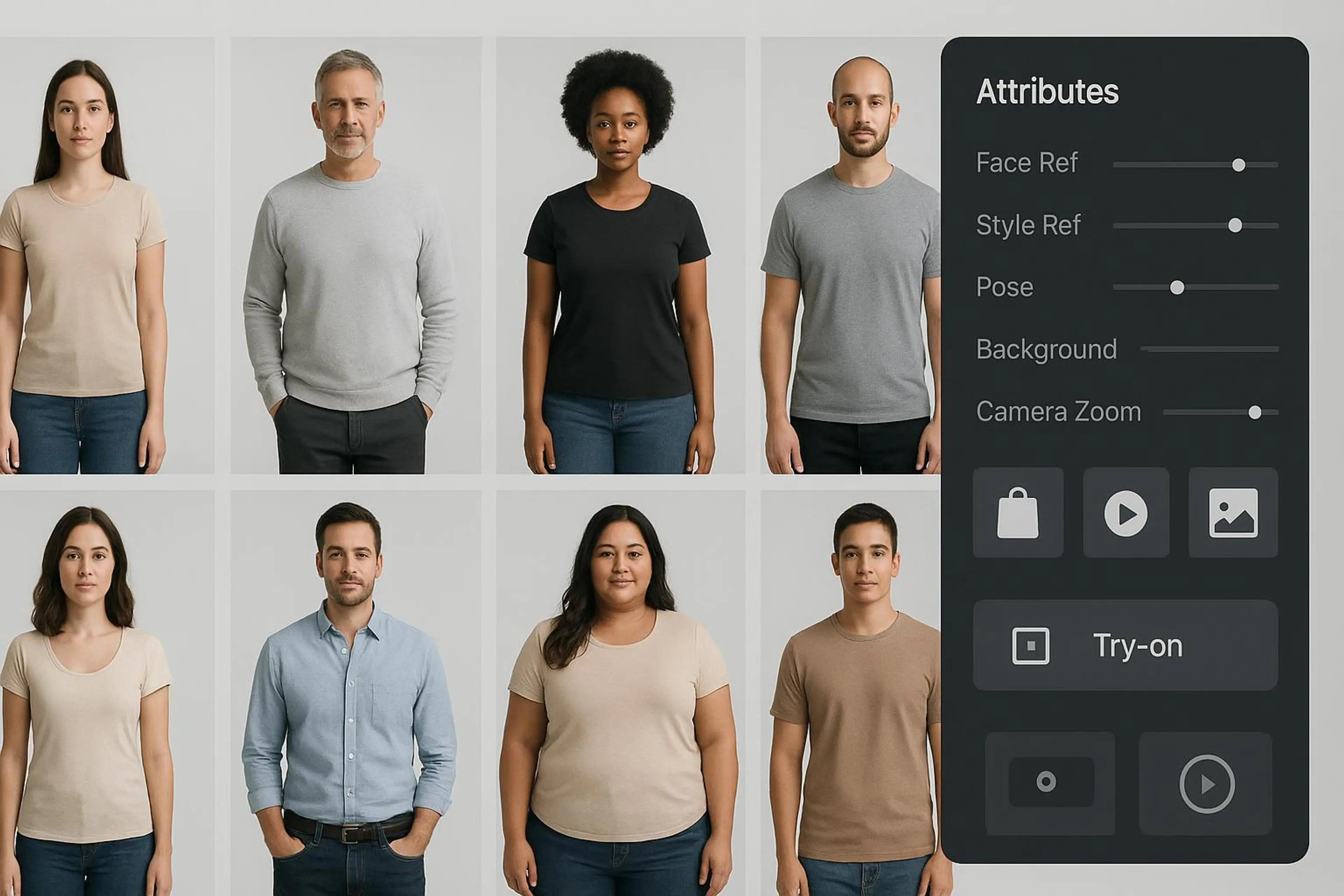
At a high level, AI human model generation is conditioned image synthesis. You define who the model should be (attributes and identity references), how they’re styled (style reference), how they’re posed (pose reference or pose presets), and how the scene is framed (camera, background, and crop control). Then you can fit garments via virtual try-on (from flat-lay or on-model inputs) and export asset variants that align to marketplace standards.
Key concepts you’ll use repeatedly: Attributes — model parameters such as age range, body type, skin tone, hairstyle, and more. Face reference — a reference portrait to anchor identity, used to keep the same person across campaigns. Style reference — a guiding image for hair/makeup, lighting mood, or art direction. Pose control — generate or match poses (frontal, three-quarter, back view, seated, action). Camera/background — focal length feel, crop tightness, negative space, and background rules. Clothes fitting (virtual try-on) — drape and silhouette alignment for tops, dresses, outerwear, etc.
Think of the system like a production studio in software: you set the talent, pose, lens, and backdrop—then you hit render and get consistent, on-spec deliverables.
Precision controls for AI human model generation
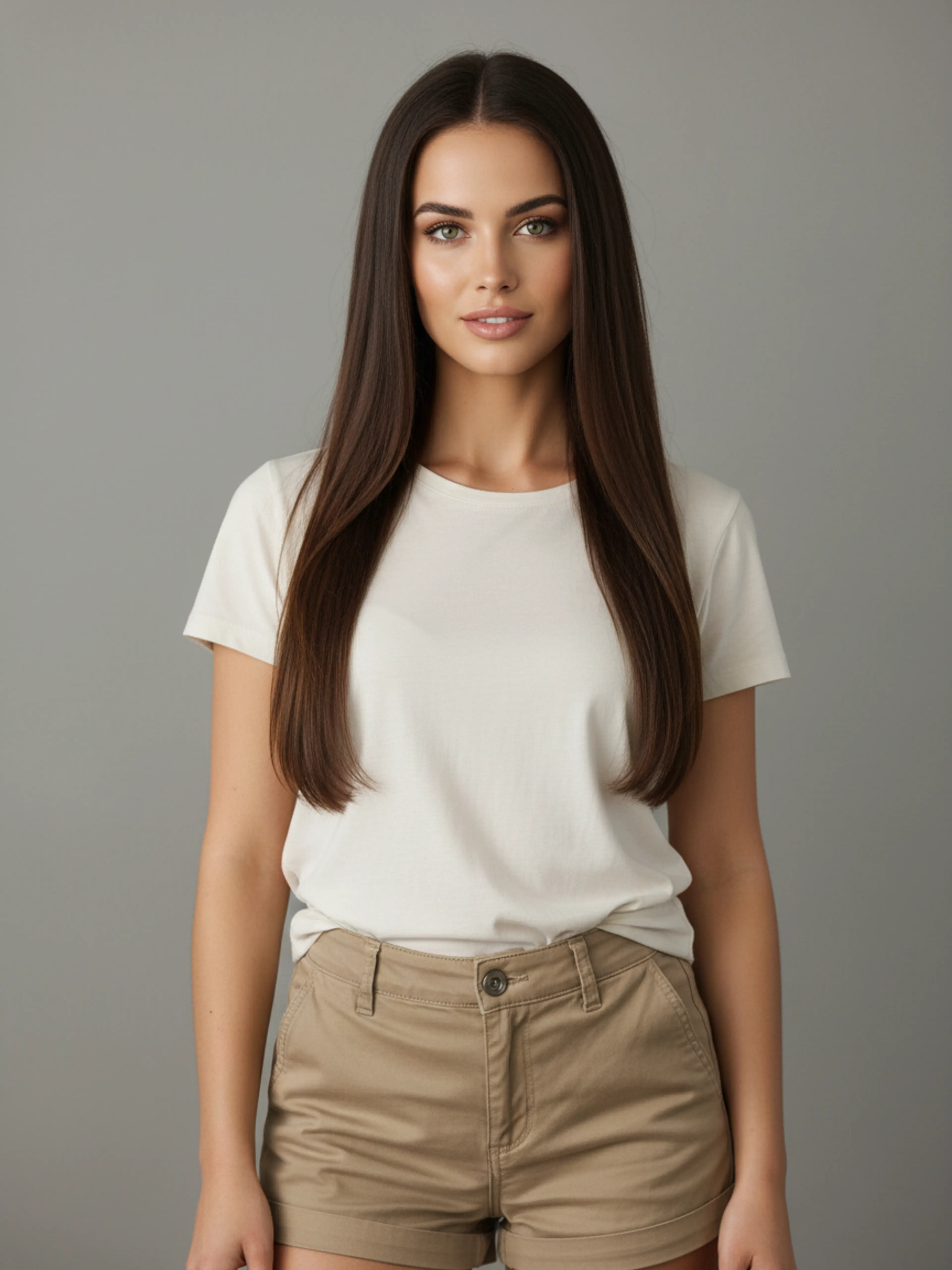
Precision is the difference between a neat demo and production-ready ecommerce visuals. The following controls and practices help teams achieve repeatable quality.
Attributes and identity consistency
Start by defining inclusive, brand-appropriate parameters for the model: body range, skin tone, age presentation, and hairstyles that reflect your target shopper. If you need the same face across many assets, use a face reference to lock identity. For seasonal or category campaigns, store reusable attribute presets to keep your models consistent while still varying wardrobe and scene.
Face reference and style reference
Face reference keeps identity stable. Use clear, high-resolution portraits captured with consent and appropriate rights. For brand safety, maintain an approval process that validates likeness and cultural sensitivity before bulk generation.
Style reference, on the other hand, guides the creative direction: lighting tone, hair/makeup styling, and overall aesthetic. Treat it like a mood board distilled to one or two anchor images to reduce drift.
Pose control and ecommerce-optimized angles
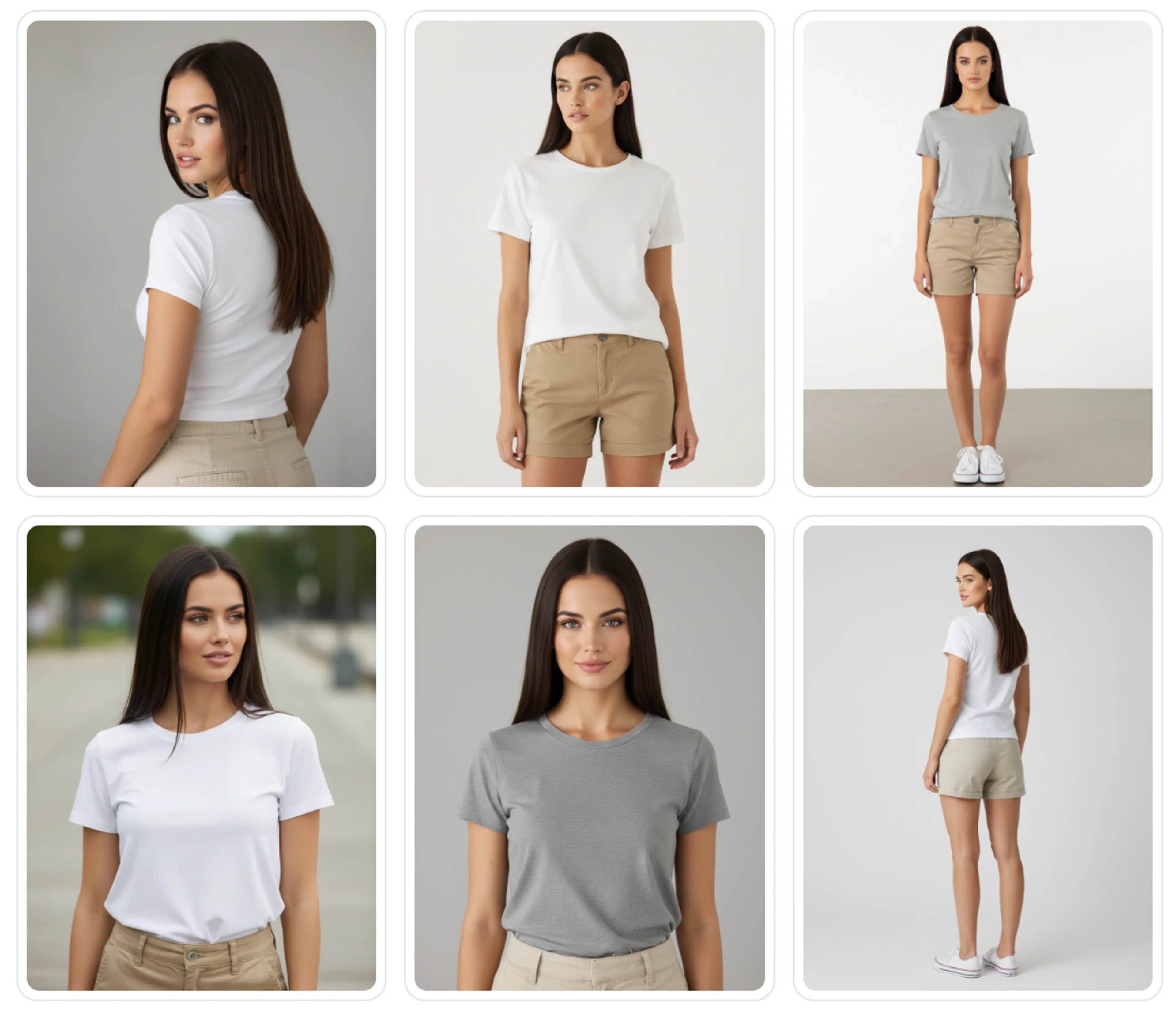
Pose choices are dictated by the marketplace and your PDP needs. Most platforms favor clean, frontal shots for primary images, plus back and detail views. Pose control lets you generate a predictable set—front, three-quarter, side, back—along with seated or action variants for editorial placements. Pose transfer from a single source image helps you standardize angles across large catalogs while keeping identity intact.
Camera, background, and crop control; clothes fitting fundamentals
Camera and crop decisions affect perceived fit and compliance. For primary packshots, pure white backgrounds and tight framing help you meet marketplace rules while preserving zoom clarity. Clothes fitting (virtual try-on) aligns garment outlines and drape to the generated model. Use garments photographed via flat-lay or mannequin to accelerate production for SKUs that never had a model shoot.
From brief to assets: a repeatable workflow (generate → try‑on → pose set → short video)
Disclosure: HuHu.ai is our product. Below is an example you can reproduce with a modern system that supports attribute-driven generation, identity/pose/style references, background/camera control, virtual try-on, and image-to-video.
1. Define identity and style. Set attributes (e.g., adult, curvy body type, medium skin tone, shoulder-length textured hair) using the AI Fashion Model Generator. Add a face reference for a recurring model. Add a style reference to match the campaign’s lighting and makeup.
2. Establish scene controls. Select pose presets (front, back, three-quarter), choose a white background for marketplace primaries and a neutral background for editorial alternates, and set camera crop to prioritize torso-up for PDP thumbnails.
3. Generate first pass. Render a small batch (3–5 variants per pose) to evaluate identity fidelity, pose accuracy, and background cleanliness.
4. Virtual try-on. Fit the hero garment (e.g., a top) to the approved model using a flat-lay or existing product image. Inspect drape around neckline, sleeves, and hem for artifacts.
5. Produce the pose set. Approve the best identity exemplar and use pose generator to create the required angles and crops for your PDP and marketplaces.
6. Create a short video. Convert a select image set into a 6–10 second vertical clip with subtle parallax or pose progression for social ads or PDP galleries.
7. Final QA and export. Run governance checks (see below), export at required resolutions, and push to your DAM for distribution to storefronts and marketplaces.
If you’re integrating programmatically, HuHu.ai’s Try-On API supports direct file or URL inputs and webhooks for job status, so you can automate bulk try-on as part of a larger pipeline.
Ecommerce-optimized poses and platform standards
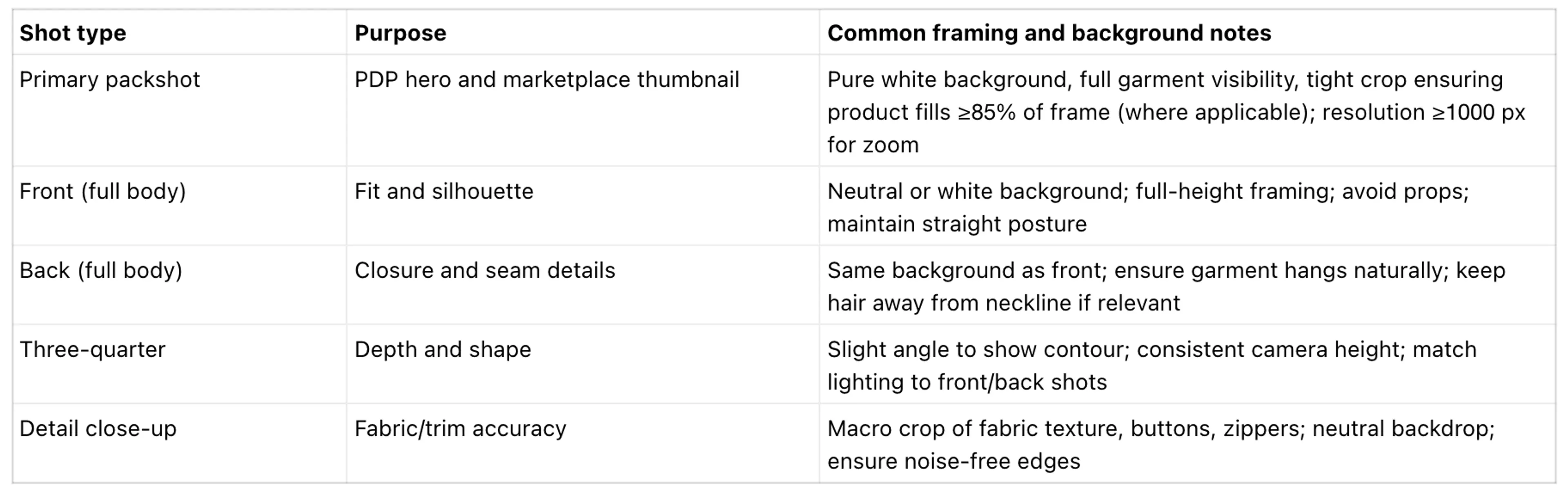
Marketplace rules differ, but patterns are consistent: clean backgrounds, sufficient product coverage in frame, and a predictable multi-view set. Amazon’s product image guidance specifies a pure white background, no added text or borders, and enough image resolution to enable zoom; see the official Amazon product image requirements (G1881). Shopify recommends large, square images (often 2048×2048) to preserve detail and zoom fidelity; see the Shopify Help Center guidance on product images. Zalando publishes category-specific pose and background guidance for partner submissions; browse the Zalando Partner University image guidelines hub.
For childrenswear or specialty segments, you may need tailored pose sets and creative direction. For a quick primer on segment nuances, see our overview on how to model kids clothing with AI-generated child models.
Integration and automation for scale
In production, model generation and try-on should connect to your asset repository and storefronts. A common pattern: Generation job → webhook callback → persist outputs to DAM/CDN with metadata (model identity ID, pose set ID, background flag, garment SKU) → associate assets to products via ecommerce API → trigger QA and publishing.
Composable patterns from the MACH community emphasize event-driven integrations with idempotent consumers to handle retries safely in bulk jobs. For a general reference, see the MACH Alliance Interoperability White Paper (part 3).
Shopify: You can upload and link new images to products via REST or GraphQL Admin APIs; the developer docs cover image objects and responsive handling. Review the Shopify developer docs on managing product media. BigCommerce: Use Catalog API endpoints or CSV import to attach images to products and variants at scale. See the BigCommerce brand and catalog media docs.
If you’re building your own app or platform extension, HuHu.ai’s Try-On API accepts multipart uploads or JSON URLs and can call your webhook on completion, which makes it straightforward to fit garments to a fixed model identity and then attach those results to product records automatically.
Quality assurance, governance, and compliance
High-velocity pipelines still need human QA and clear guardrails. Here’s a minimal checklist teams can adapt:
Visual QA: verify identity consistency (face features, hairstyle), pose integrity (no distorted limbs), and garment fidelity (necklines, hems, patterns aligned). Inspect background edges for halos on white and verify crops match your shot list.
Brand safety and inclusion: ensure representation aligns with brand values; review for cultural sensitivity; avoid stylings that could be misinterpreted in certain regions.
Consent and rights: confirm you have explicit rights to use any face or style reference inputs, and manage model releases/consents in your DAM.
Labeling and transparency: avoid deceptive presentation in ads and PDPs. In the U.S., the FTC expects marketers to prevent deception and bans manipulated endorsements; see the FTC AI and advertising guidance. In the EU, the AI Act introduces transparency obligations to mark or disclose AI-generated content; see the European Parliament explainer on the EU AI Act.
If you operate across multiple jurisdictions, work with legal counsel to adopt a consistent disclosure policy and store disclosure flags in asset metadata.
What to measure (executive lens)
Executives don’t fund tools; they fund outcomes. Establish a baseline now so you can show progress as model generation and try-on scale.
Cycle time: days from brief to approved PDP assets and campaign creatives. Track per category and season. Asset throughput: approved images and short videos per week at a defined quality bar; forecast capacity and identify bottlenecks. Consistency: identity similarity scores across campaigns and channels. Ecommerce impact proxies: PDP engagement and add-to-cart lift when richer visuals or VTO are present, measured with incrementality where possible.
For broader context on ecommerce KPI frameworks (conversion, AOV, CLV), see BigCommerce’s overview of ecommerce metrics.
Treat these as directional until you’ve run controlled tests. The goal is to prove speed-to-market and quality at scale while preserving brand integrity.
Putting it to work with huhu.ai
With the controls and governance above, you can stand up an AI model program that complements or replaces parts of traditional shoots. In huhu.ai, teams:
Generate models with attribute presets, apply face/style references for brand-consistent identity, and control background/camera for marketplace compliance. Fit garments via virtual try-on from flat-lay or legacy imagery to accelerate PDP coverage. Produce ecommerce-optimized pose sets and turn select images into short, social-ready marketing videos.
Integrate via the Try-On API to automate bulk asset creation and attach results to products.
If you’re just getting started, run a two-week pilot on one category. Define your shot list and QA bar, choose one recurring model identity, and wire a simple webhook flow into your DAM. You’ll have enough data to validate cycle time, throughput, and identity consistency—and to decide where to scale next.
Related Articles
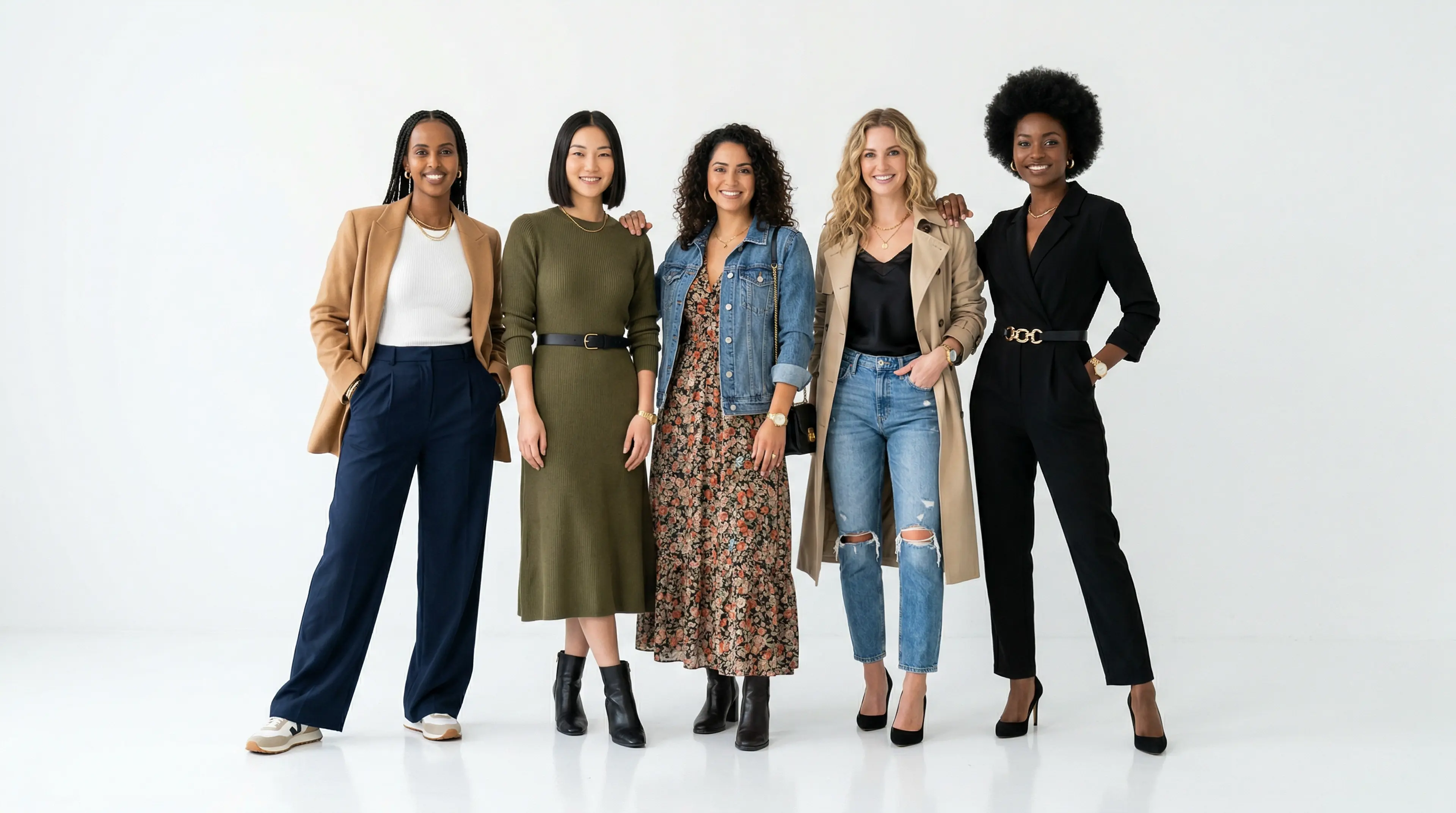
AI Fashion Models for eCommerce: The Complete Guide (2026)
Everything eCommerce brands need to know about AI fashion models — how they work, why they outperform ghost mannequins, and how to put your clothing line on a professional model in...
Read More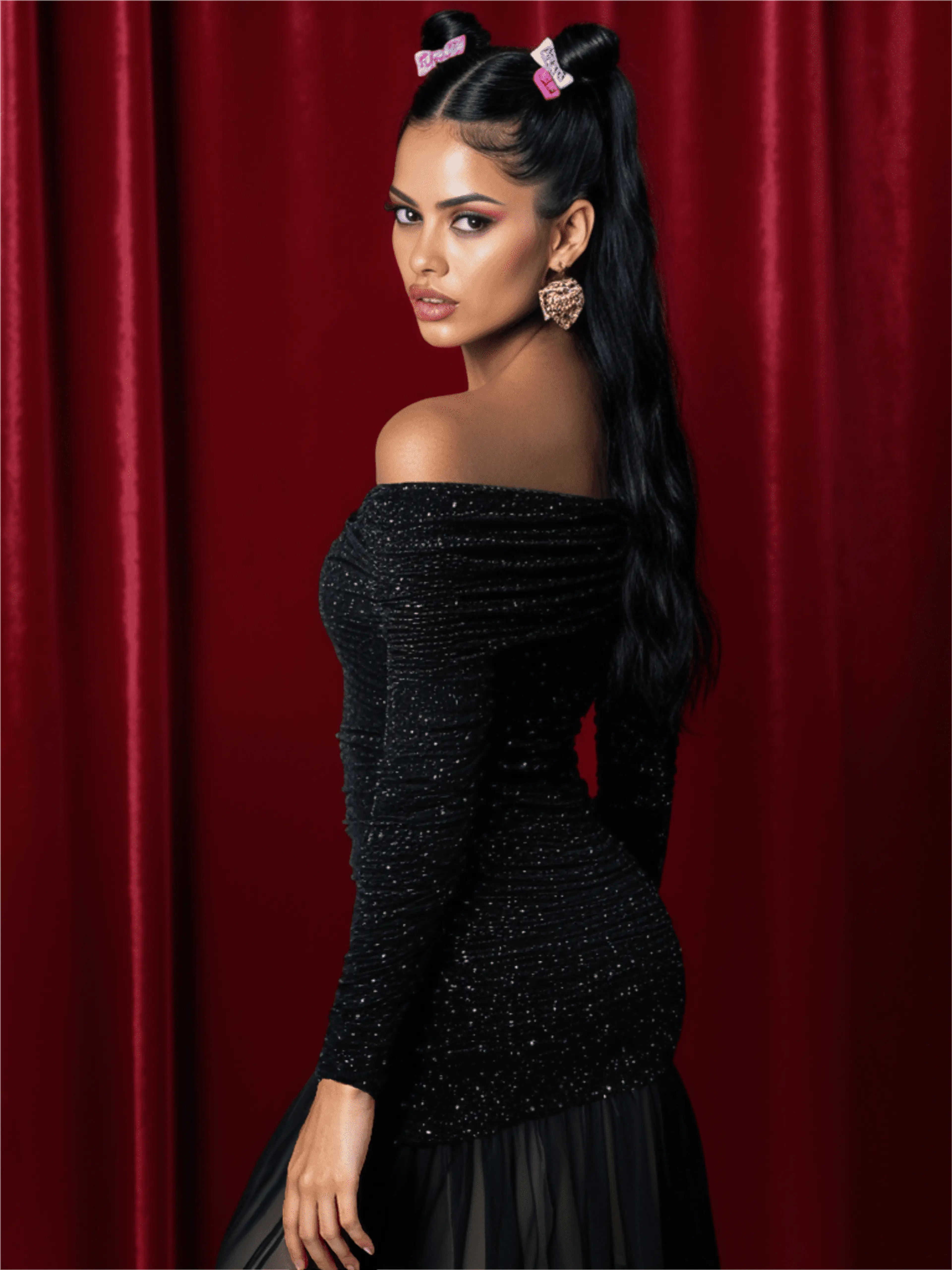
AI-Generated Female Models Are Transforming Fashion E-Commerce
Learn about the advantages of using AI generated female models for efficient, customizable, and stunning fashion imagery.
Read More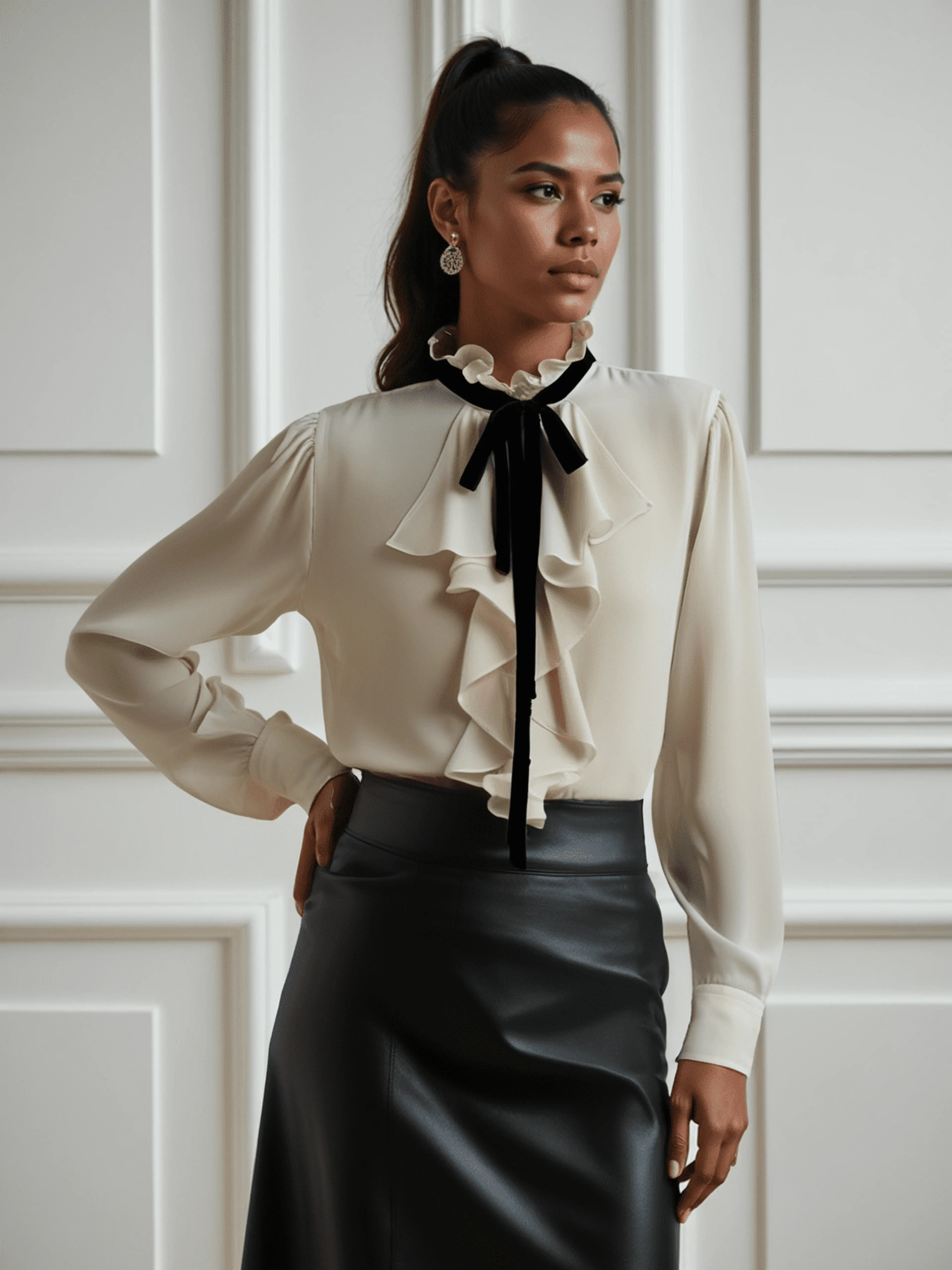
AI Lookbook: Tech That’s Transforming Fashion Content Creation
Fashion brands, retailers, and creators are increasingly turning to AI lookbooks to streamline content creation, and visual storytelling while meeting the growing demand for engagi...
Read More